26
SETTING
- Access the selected menu
- Confirm changes and go back to previous menu
- Go back to previous menu
- Quit without confirming the changes
Pressed in sequence:
- Scroll the pages of a menu
- Change a value (increase)
Move the cursor during a change (press a
few times)
PROGRAMMING KEYSPROGRAMMING KEYS
13 PRELIMINARY SETUP FOR USE
13.1 Quick settings
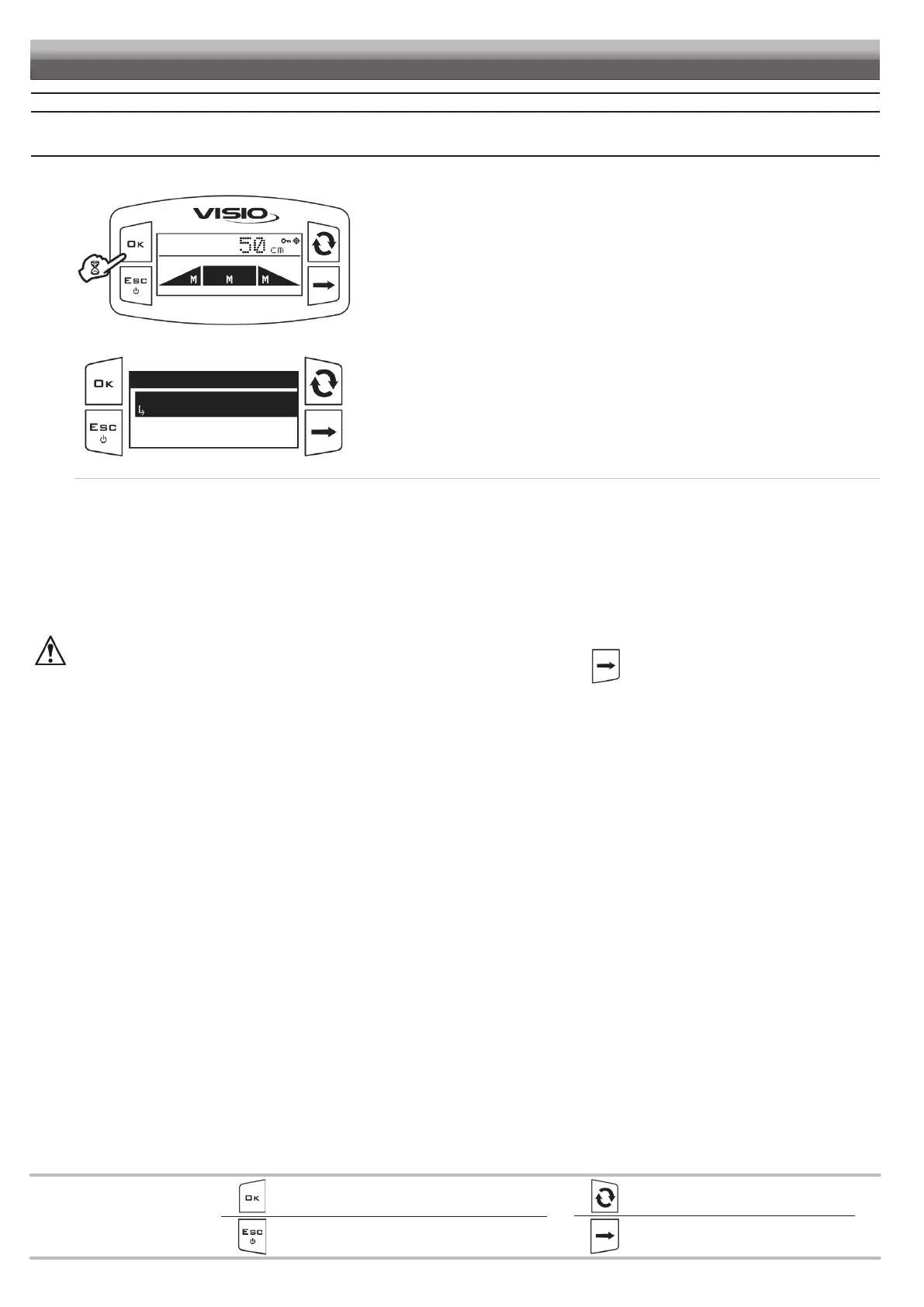
Fig. 71
From the main screen, press OK for two seconds to access the Quick settings menu.
Fig. 72
Quick settings
Spraying height
0.50 m
Headland height
Access the Quick settings menu.
Press OK to edit the selected menu item.
The display will show the current setting below the selected item.
Use of the keys at the bottom of the page.
• Spraying height.(HS):
distance between the boom and the crop DURING SPRAYING.
Activating the AUTOMATIC control the BLC system will carry out the corrections required to keep the boom at this height.
• Headland height (HH):
distance between the boom and the crop in presence of obstacles or during tractor maneuvering phases. We will call these areas "HEADLAND".
By activating the AUTOMATIC control, the BLC system will carry out the corrections required to bring the boom to this height BUT ONLY AFTER A
SPECIFIC OPERATOR COMMAND preset with the Funct. definition parameter (par. 12.1.4).
By editing the height values during the AUTO control, THE SYSTEM ACTIVATES THE MANUAL CONTROL for safety reasons.
Once finished, re-activate the AUTO control by holding key pressed for 2 seconds


 To Next Page