18
SETTING
- Access the selected menu
- Confirm changes and go back to previous menu
- Go back to previous menu
- Quit without confirming the changes
Pressed in sequence:
- Scroll the pages of a menu
- Change a value (increase)
Move the cursor during a change (press a
few times)
PROGRAMMING KEYSPROGRAMMING KEYS
> > > 12.1.3 Adjustment parameters
The values must be detected directly on the machine because strictly linked to the factory model.
DURING MEASURING PROCEDURES, MOVE THE BOOM ALONG THE MAXIMUM ALLOWABLE DISTANCE, COMPATIBLY WITH
THE MACHINE MECHANICAL CHARACTERISTICS AND DIMENSIONS.
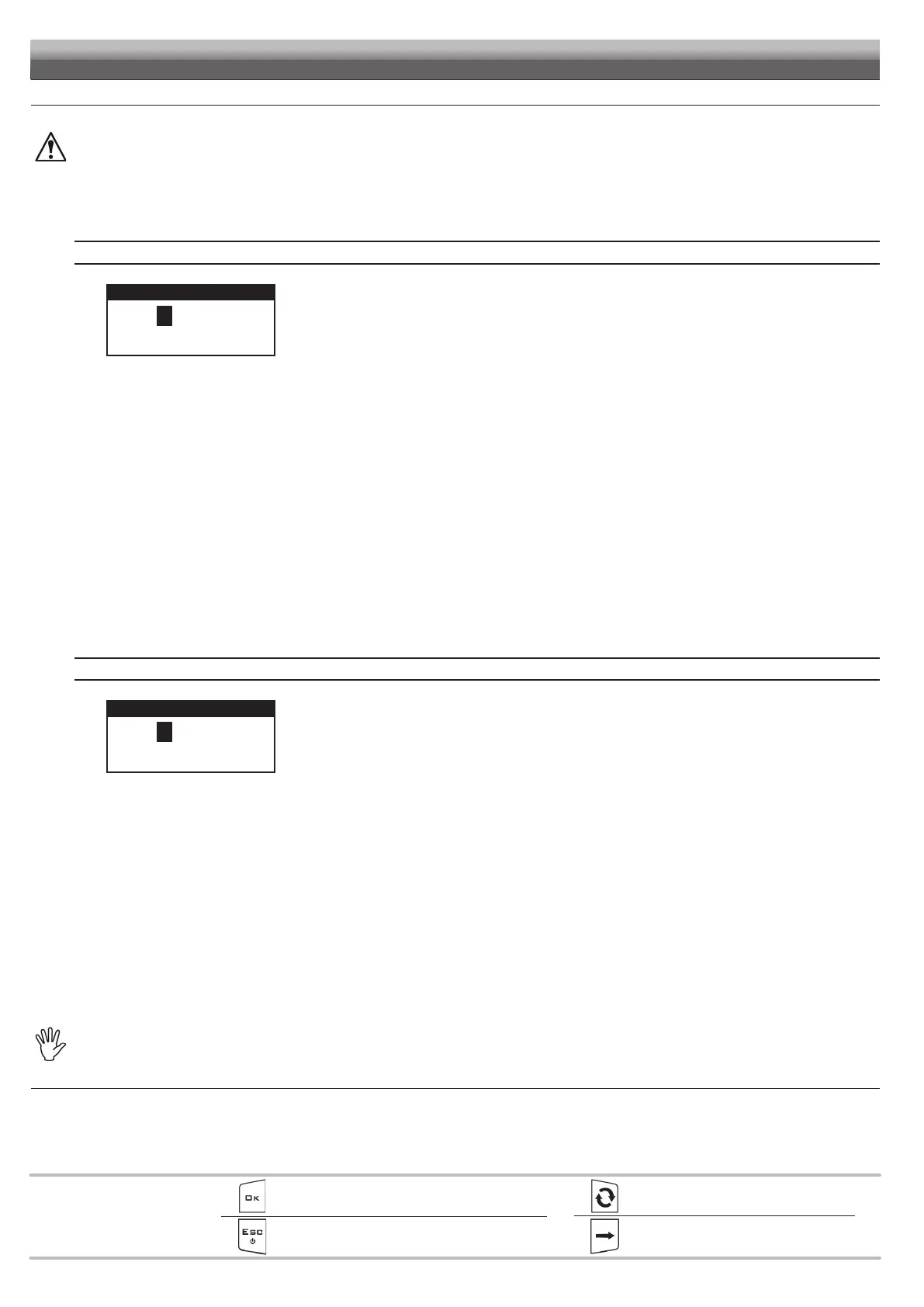
Height ctrl aggr. - BOOM HEIGHT CONTROL AGGRESSIVENESS
Fig. 37
Height ctrl aggr.
050.0
Min value 0.00
Max value 100.00
Use of the keys at the bottom of the page.
It adjusts the power applied by the BLC control to lift / lower the boom.
The easiest way to adjust the aggressiveness value is to check for the presence of swingings during
boom movement - from maximum to minimum height.
Too high or too low values make the control unstable and cause vibrations; adjust the aggressiveness
value until reaching a smooth implement control without jerks.
Carry out this procedure with the BOOM COMPLETELY OPEN:
1 Check that the boom is perfectly horizontal to the ground.
2 Set the spraying height to the minimum value (Spraying height. menu, par. 13.1).
3 Bring the rotation speed of the power take-off to the typical operating value.
4 Disable the BLC control: activate the MANUAL mode (par. 15.2).
5 Set an aggressiveness value (Fig. 37).
6 Bring the boom to the maximum height (activate the lifting switch on the pre-existing hydraulic control panel).
7 Enable the BLC control: activate the AUTOMATIC mode (par. 15.2).
The boom will move automatically to reach the spraying height:
• If boom movement is too slow and with jerks, the aggressiveness level is too low.
Repeat the procedure from point 4, increasing the value.
• If the boom moves too quickly and swinging the aggressiveness level is too high.
As before, repeat the procedure from point 4, decreasing the value.
The ideal adjustment is obtained when boom movement is smooth, without jerks.
Tilt ctrl aggress. - BOOM LEVELING CONTROL AGGRESSIVENESS
Fig. 38
Tilt. ctrl aggress.
002.0
Min value 0.00
Max value 100.00
Use of the keys at the bottom of the page.
It adjusts the power applied by the BLC control to rotate the boom.
The easiest way to adjust the aggressiveness value is to check for swingings during boom rotation.
Too high or too low values make the control unstable and cause vibrations; adjust the aggressiveness
value until reaching a smooth implement control without jerks.
Carry out this procedure with the BOOM COMPLETELY OPEN:
1 Set the boom rotation center C to maximum height.
2 Bring the rotation speed of the power take-off to the typical operating value.
3 Disable the BLC control: activate the MANUAL mode (par. 15.2).
4 Set an aggressiveness value (Fig. 38).
5 Bring the boom LH end to the minimum height (activate the lifting switch on the pre-existing hydraulic control panel).
6 Enable the BLC control: activate the AUTOMATIC mode (par. 15.2).
The boom will rotate automatically to reach the horizontal position:
• If boom movement is too slow and with jerks, the aggressiveness level is too low.
Repeat the procedure from point 3, increasing the value.
• If the boom moves too quickly and swinging the aggressiveness level is too high.
As before, repeat the procedure from point 3, decreasing the value.
The ideal adjustment is obtained when boom movement is smooth, without jerks.
The Tilt ctrl aggress. parameter works in combination with the following Tilt speed damping on page19:
if aggressiveness setup is not as desired, increase the gain and repeat the adjustment.
CONTINUES > > >


 To Next Page