113
ARCHTTP PROXY SERVER INSTALLATION
1. Launch the Mail Alert Conguration by entering http://
[Computer IP Address]:[port number] in the browser.
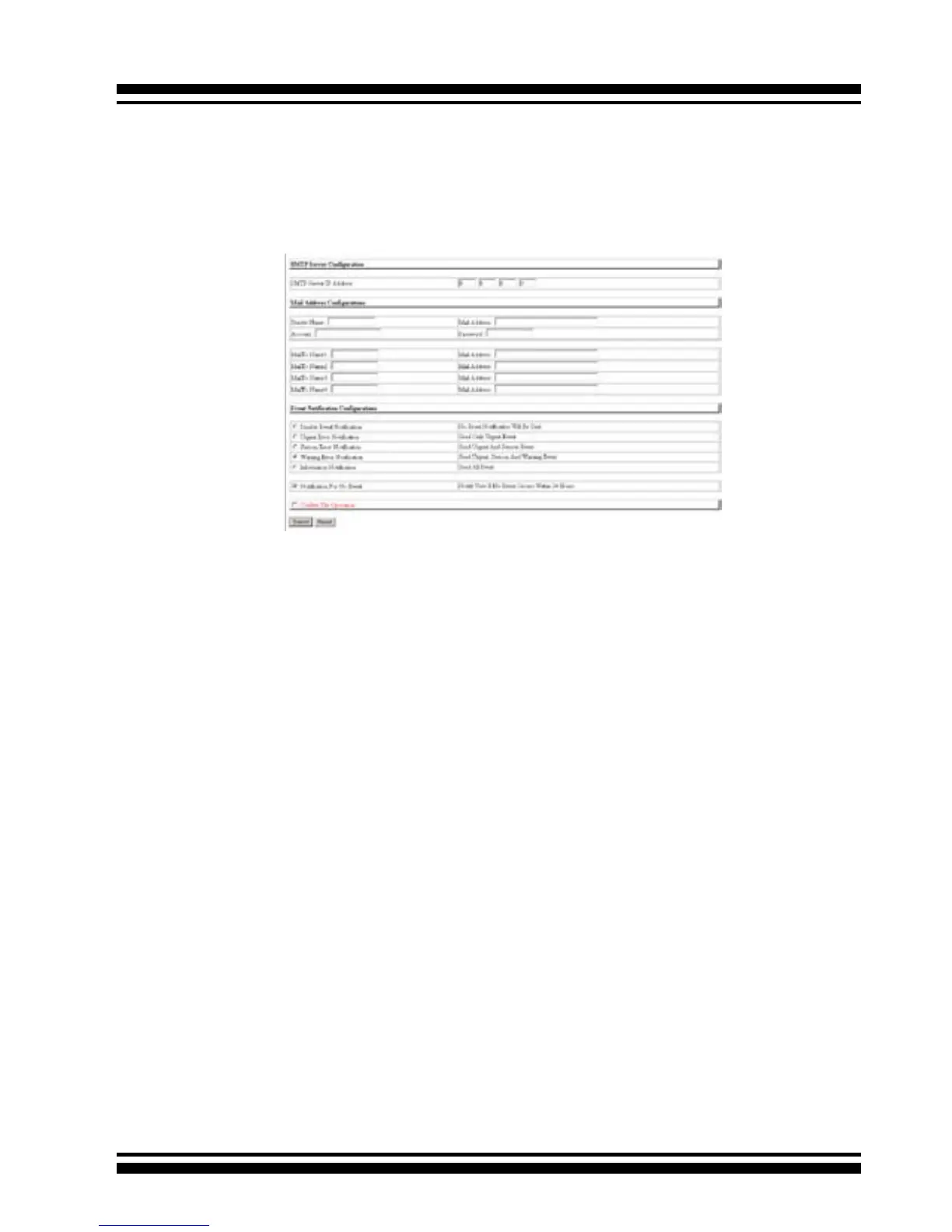
2. The following screen appears. This section allows users to
congure mail server settings.
• SMTP Server Conguration
Enter the SMTP server IP address.
• Mail Address Congurations
The sender name and sender email that will be shown in the
outgoing mail. Enter account and password if the SMTP need
and enter the receiver mail address and name.
• Event Notication Congurations
The controller classies disk array events into four levels de-
pending on their severity. These include level 1: Urgent, level
2: serious, level 3: Warning and level 4: Information. The level
4 covers noticational events such as initialization of the con-
troller and initiation of the rebuilding process; Level 2 covers
notication events which once have happen; Level 3 includes
events which require the issuance of warning messages; Level
1 is the highest level, and covers events the need immediate
attention (and action) from the administrator. The following
lists sample events for each level:



 To Next Page