WEB BROWSER-BASED CONFIGURATION
130
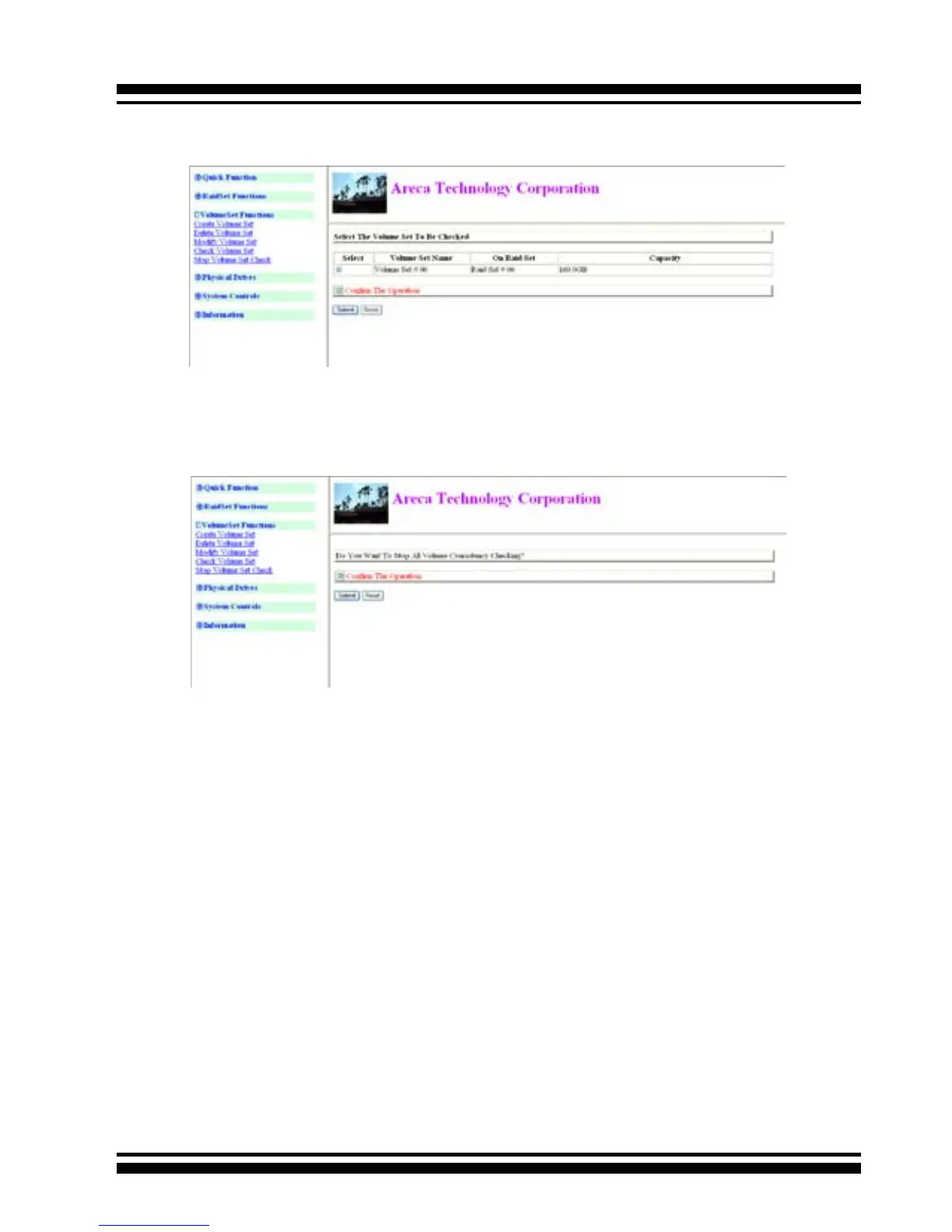
6.6.5 Stop VolumeSet Check
Use this option to stop the Check Volume Set function.
6.7 Physical Drive
Choose this option to select a physical disk from the Main Menu
and then perform the operations listed below.
6.7.1 Create Pass-Through Disk
To create pass-through disk, move the mouse cursor to the main
menu and click on the Create Pass-Through link. The “relative
setting function” screen appears. A pass-through disk is not
controlled by the SATA RAID controller rmware, it cannot be a
part of a volume set. The disk is available to the operating system
as an individual disk. It is typically used on a system where the
operating system is on a disk not controlled by the RAID rm-
ware. The user can also select the cache mode, Tagged Command
Queuing, SCSI channel/SCSI_ID/SCSI_LUN for this volume.



 To Next Page