129
WEB BROWSER-BASED CONFIGURATION
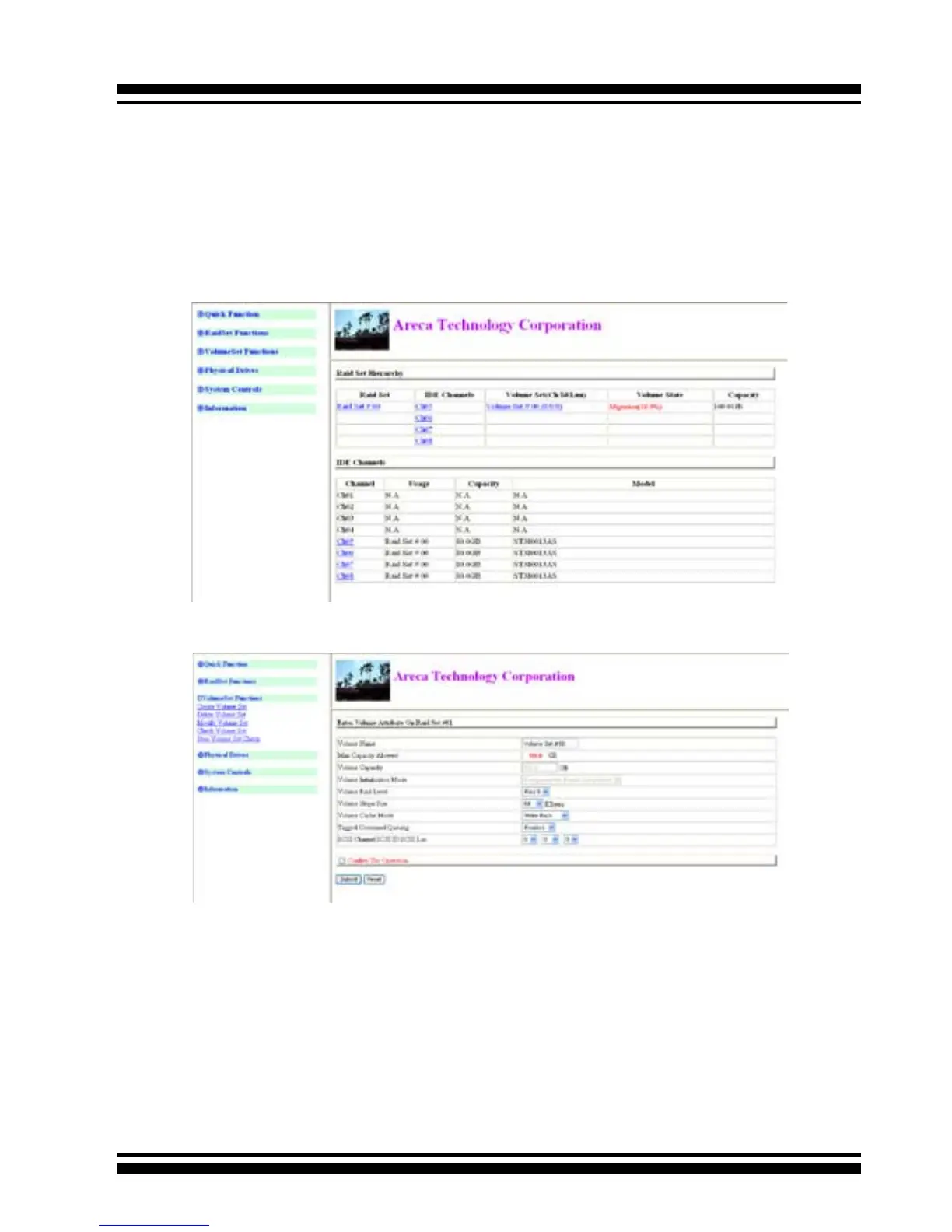
level to another, a volume set strip size changes, or when a disk
is added to a raid set. Migration status is displayed in the vol-
ume status area of the RaidSet Hierarchy screen when one RAID
level to another, a Volume set strip size changes or when a disk
is added to a raid set.
6.6.4 Check Volume Set
(1). Click on the Check Volume Set link.
(2). Click on the volume set from the list that you wish to check.
Tick on Conrm The Operation and click on the Submit button.
Use this option to verify the correctness of the redundant data in
a volume set. For example, in a system with dedicated parity, vol-
ume set check means computing the parity of the data disk drives
and comparing the results to the contents of the dedicated parity
disk drive. The checking percentage can also be viewed by click-
ing on RaidSet Hierarchy in the main menu.
To check a volume set from a raid set:



 To Next Page