INTRODUCTION
16
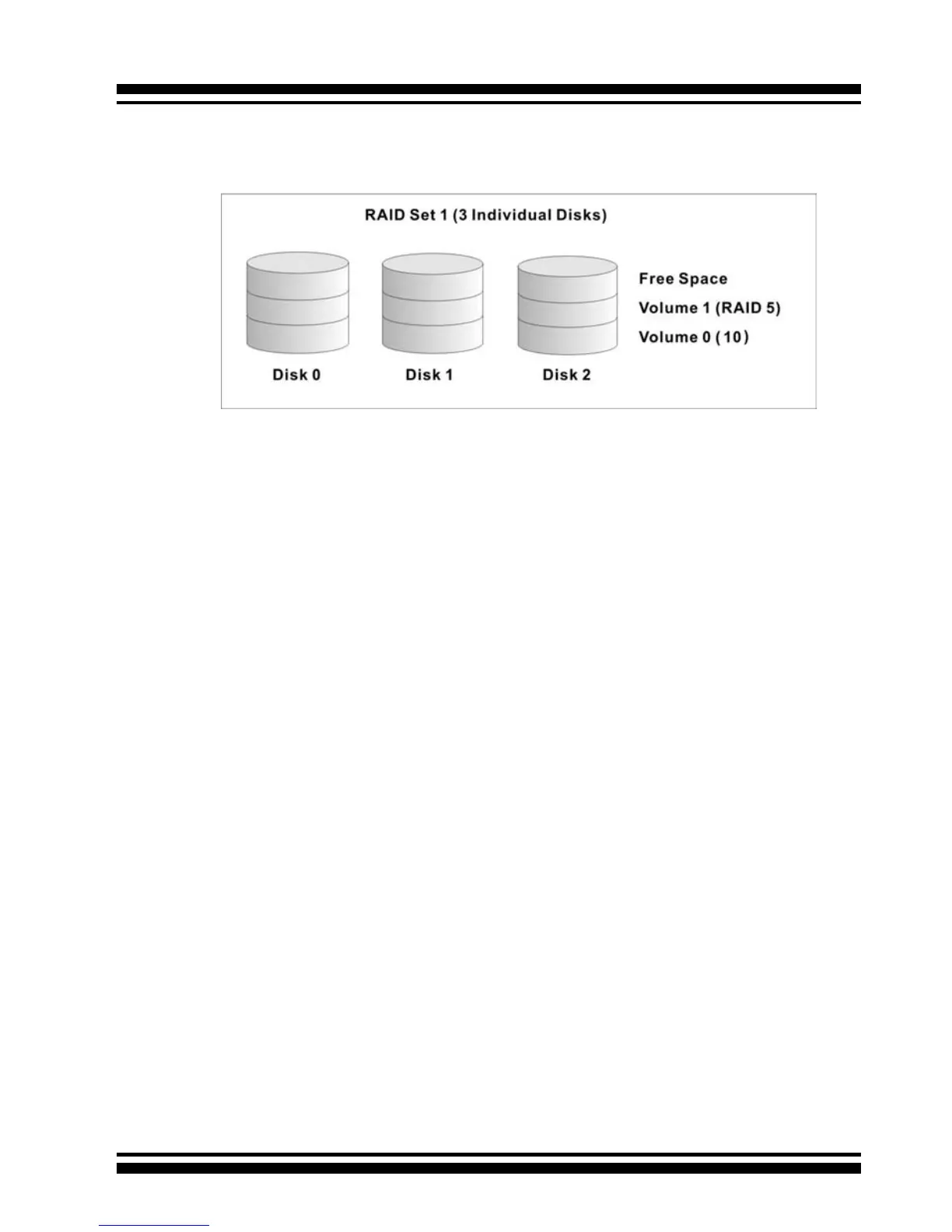
for the desired RAID level, then the volume set can be created in
the existing raid set of the user’s choice.
In the illustration, Volume 1 can be assigned a RAID 5 level of
operation while Volume 0 might be assigned a RAID 10 level of
operation. Alterantively, the Free Space can be used to create
Volume 2, which could then be set to use RAID Level 5.
1.3.3 Ease of Use Features
1.3.3.1 Instant Availability/Background Initializa-
tion
RAID 0 and RAID 1 volume sets can be used immediately after
creation because they do not create parity data. However, RAID
3, 5 and 6 volume sets must be initialized to generate parity
information. In Normal Initialization, the initialization proceeds
as a background task, and the volume set is fully accessible for
system reads and writes. The operating system can instantly
access the newly created arrays without requiring a reboot and
without waiting for initialization to complete. Furthermore, the
RAID volume set is protected against a single disk failure while
initialing. If using Fast Initialization, the initialization process
must be completed before the volume set is ready for system
accesses.
1.3.3.2 Array Roaming
The ARC-11xx/12xx RAID adapters store RAID conguration
information on the disk drives. The adapters therefor protect



 To Next Page