BIOS CONFIGURATION
80
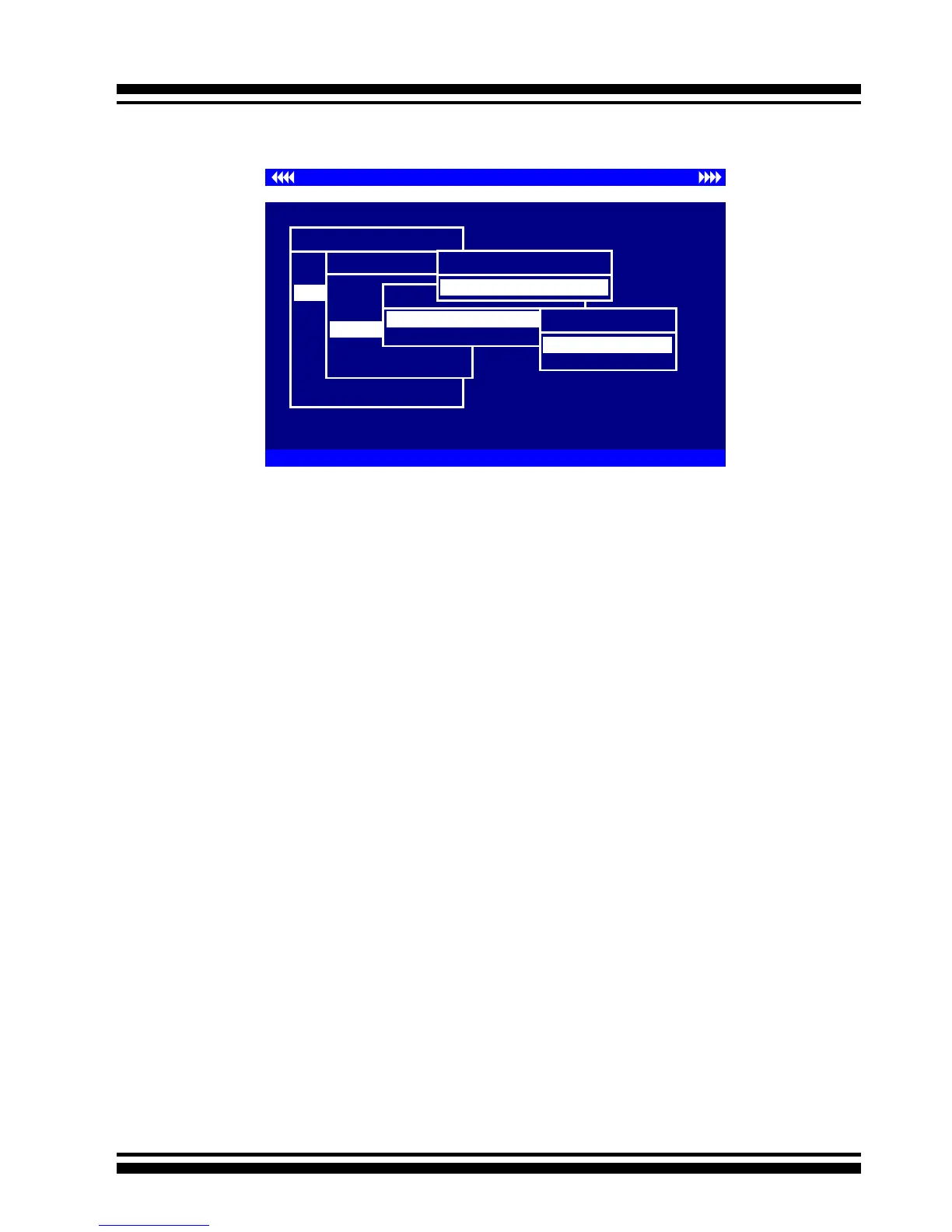
Use this option to verify the correctness of the redundant data in
a volume set. For example, in a system with a dedicated parity
disk drive, a volume set check entails computing the parity of
the data disk drives and comparing those results to the contents
of the dedicated parity disk drive. To check Volume Set from
Raid Set system function, move the cursor bar to the Volume
Set Functions menu and select the Check Volume Set item, then
press the Enter key. The Volume Set Functions menu will show
all Raid Set number items. Move the cursor bar to an Raid Set
number item and then press the Enter key to show all Volume
Set items. Select the Volume Set to be checked from the list and
press Enter to select it. After completing the selection, the con-
rmation screen appears, presses Yes to start the check.
3.7.3.5 Stop Volume Set Check
Use this option to stop all of the Check Volume Set operations.
Controller I/O Port:F3000000h, F2: Select Controller, F10: Reboot System
ArrowKey Or AZ:Move Cursor, Enter: Select, ESC: Escape, L:Line Draw, X: Redraw
Areca Technology Corporation RAID Controller
Main Menu
Quick Volume/Raid Setup
Raid Set Function
Volume Set Function
Physical Drives
Raid System Function
Ethernet Conguration
View System Events
Clear Event Buffer
Hardware Monitor
System information
Volume Set Function
Volume Set Function
Create Volume Set
Delete Volume Set
Modify Volume Set
StopVolume Check
Display Volume Info.
Check Volume Set
Check Volume From Raid Set
Raid Set # 01
Raid Set # 00
Select Volume To Check
Volume Set # 00
Check The Volume ?
No
Yes
3.7.3.4 Check Volume Set



 To Next Page