WEB BROWSER-BASED CONFIGURATION
124
To activate the incomplete the raid set, click on the “Activate Raid
Set” link. A “Select The RAID SET To Activate” screen is displayed
showing all raid sets existing on the current controller. Click the
raid set number to activate in the select column.
Click on the “Submit” button on the screen to activate the raid
set that had a disk removed (or failed) in the power off state. The
SATA RAID controller will continue to work in degraded mode.
6.5.5 Create Hot Spare
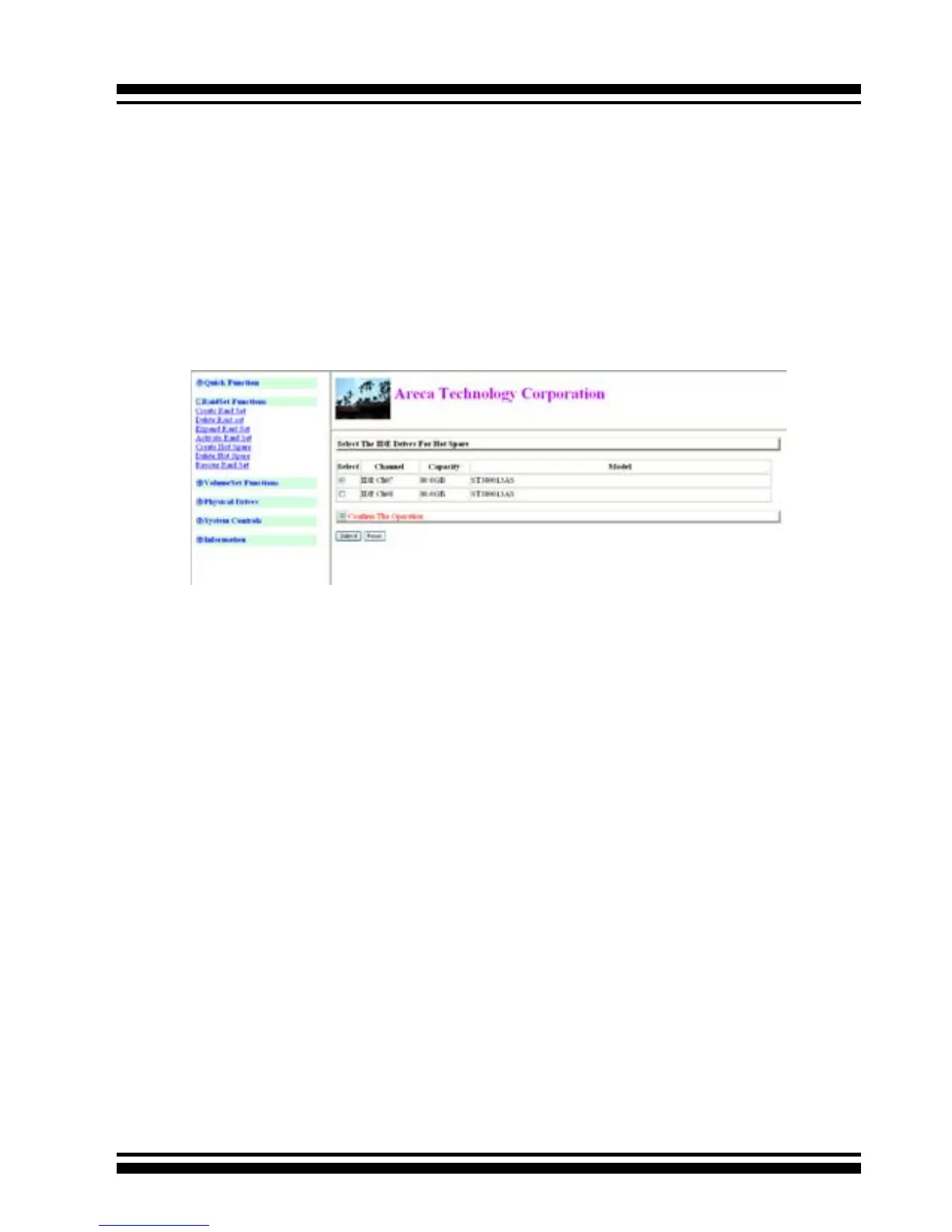
When you choose the “Create Hot Spare” option in the Raid Set
Function, all unused physical devices connected to the current
controller appear. Select the target disk by clicking on the ap-
propriate check box. Click the “Conrm The Operation” check
box and click the “Submit” button in the screen to create the hot
spares.
The “Create Hot Spare” option gives you the ability to dene a
global hot spare.
6.5.6 Delete Hot Spare
Select the target Hot Spare disk to delete by clicking on the ap-
propriate check box.
Click the “Conrm The Operation” check box and click the “Sub-
mit” button on the screen to delete the hot spares.
6.5.7 Rescue Raid Set
When the system is powered off in the Raidset update/creation
period, it possibly could disappear due to this abnormal condition.



 To Next Page