BIOS CONFIGURATION
54
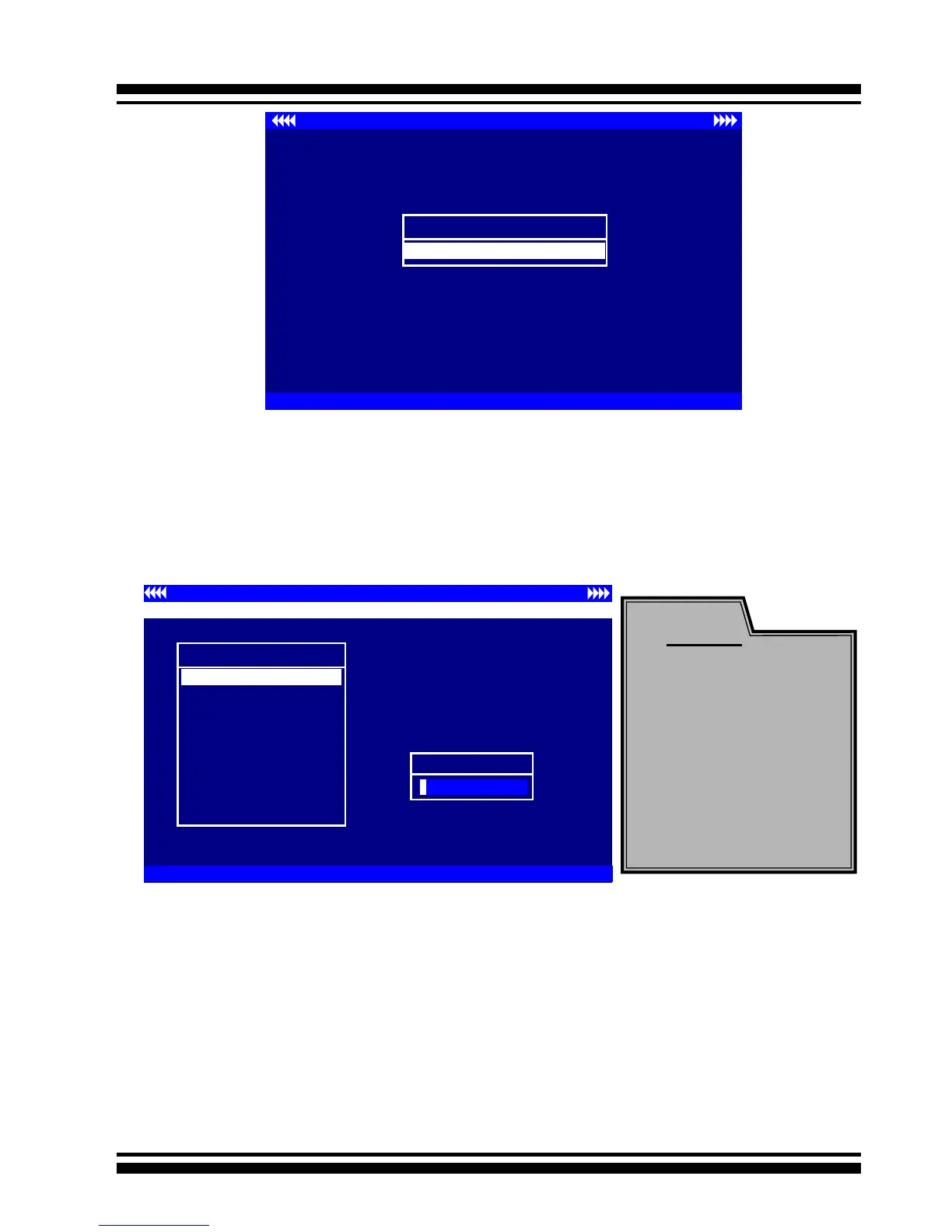
Areca Technology Corporation RAID Controller Setup <V1.0, 2004/05/20>
ArrowKey Or AZ:Move Cursor, Enter: Select, ** Select & Press F10 to Reboot**
Select An Adapter To Congure
( 3/14/ 0)I/O=DD200000h, IRQ = 9
Use the Up and Down arrow keys to select the adapter you want
to congure. While the desired adapter is highlighted, press the
<Enter> key to enter the Main Menu of the McBIOS Conguration
Utility.
3.2 McBIOS Conguration manager
The McBIOS conguration utility is rmware-based and is used to
congure raid sets and volume sets. Because the utility resides in
the SATA RAID controller rmware, operation is independent of any
operating systems on your computer. This utility can be used to:
• Create raid sets,
• Expand raid sets,
Controller I/O Port:F3000000h, F2: Select Controller, F10: Reboot System
ArrowKey Or AZ:Move Cursor, Enter: Select, ESC: Escape, L:Line Draw, X: Redraw
Areca Technology Corporation RAID Controller
Main Menu
Raid Set Function
Volume Set Function
Physical Drives
Raid System Function
Ethernet Conguration
View System Events
Clear Event Buffer
Hardware Monitor
System information
Quick Volume/Raid Setup
Verify Password
Note:
T h e m a n u f a c t u r e
default password is
set to 0000; this
p a s s w o rd c a n b e
modied by selecting
Change Password
in the Raid System
Function section.



 To Next Page