131
WEB BROWSER-BASED CONFIGURATION
6.7.2 Modify Pass-Through Disk
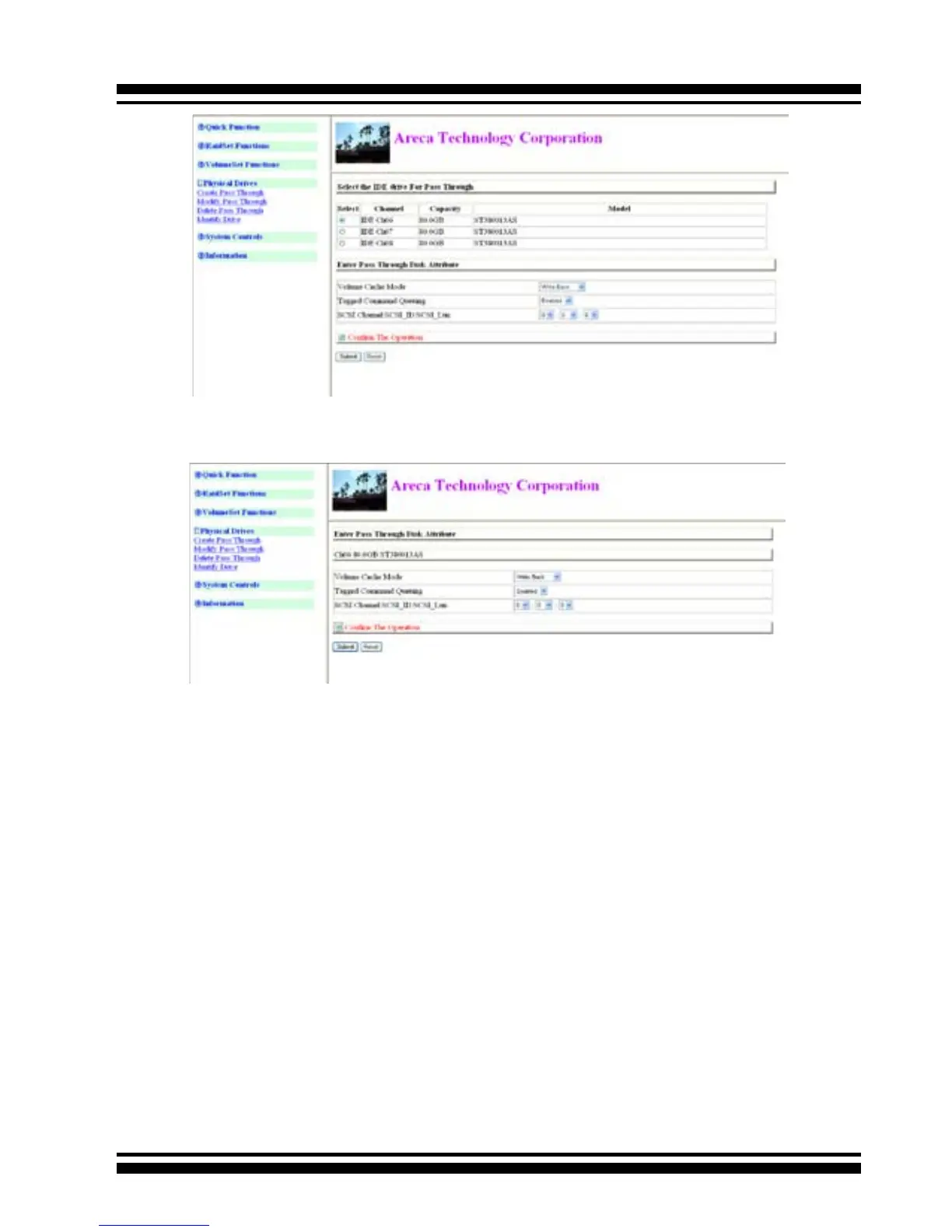
Use this option to modify the Pass-Through Disk Attribute. The
user can modify the cache mode, Tagged Command Queuing,
and SCSI channel/ID/LUN on an existing pass through disk.
To modify the pass-through drive attribute from the pass-through
drive pool, move the mouse cursor bar and click on the “Modify
Pass-Through” link. The “Select The Pass Through Disk For Modi-
cation” screen appears mark the checkbox for the Pass-Through
Disk from the pass-through drive pool and click on the Submit
button to select drive.
When the “Enter Pass-Through Disk Attribute” screen appears,
modify the drive attribute values, as you want.
After you complete the selection, mark the checkbox for “Conrm
The Operation” and click on the Submit button to complete the
selection action.



 To Next Page