BIOS CONFIGURATION
55
3.4 Designating Drives as Hot Spares
Any unused disk drive that is not part of a RAID Set can be des-
ignated as a Hot Spare. The Quick Volume/Raid Setup congura-
tion will add the spare disk drive and automatically display the
appropriate raid level from which the user can select. For the Raid
Set Function conguration option, the user can use the Create Hot
Spare option to dene the hot spare disk drive.
When a Hot Spare disk drive is being created using the Create Hot
Spare option (in the Raid Set Function), all unused physical devices
connected to the current controller appear:
Choose the target disk by selecting the appropriate check box.
Press the Enter key to select a disk drive, and press Yes in the
Create Hot Spare to designate it as a hot spare.
• Add physical drives,
• Dene volume sets,
• Modify volume sets,
• Modify RAID level/stripe size,
• Dene pass-through disk drives,
• Modify system functions, and
• Designate drives as hot spares.
3.3 Conguring Raid Sets and Volume Sets
You can congure RAID sets and volume sets with McBIOS RAID
manager automatically using Quick Volume/Raid Setup or manually
using Raid Set/Volume Set Function. Each conguration method re-
quires a different level of user input. The general ow of operations
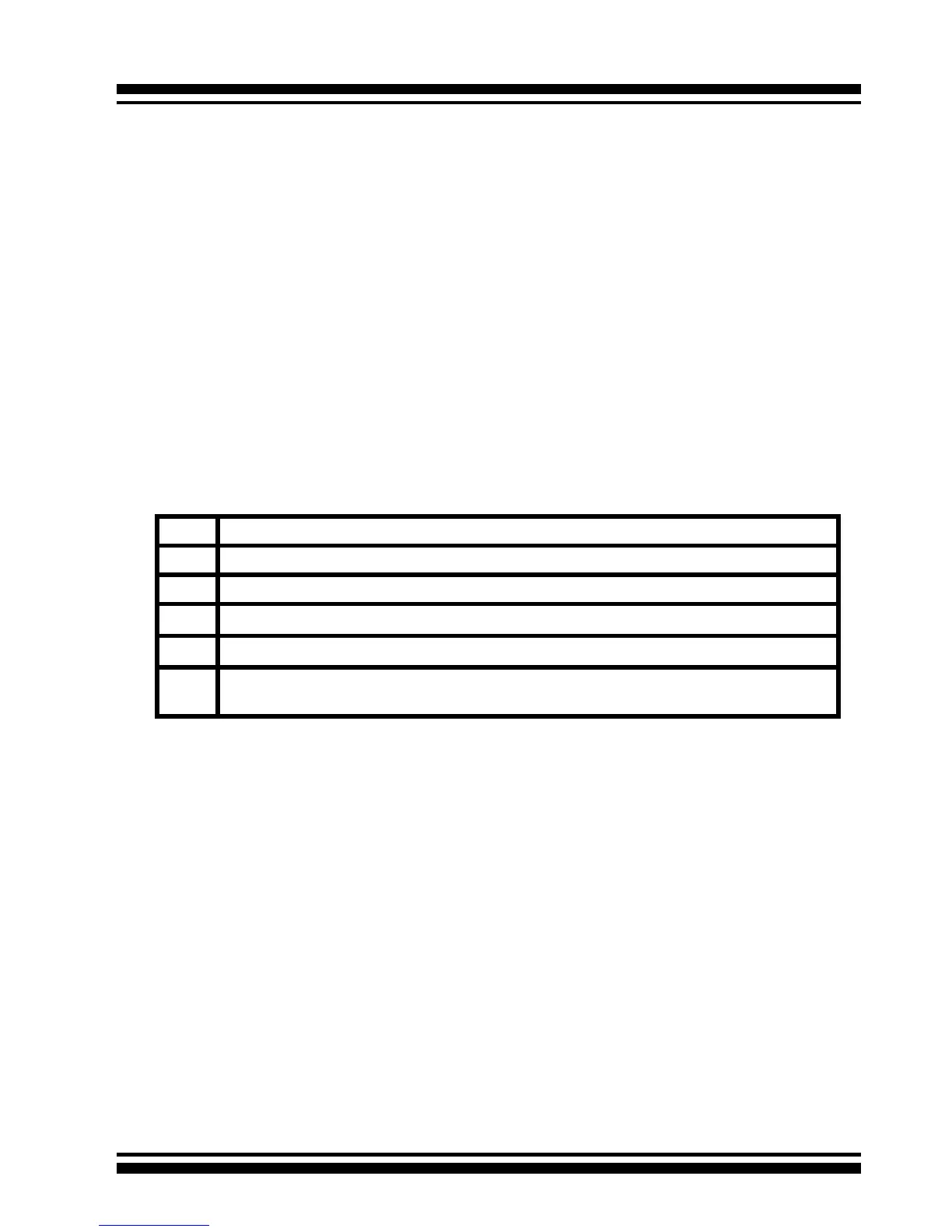
for RAID Set and Volume Set conguration is:
Step Action
1 Designate hot spares/pass-through drives (optional).
2 Choose a conguration method.
3 Create RAID sets using the available physical drives.
4 Dene Volume Sets using the space available in the RAID Set.
5 Initialize the Volume Sets and use Volume Sets (as logical drives) in the
host OS.



 To Next Page