119
WEB BROWSER-BASED CONFIGURATION
6.2 SATA RAID controller McRAID Storage
Manager
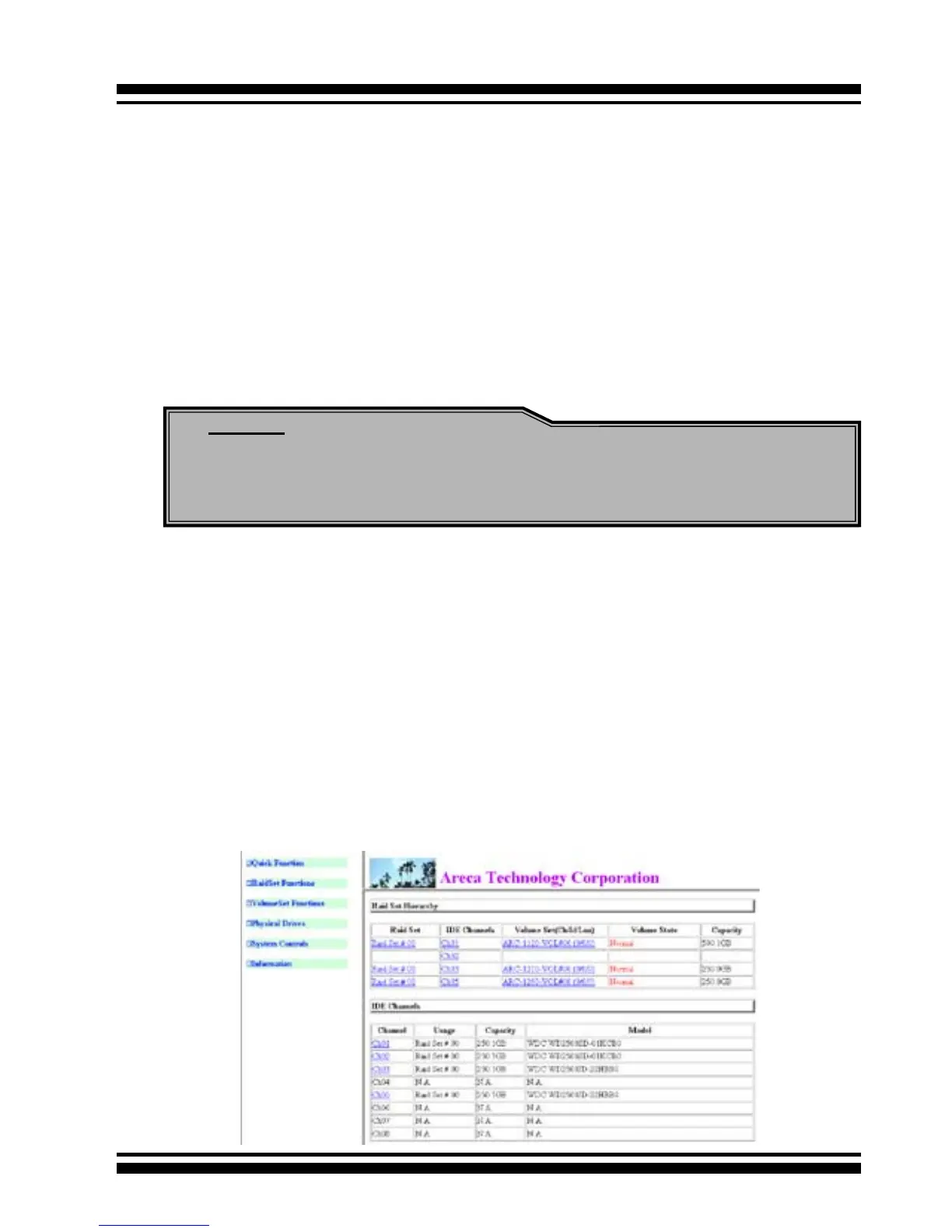
The McRAID Storage Manager current conguration screen displays
the current conguration of your SATA RAID controller. It displays
the Raid Set List, Volume Set List, and Physical Disk List. The raid
set information, volume set information, and drive information can
also be viewed by clicking on the RaidSet Hierarchy screen. The
current conguration can also be viewed by clicking on RaidSet
Hierarchy in the menu.
Note:
You can nd controller Ethernet port IP address in System In-
formation.
The controller has embedded the TCP/IP & Web Browser-based
RAID manager in the rmware. User can remote manage the
RAID adapter without adding any user specic software (platform
independent) via standard web browsers directly connected to the
10/100 Ethernet RJ45 LAN port.
To congure External RAID subsystem on a remote machine, you
need to know its IP Address. The IP address will default show in
BIOS conguration of Ethernet conguration option. Launch your
rmware-embedded TCP/IP & Web Browser-based RAID manager
by entering http://[IP Address] in the web browser.



 To Next Page