WEB BROWSER-BASED CONFIGURATION
120
To display raid set information, move the mouse cursor to the
desired raid set number, then click it. The raid set Information will
display. To display volume set information, move the mouse cur-
sor to the desired Volume Set number, then click it. The volume
set Information will display. To display drive information, move the
mouse cursor to the desired physical drive number, then click it.
The drive Information will display.
6.3 Main Menu
The Main Menu shows all available functions, accessible by clicking
on the appropriate link.
Individual Category Description
Quick Function Create a default conguration, which is based
on the number of physical disks installed; it can
modify the volume set Capacity, Raid Level, and
Stripe Size.
RaidSet Functions Create a customized raid set.
VolumeSet Functions Create customized volume sets and modify the
existed volume sets parameter.
Physical Drives Create pass through disks and modify the existing
pass through drives parameters. Also provides the
function to identify disk drives (blinking LED).
System Controls Setting the raid system conguration.
Information Viewing the controller information. The Raid Set
Hierarchy can be viewed through the RaidSet
Hierarchy item.
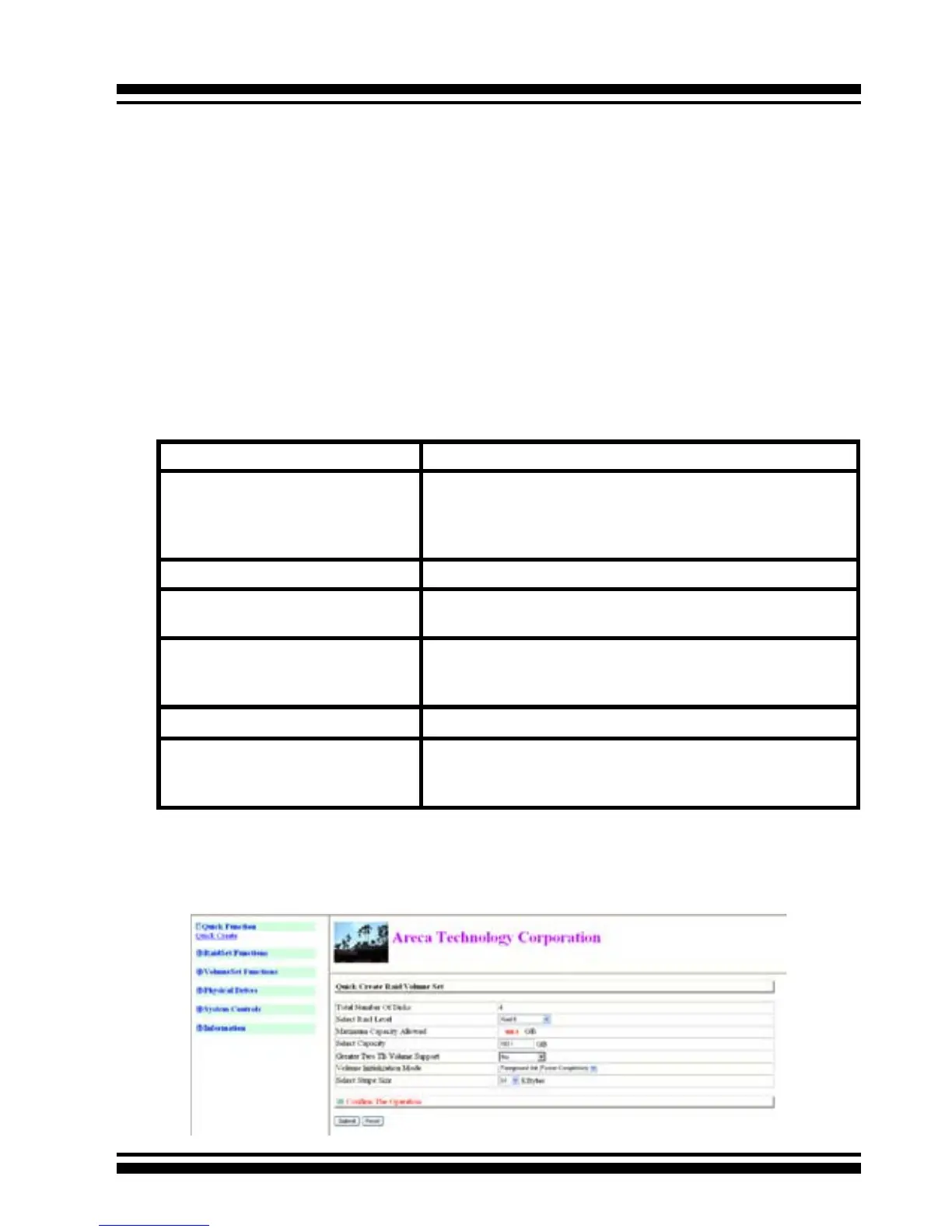
6.4 Quick Function



 To Next Page