BIOS CONFIGURATION
78
3.7.3.3 Modify Volume Set
Controller I/O Port:F3000000h, F2: Select Controller, F10: Reboot System
ArrowKey Or AZ:Move Cursor, Enter: Select, ESC: Escape, L:Line Draw, X: Redraw
Areca Technology Corporation RAID Controller
Main Menu
Quick Volume/Raid Setup
Raid Set Function
Volume Set Function
Physical Drives
Raid System Function
Ethernet Conguration
View System Events
Clear Event Buffer
Hardware Monitor
System information
Volume Set Function
Volume Set Function
Delete Volume Set
Modify Volume Set
Check Volume Set
StopVolume Check
Display Volume Info.
Create Volume Set
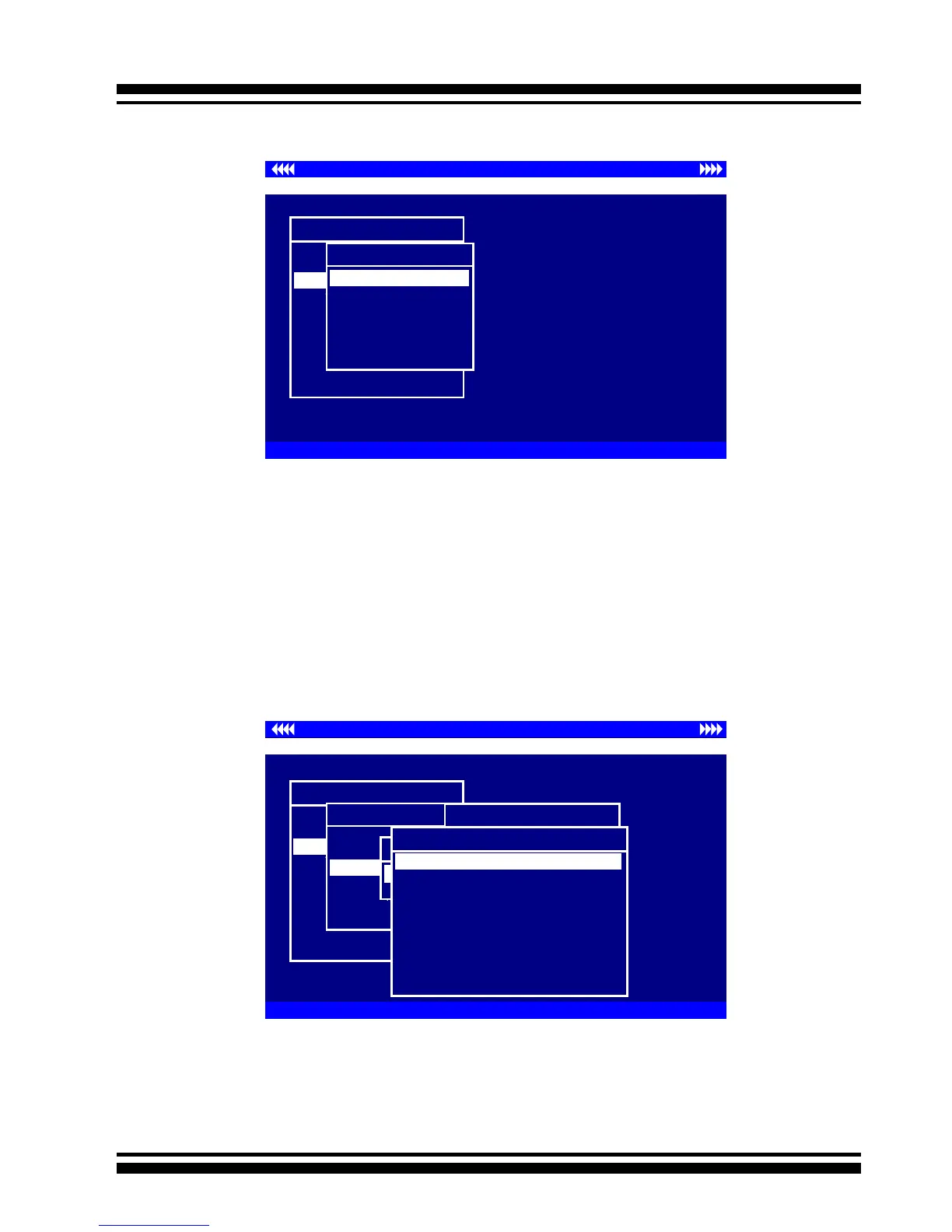
Use this option to modify Volume Set set conguration. To
modify Volume Set values from Raid Set system function, move
the cursor bar to the “Volume Set Functions” menu and select
the “Modify Volume Set” item, then press the Enter key. The
“Volume Set Functions” menu will show all Raid Set items. Move
the cursor bar to a Raid Set number item, then press the Enter
key to show all Volume Set items. Select the Volume Set from
the list to be changed, press the Enter key to modify it.
As shown, volume information can be modied at this screen.
Choose this option to display the properties of the selected Vol-
ume Set; all values can be modied except the capacity.
Controller I/O Port:F3000000h, F2: Select Controller, F10: Reboot System
ArrowKey Or AZ:Move Cursor, Enter: Select, ESC: Escape, L:Line Draw, X: Redraw
Areca Technology Corporation RAID Controller
Main Menu
Quick Volume/Raid Setup
Raid Set Function
Volume Set Function
Physical Drives
Raid System Function
Ethernet Conguration
View System Events
Clear Event Buffer
Hardware Monitor
System information
Volume Set Function
Volume Set Function
Create Volume Set
Delete Volume Set
t
Check Volume Set
StopVolume Check
Display Volume Info.
Modify Volume Set
Modify Volume From Raid Set
Raid Set # 01
Raid Set # 00
Select Volume To Modify
Volume Set # 00
Volume Modication
Raid Level : 6
Capacity : 160.1GB
Stripe Size : 64K
SCSI Channel : 0
SCSI ID : 0
SCSI LUN : 0
Cache Mode : Write Back
Tag Queuing : Enabled
Volume Name : Volume Set # 00



 To Next Page