155
APPENDIX
Starting the SNMP function setting
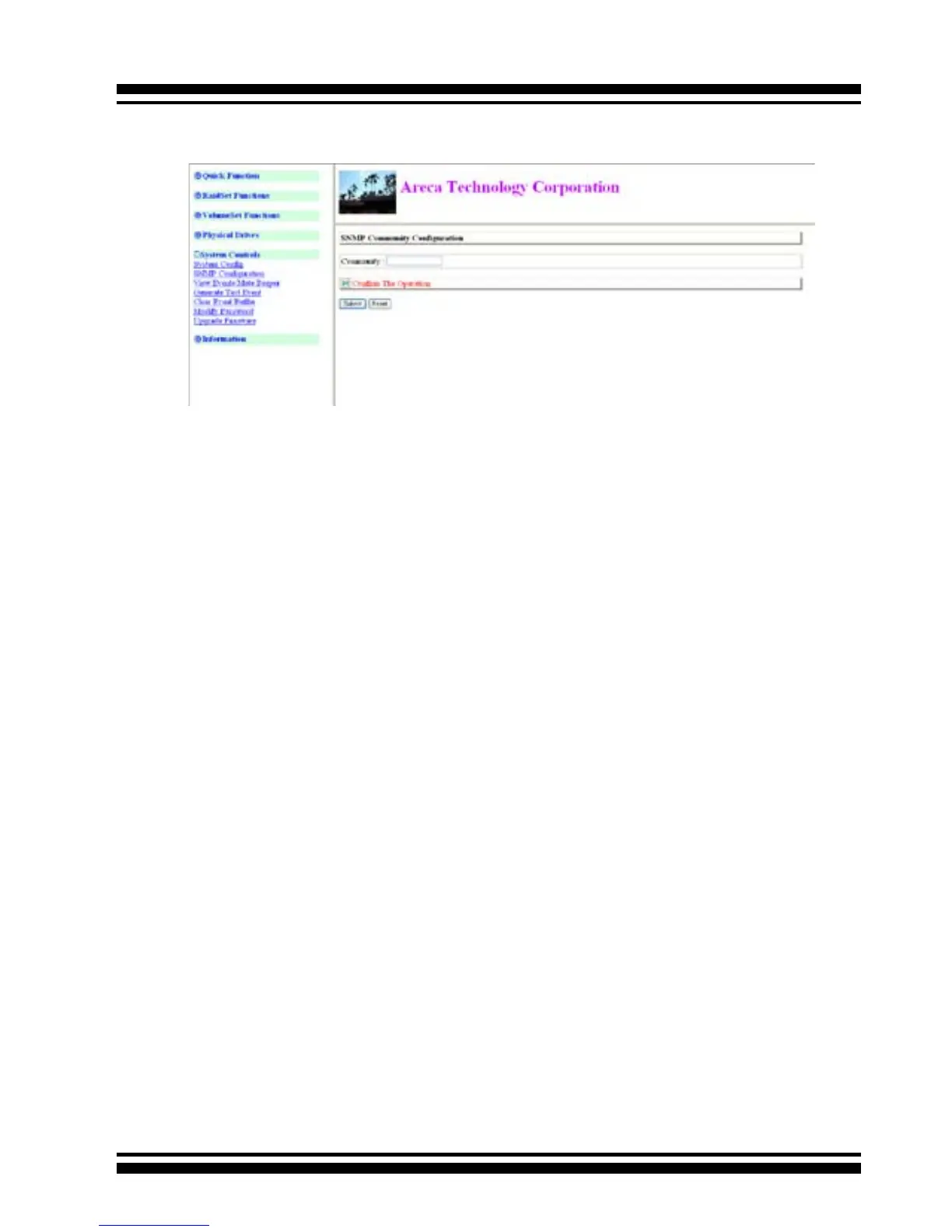
• Community Name
Community name acts as a password to screen accesses to the
SNMP agent of a particular network device. Type in the community
names of the SNMP agent. Before access is granted to a request
station, this station must incorporate a valid community name into
its request; otherwise, the SNMP agent will deny access to the
system.
Most network devices use “public” as default of their community
names. This value is case-sensitive.
SNMP Extension Agent Installation for Windows
You must have administrative level permission to install SATA RAID
software. This procedure assumes that the SATA RAID hardware
and Windows are both installed and operational in your system.
To enable the SNMP agent for Windows, congure Windows for
TCP/IP and SNMP services. The ARECA SNMP Extension Agent le
is ARCSNMP.DLL.
Screen captures in this section are taken from a Windows XP instal-
lation. If you are running another version of Windows, your screens
may look different, but the ARECA SNMP Extension Agent installa-
tion is essentially the same.
1. Insert the RAID subsystem CD in the CD-ROM drive.
2. Run the setup.exe le that resides at: <CD-ROM>\packages\



 To Next Page