HARDWARE INSTALLATION
40
Step 5-3. Connect the Min SAS 4i to 4*SATA cable
Model ARC-1230ML/1260ML/1280ML have Min SAS 4i (SFF-8087)
internal connectors, each of them can support up to four SATA
drives. These adapters can be installed in a server RAID enclosure
with a standard SATA connector backplane. Min SAS 4i to SATA
cables are included in the ARC-1230ML/1260ML/1280ML package.
The following diagram shows the picture of MinSAS 4i to 4*SATA
cables.
Unpack and remove the PCI RAID cards. Inspect it carefully. If
anything is missing or damaged, contact your local dealer.
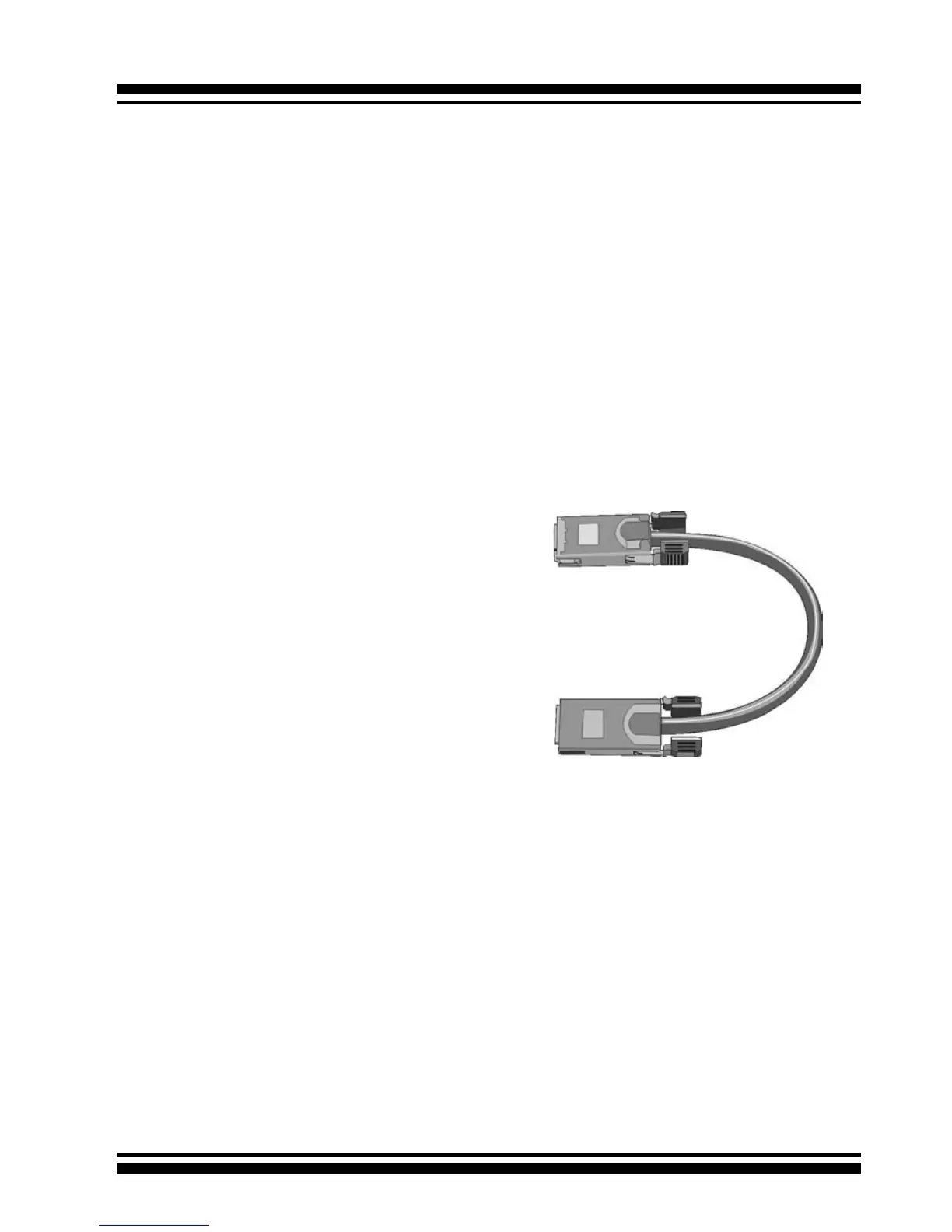
Figure 2-13, Multi-Lance Cable
Step 5-2. Connect the Multi-lance cable
Model ARC-11XXML has multi-lance internal connectors, each of
them can support up to four SATA drives. These adapters can be
installed in a server RAID enclosure with a Multi-lance connector
(SFF-8470) backplane. Multi-lance cables are not included in the
ARC-11XXML package.
If you have not already connected your Multi-lance cables, use the
cables included with your enclosure to connect your controller to
the Multi-lance connector backplane. The type of cable will depend
on what enclosure you have. The following diagram shows the pic-
ture of Multi-lane cable.
Unpack and remove the PCI RAID cards. Inspect it carefully. If any-
thing is missing or damaged, contact your local dealer.



 To Next Page