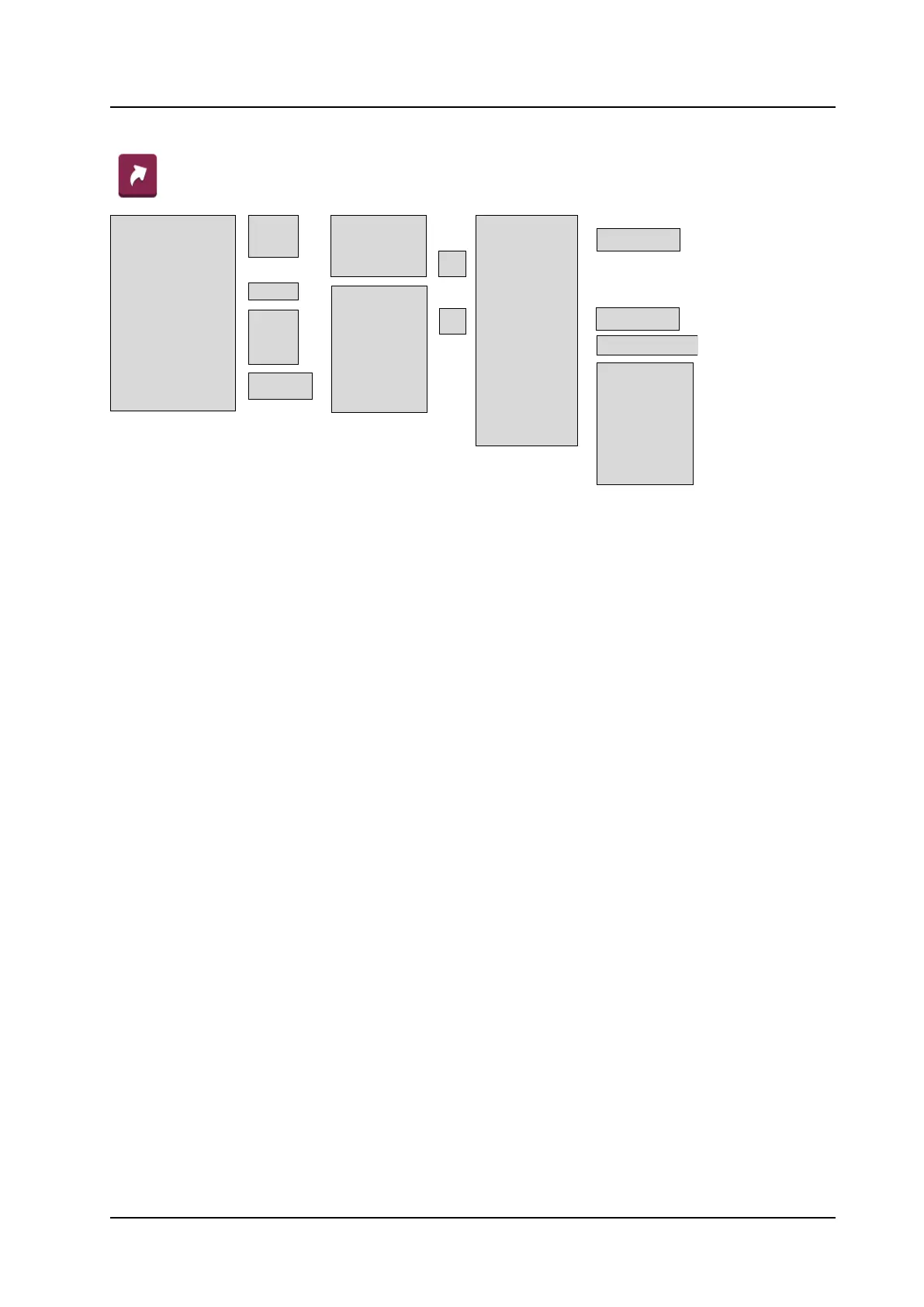
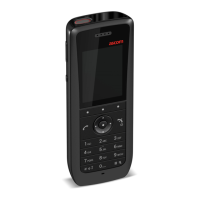
• Left
• Middle —>
• Right
• 0, 2–9 ——>
• Up —>
• Down —>
• Left —>
• Right —>
• Not used
• Phone call —>
• Phone call X
• Call list
• Contact list
• Central Phonebook
1
• Message inbox
• Send message —>
• Change profile —>
• Open a menu —>
• Presence >
• Services >
• Logout >
• Divert calls >
• Show RSSI >
Name >
Function ————>
Value >
Control question —>
• Main menu
• Calls
• Connections
• Contacts
• Messaging
• Services
• Profiles
• Settings
• Call services
Left --->
Middle --->
Right --->
1. This function is system dependent.
2. This function is configured by the administrator.
3. Dynamic, appears only for certain functions.
4. Applicable to Talker and Messenger only.
5. Dynamic, appears only for certain functions.
• Soft Keys —>
• Hot Keys —>
• Navigation Keys —>
• Multifunction button
2
—>
• Long press —>
• Multi press —>
• Enter number
• Enter number
• Enter number
• Profile X (example)
On >
Off >
Function ————>
Value >
Control question —>
On >
Off >



 To Next Page