PRELIMINARY
USER MANUAL
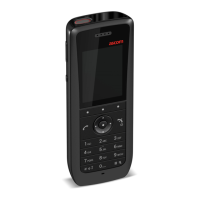
Ascom i63 VoWiFi Handset
Menu Operation
Set Date Format
1 Press Menu.
2 Select Settings [image].
3 Select Time & Date and press Select.
4 Select Date format.
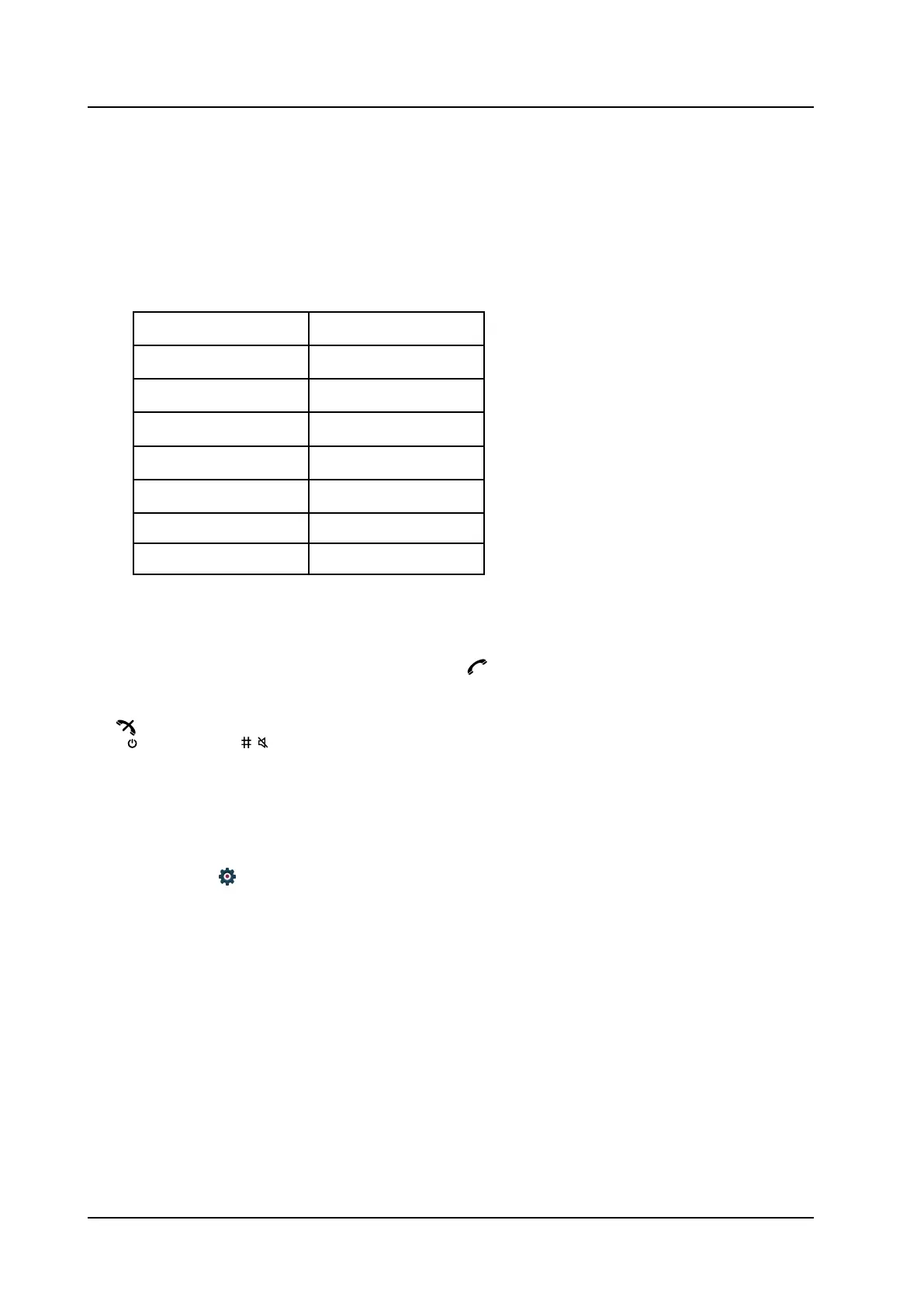
• The following date formats are available:
Date format Example
DD/MM/YYYY 17/09/2018 (Europe)
MM/DD/YYYY 9/17/2018 (US)
YYYY-MM-DD 2018-09-17 (ISO 8601)
MMM DD YYYY Sep 17 2018
DD MMM YY 17 Sep 18
DD.MM.YYYY 17.09.2018
DD-MM-YYYY 7-09-2018
5 Press Select to save the setting.
8.7.6 Answering
The default setting for the handset is to use the Call key when answering a call. The answering behavior
can be configured to answer the call automatically, that is, without pressing a key, or in loudspeaking mode.
It is also possible to set the answering behavior to any key. If Any key is selected, any key except the End
key
, Sound off key , and Mute/PTT button can be used to answer a call.
Answering Key
The answering key is by default set to the Call key.
1 Press Menu.
2 Enter Settings
in the menu.
3 Select Answering.
4 Select Answering key.
5 Select Call key or Any key.
6 Press Back to save the setting.
Answering Behaviour
1 Press Menu.
TD 93289EN / / Ver.
72



 To Next Page