13
Installation
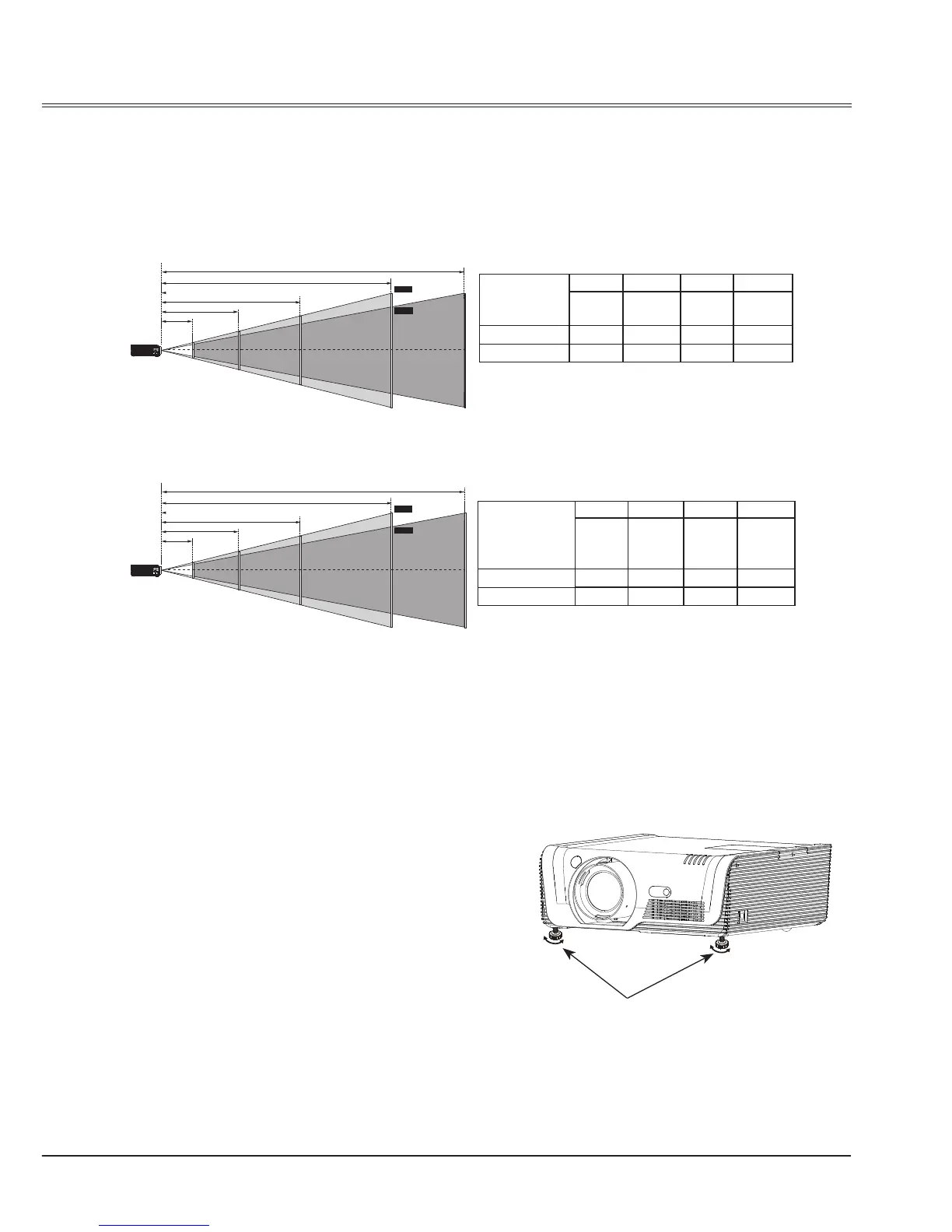
Positioning the projector
Note:
● The brightness in a room has a great inuence on picture quality. It is recommended to limit the
ambient lighting in order to get the best image.
● All measurements are approximate and may vary from the actual sizes.
E2425/E2465:
E2425W:
Screen size
(WxH)mm
4:3 aspect ratio
30
"
100
"
200
"
300
"
710x457 2032x1524
4064x3048
6096x4572
Maximum 0.768m 2.664m 5.374m 8.083m
Minimum 1.256m 4.297m 8.643m 12.989m
Screen size
(WxH)mm
16:10 aspect
ratio
30
"
100
"
200
"
300
"
646x410 2154x1346
4308x2692
6462x4039
Maximum 0.809m 2.8001m 5.6445m 8.489m
Minimum 1.321m 4.5146m 9.077m 13.64m
Adjustable feet
Adjustable feet
The projection angle can be adjusted up to
10.0 degrees with the adjustable feet.
Rotate the adjustable feet to lift the projector
to a certain height. During lifting, rotate the two
feet clockwise.
To lower or retract the adjustable feet, rotate
the two feet counterclockwise.
Keystone distortion of projected images can
be corrected by auto settings, remote control
operation or menu operation.



 To Next Page