67
Appendix
LAN control
Function : PC controls projector via LAN.
Preparation:
1. Equipments: PC, projector, cables
2. Connection procedures:
Connect the projector to routers or switches of the LAN by direct or cross cable. If it fails to
connect PC and projector by parallel cable, please switch to cross cable as suggested.
3. After the computer is booted and the projector is plugged in, indicator lights of LAN interface
and computer interface will ash continuously.
Operation procedures:
1 Turn on the projector.
2 Obtain network address. DHCP set is displayed as on and obtain network address
automatically. If familiar with network, you can set DHCP as close and obtain network
address manually.
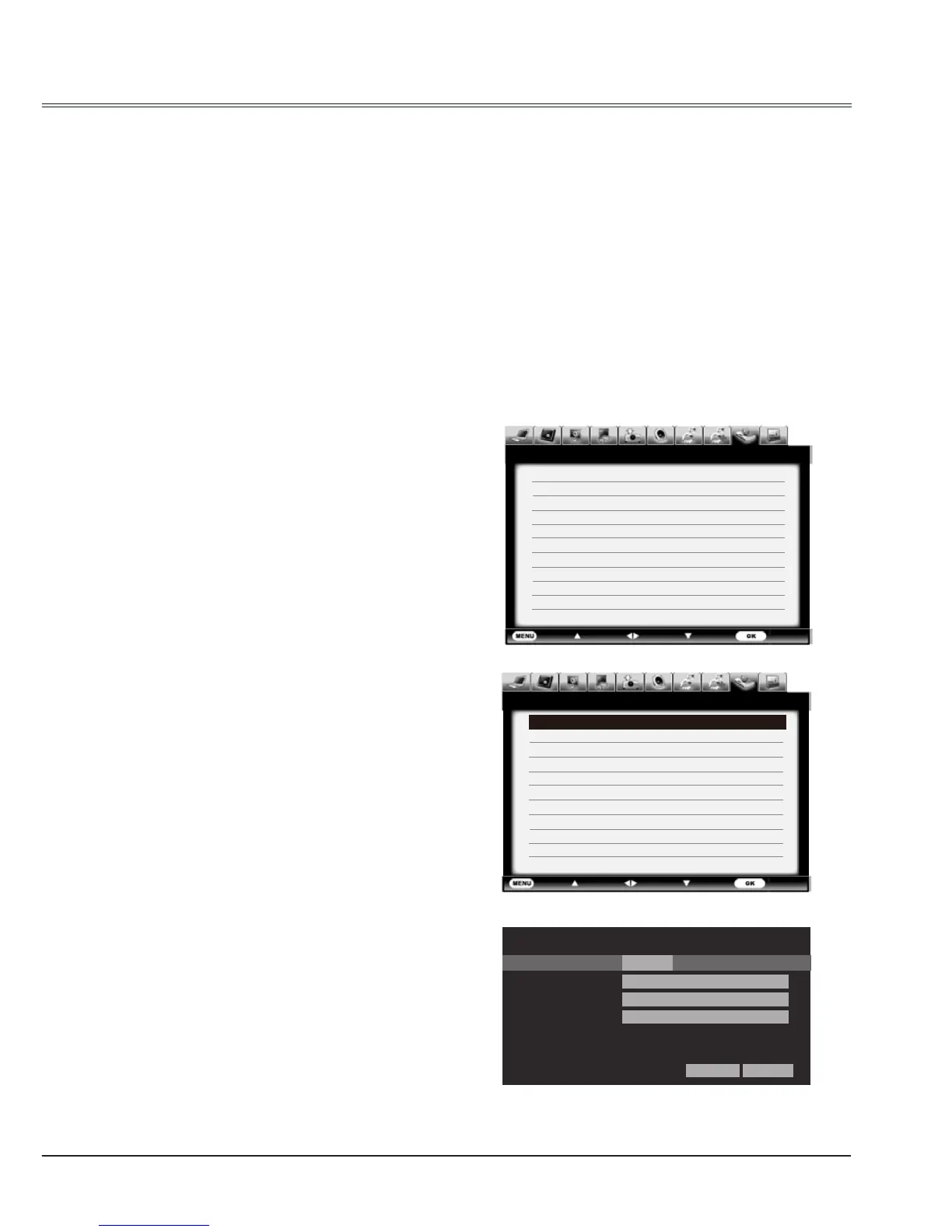
3 Enter network settings menu.
(1) Press MENU button on side control
or remote control to display screen
menu. Press
button to select
network icon.
(2) Press SELECT or
button to enter
the network menu.
(3) Press
button to select Network
settings and press SELECT button.
(4) Press
button to set DHCP as
(5) Press
button to "Set" and press
SELECT button."Please wait..."
appears.
Note:
When connecting to wireless network,
please check the SSID/ESSID and IP
address in "Network information" .



 To Next Page