42
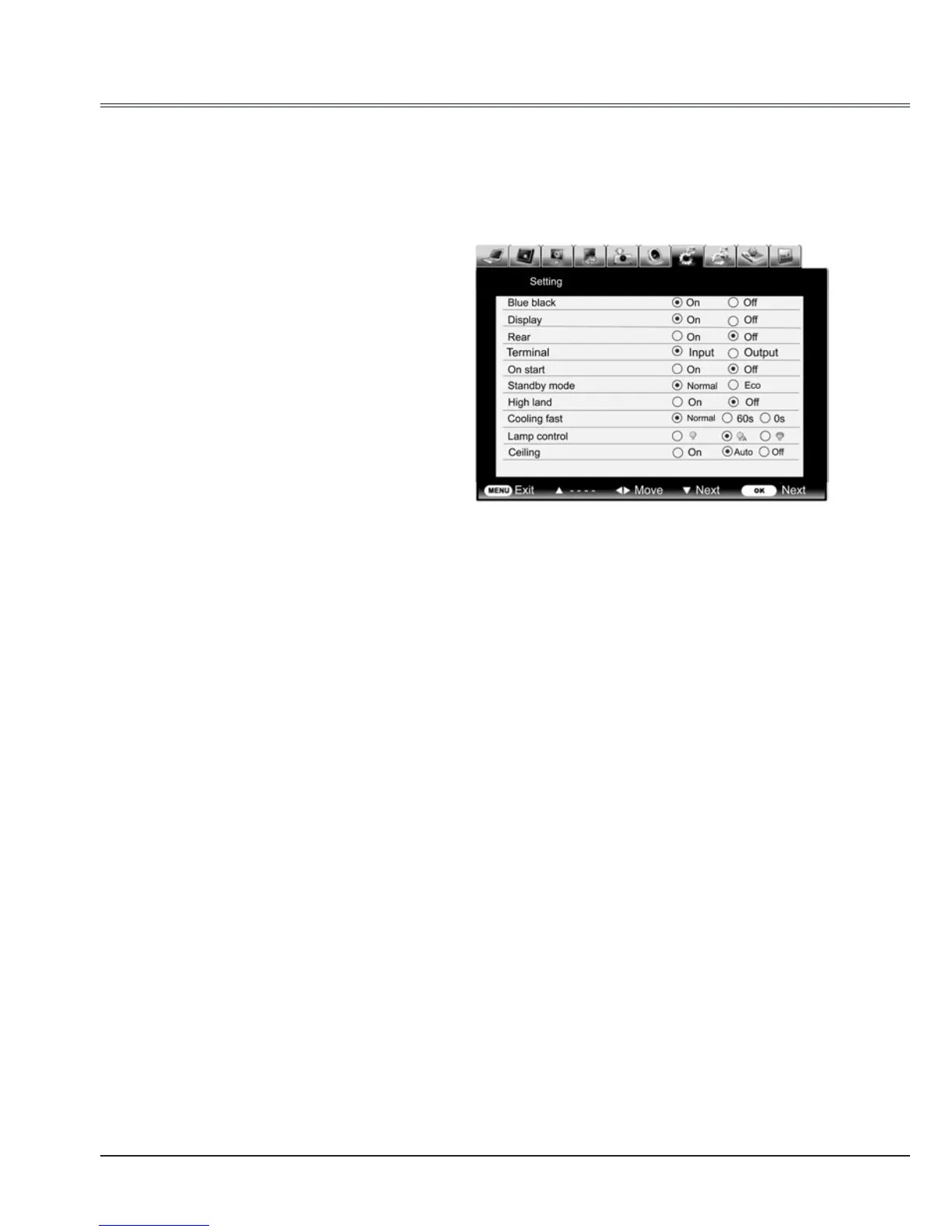
Setting
Setting
The projector has Setup menu that allows you to set the other various function described as
follows.
Blue back
Enable to select the screen background of the
projector when there is no signal detected.
Press
to switch on/off.
On ........To enable the blue background for
projection.
Off ........To disable the blue background.
1 Press MENU button to display the screen
menu. Press
button to select Setting
icon and then press
or OK button.
2 Press
to select the desired item to be
adjusted, and then press
to switch the
items.
Display
Enable to decide whether to display the on-
start displays.
On ............... Display startup screen
Off ............... Display in blue on-start screen
Setting menu
Test Pattern
Rear
When the function is set to On, the picture is
left/right reversed.
Enable to project the image to a rear projection
screen.
Terminal
The COMPUTER IN2/MONITOR OUT terminal
can be used as computer input or monitor
output.Press
to select input or output.
Input ............VGA 2 input
Output..........Monitor out



 To Next Page