52
Maintenance and cleaning
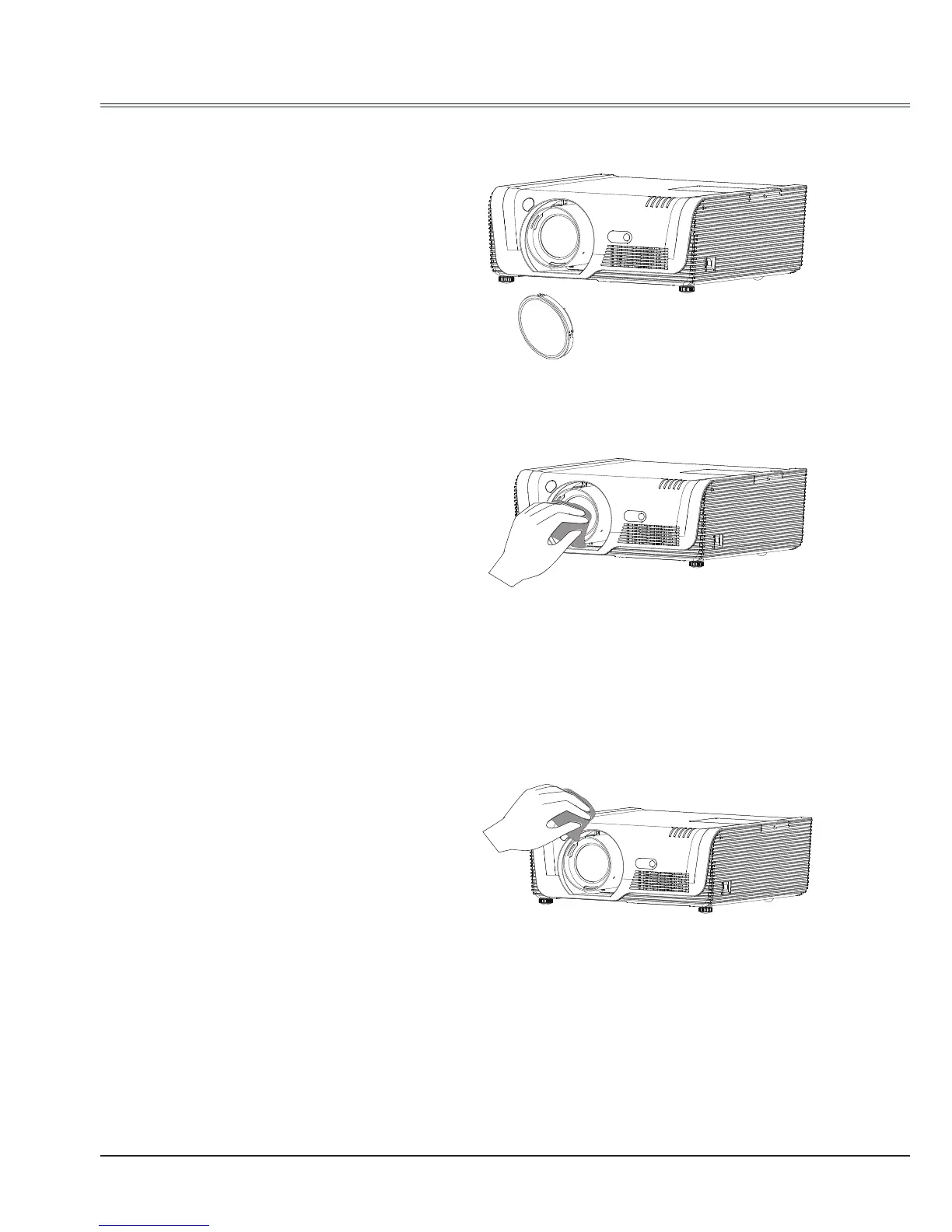
Clean the project lens
Clean the cabinet
Unplug the AC power cord before cleaning.
Gently wipe the projection lens with a cleaning
cloth that contains non-abrasive camera
lens cleaner, or use a lens cleaning paper or
commercially available air blower to clean the
lens.
Avoid using an excessive amount of cleaner.
Abrasive cleaners, solvents, or other harsh
chemicals might scratch the surface of lens.
Unplug the AC power cord before cleaning.
Gently wipe the projector surface with a soft
dry cleaning cloth. When the cabinet is heavily
soiled, use a small amount of mild detergent
and nish with a soft dry cleaning cloth. Avoid
using an excessive amount of cleaner. Abrasive
cleaners, solvents, or other harsh chemicals
might scratch the surface of the cabinet.
When the projector is not in use, put the
projector in a pouch to protect it from dust and
scratches.
Cleaning the lens
Unplug the AC power cord before cleaning.
Apply some non-abrasive cleaning agent
exclusively designed for cameras onto a piece
of clean cloth, and then use it to wipe the
lens gently. Or you can use cleaning paper or
commercial blower to clean the lens.
Avoid excessive use of cleaning agent.
Abrasive cleaning agent, solvent or other
coarse chemicals may scratch the lens.



 To Next Page