Power managementter Off
Key lock
Exit - - - - Move - - - - - - - -
5 Min
Auto
Displaying input source
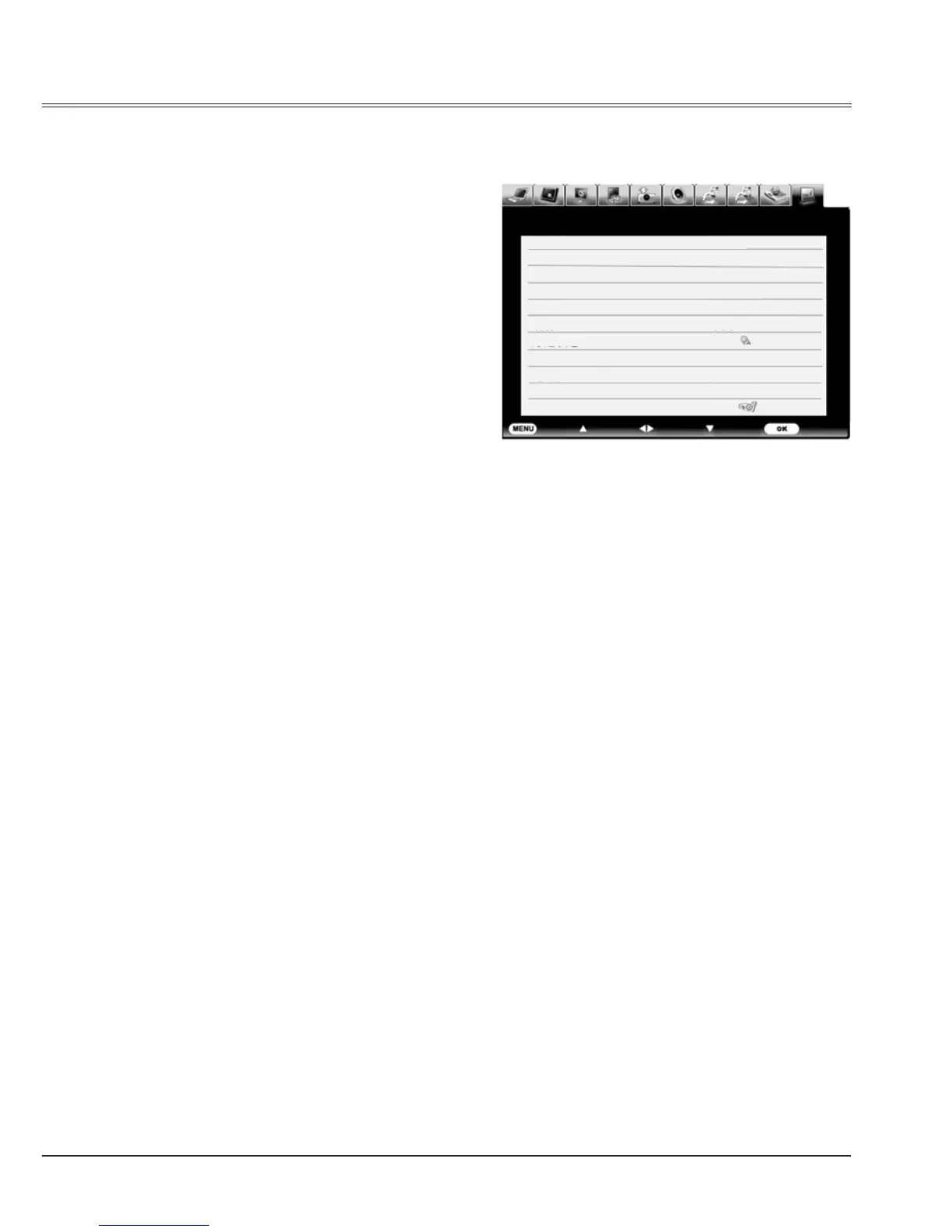
The information menu is used to detect signal of projected image and running state.
Menu operation
Press MENU button to display the screen
menu. Press
to select information icon,
the information menu will appear and the
information is displayed.Shown as the right
picture.
See below for displayed information.
Input
The selected input source is displayed.
H-sync freq .
The horizontal frequency of the input signal is
displayed in KHz or - - - -KHz when no signal.
V-sync freq .
The vertical frequency of the input signal is
displayed in Hz or - - - - Hz when no signal.
Numbers of Hz doubles when during Interlace.
Lamp status
The selected lamp mode is displayed.
Screen
The selected screen size is displayed.
Language
The selected language is displayed.
Lamp counter
Dispaly the cumulative used time of the lamp.
Power management
Off, Ready or Shut down is displayed.
Key lock
Display Off, Remote Control or the Projector.



 To Next Page