38
Video input
Video system select
1 Press MENU button on remote control to
display the screen menu. Press
button
to select Input icon, then press
button or
OK button.
2 Press
button to select Component,
Video or S-video, and then press OK
button.
3 Press
button to select System, and press
the ► or OK button.Press
button to
select your required system, and then press the
OK button.
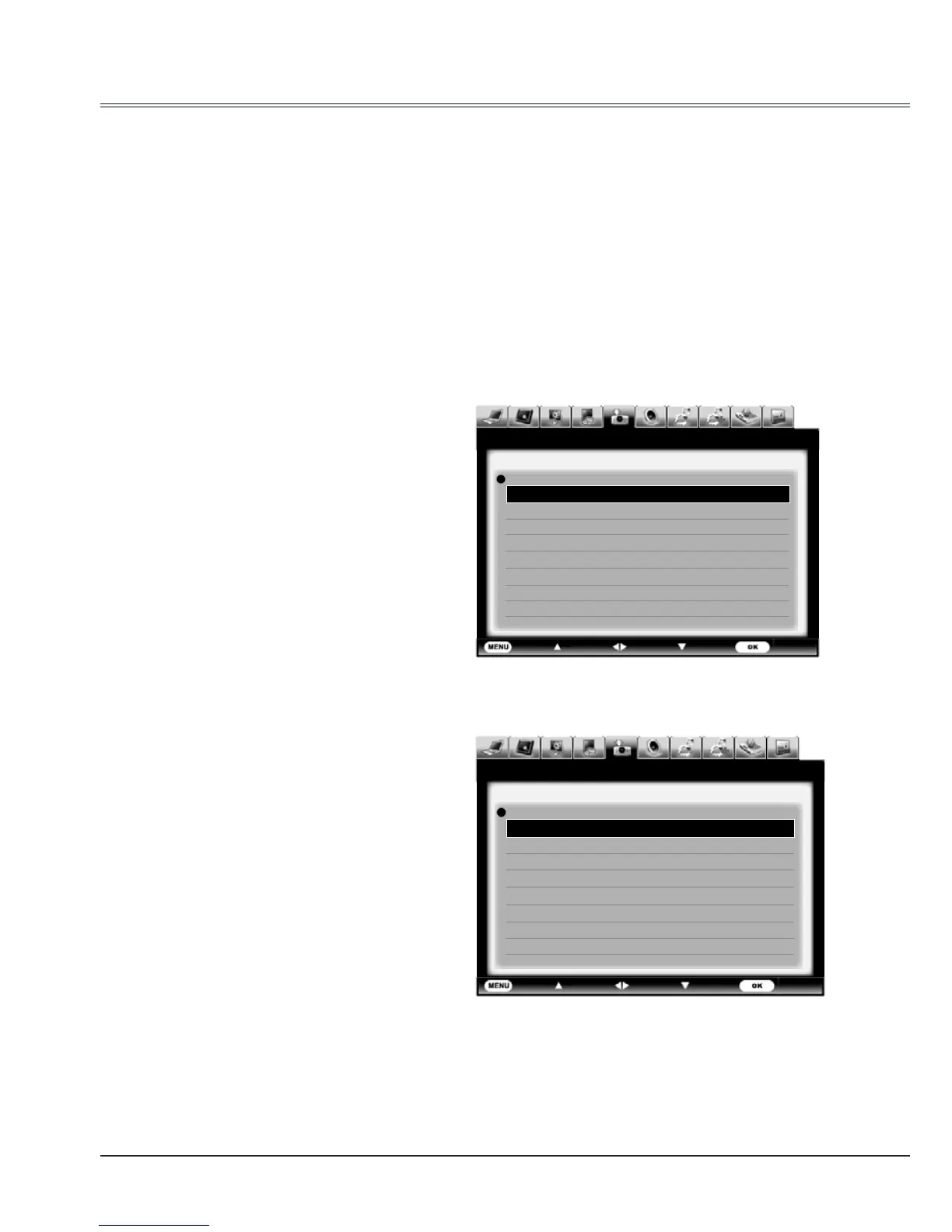
Video system menu(Video or S-video)
Video system menu(Component)
Video or S-video
Auto
The projector automatically detects an
incoming video system,and adjusts itself to
optimize its performance. When Video System
is PAL-M or PAL-N, select the system manually.
PAL/SECAM/NTSC/NTSC4.43/PAL-M/PAL-N
If the projector cannot reproduce proper video
images, select a specific broadcast signal
format from PAL, SECAM, NTSC,NTSC 4.43,
PAL-M and PAL-N.
Component
Auto
The projector automatically detects an input
video system,and adjusts itself to optimize its
performance.
Component video signal format
If the projector cannot reproduce proper video
images, select a specific broadcast signal
format from 480i, 575i, 480p, 575p, 720p,
1035i and 1080i.



 To Next Page