50
Maintenance and cleaning
Warning indicator
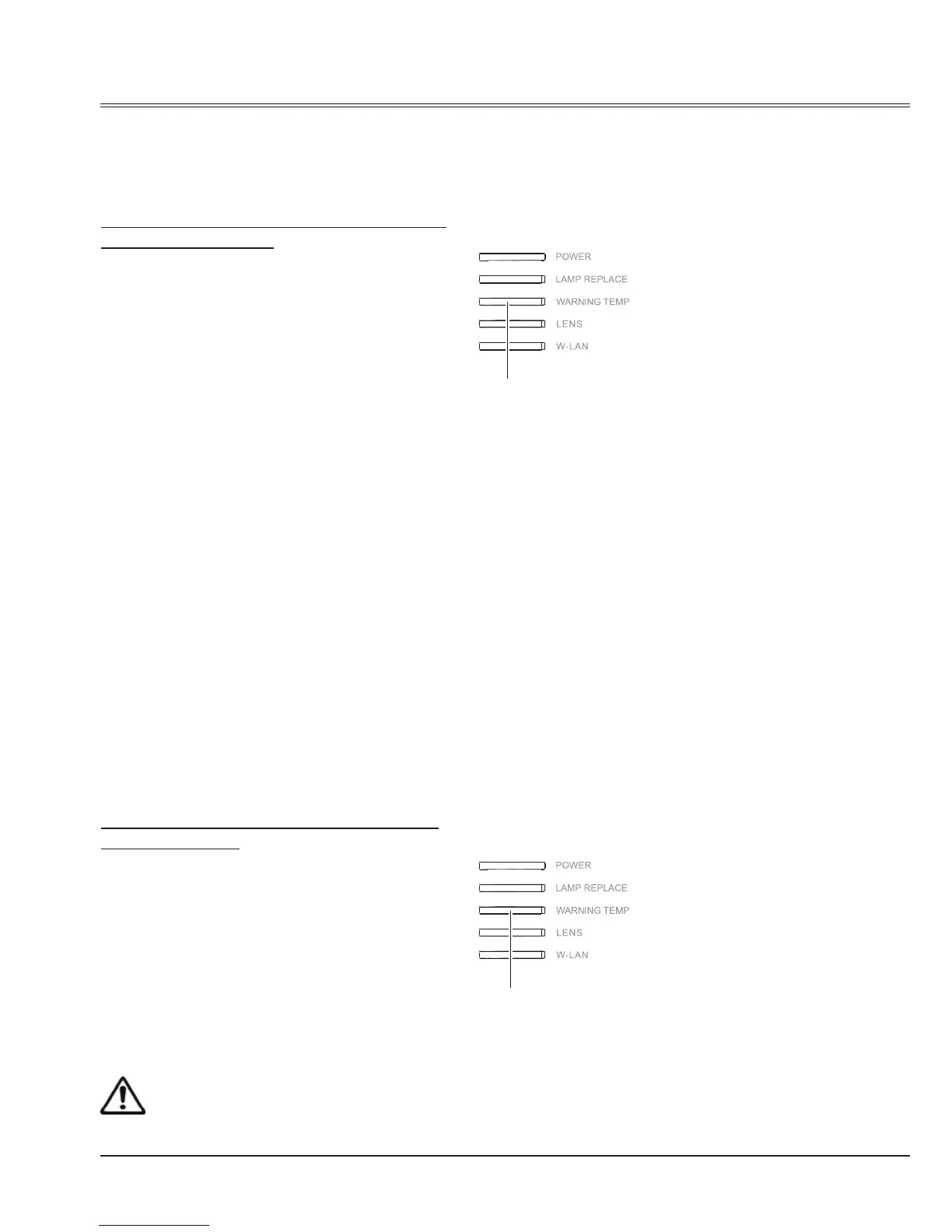
The WARNING indicator shows the state of the function which protects the projector. Check the
state of the WARNING indicator and the POWER indicator to take proper maintenance.
The projector is shut down and the WARNING
indicator is blinking red.
When the temperature inside the projector
exceeds the normal temperature, the projector
is automatically shut down to protect internal
components. The POWER indicator is blinking
while the projector is being cooled down. When
the projector has cooled down enough (to its
normal operating temperature), it can be turned
on again by pressing the POWER button.
Check the items below:
– Did you provide appropriate space for the
projector to be ventilated?
Check the installing condition to see if
ventilation slots are not blocked.
– Has the projector been installed near the
duct or vent of an airconditioning?
Move the installation of the projector away
from the duct or vent.
– Are the air lters clean? Clean the air lters
periodically.
Caution
Do not leave the projector with the AC power cord connected under an abnormal condition.
It may result in re or electric shock.
The projector is shut down and the WARNING
indicator lights red.
When the projector detects an abnormal
condition, it is automatically shut down to
protect the internal components and the
WARNING indicator lights red. In this case,
unplug the AC power cord and plug it, and
then turn on the projector once again to verify
operation. If the projector cannot be turned on
and the WARNING indicator lights red, unplug
the AC power cord and contact the service
station for servicing and maintenance.
Note:
The WARNING indi cator continues to
blink even after the temperature inside
the projector returns to normal. When the
projector is turned on again, the
WARNING indi cator stops blinking.
WARNING indicator
lights red
Indicator
Indicator
WARNING indicator
Blinks red



 To Next Page