40
Video input
Color
Press
to decrease the chorma and
to
increase it.
Tint
Press
to select the appropriate tone for the
image.
Noise reduction
To reduce snow interference on the screen.
Select the function to get smoother images.
Progressive
An interlaced video signal can be displayed
in a progressive picture. Select one of the
following options:
Off....Disabled.
L1....For an active picture.
L2....For a still picture.
Film...For watching a lm. With this function,
the projector reproduces pictures faithful
to the original lm quality,reducing
distortion.
Exit Move Next Next- - - -
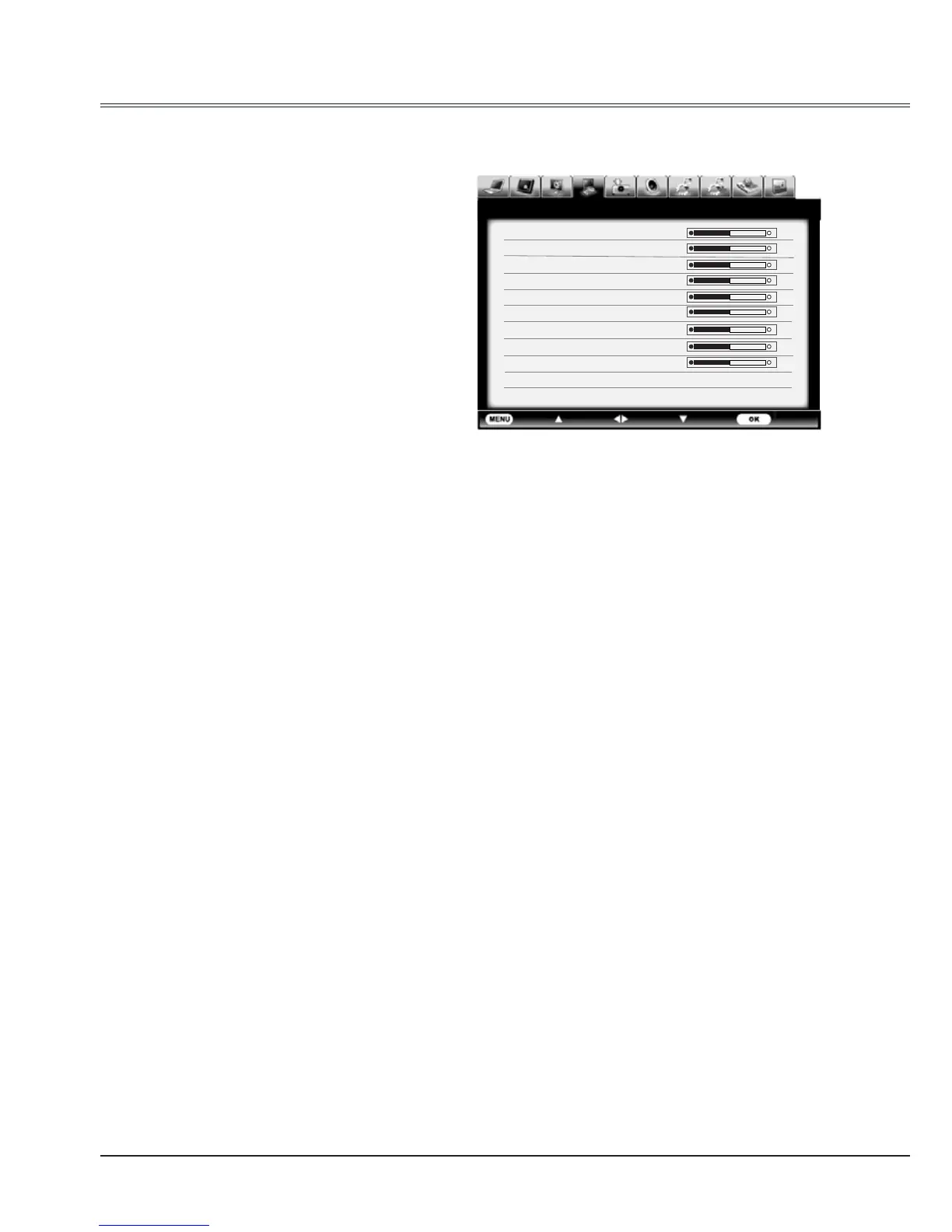
Image adjust
Contrast 32
Brightness 32
Color 32
Tint 32
Red 32
Green 32
Blue 32
Sharpness 8
Gamma 8
Noise reduction On
Progressive L 1
Image adjust
1 Press MENU button to display the screen
menu, press
to select image adjust icon
and press
or OK button.
2 Press to adjust the setting value, or press
OK button; adjust dialogue box appears.
Press
to set the value.
Contrast
Press
to decrease the contrast and
to
increase it.
Image adjust menu
Brightness
Press
to decrease the brightness and
to
increase it.
Red(White balance)
Press
to lighten the red tone and
to
deepen it.
Green(White balance)
Press
to lighten the green tone and
to
deepen it.
Blue(White balance)
Press
to lighten the blue tone and
to
deepen it.
Sharpness
Press
to decrease the sharpness of an
image and
to increase it.
Gamma
Press
to adjust the gray scale level for
better balance of contrast.



 To Next Page