25
Basic operation
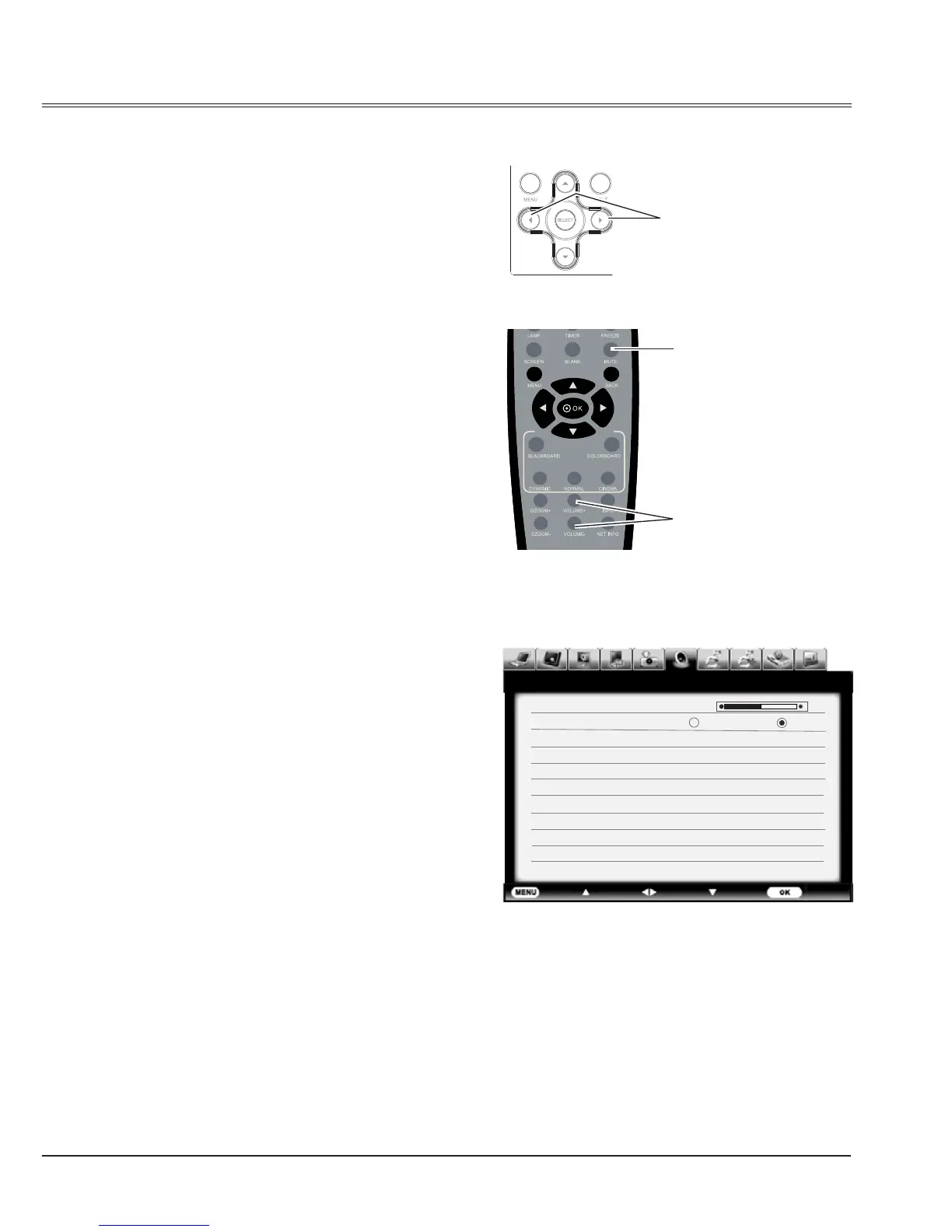
Sound adjust
Menu operation
1 Press the MENU button to display the on
screen menu.
Press
button to move the cursor to the
Sound menu icon. Press SELECT or
button
to enter the submenu entry.
2 Press ▲▼ button to move the cursor to the
desired item, and then press the SELECT
button.
Volume
Press
to turn up the volume and
to turn
down the volume.
Mute
Press
button to switch the mute function on/
off.
Sound menu
VOL +/- button
VOLUME +/- button
MUTE button
Direct operation
Volume
Press the VOL +/- button on the side control or on
the remote control to adjust the volume.
Mute
Press the MUTE button on the remote control
and select On to turn off the audio temporarily.
To restore the audio to its previous level, press
the MUTE button again and select Off or press
the VOLUME+/– buttons. Mute function is also
effective for AUDIO OUT jack.
Side control
Remote control
Exit Move Next Next- - - -
Sound
Volume 12
Mute On Off



 To Next Page