34
Image adjust
1 Press MENU button to display the screen
menu, press
to select image adjust icon
and press
or SELECT button.
2 Press to adjust the setting value, or press
SELECT button; adjust dialogue box
appears. Press
to set the value.
Contrast
Press
to decrease the contrast and
to
increase it.
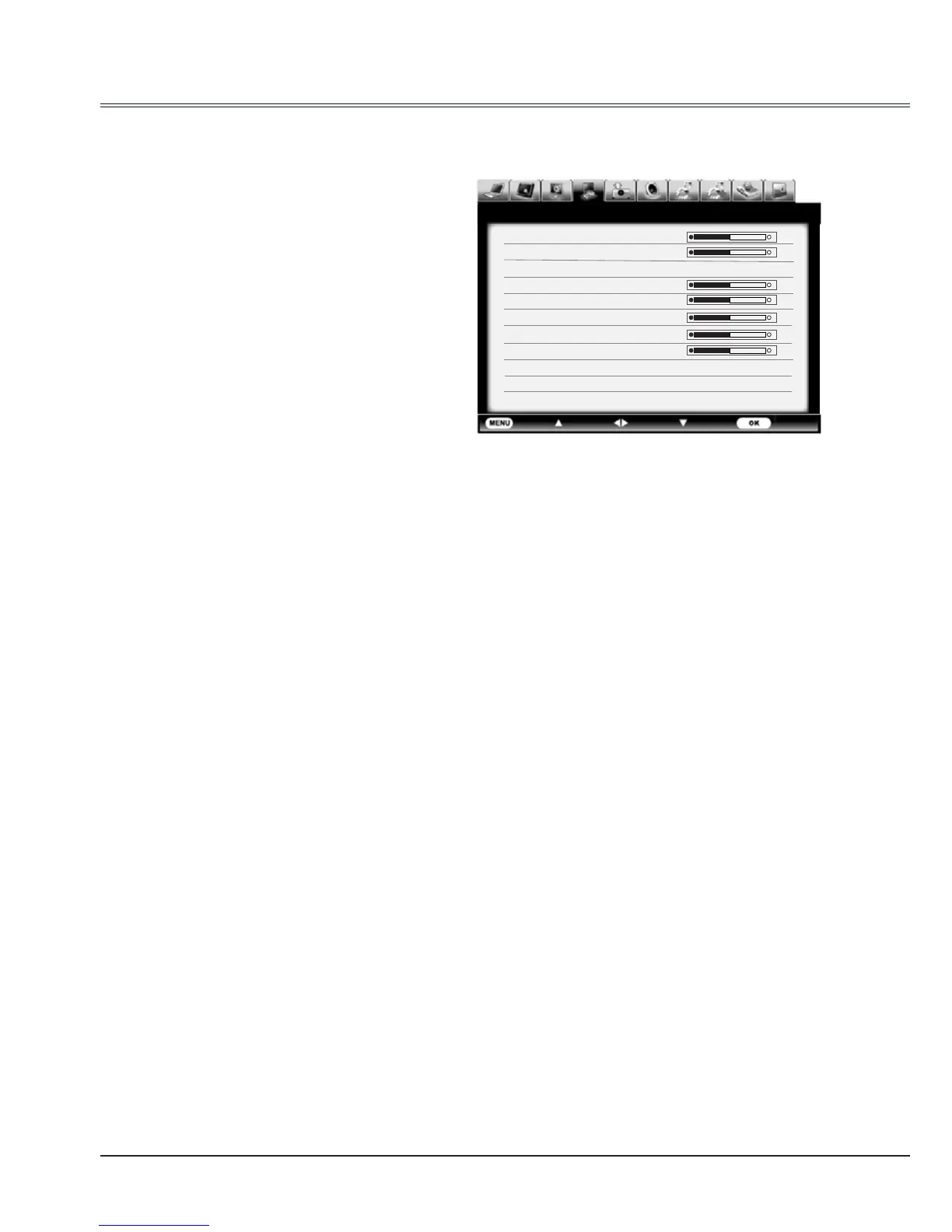
Image adjust menu
Brightness
Press
to decrease the brightness and
to
increase it.
Color temp
Press
to select your desired color
temperature.( Low, Mid and High )
Red(White balance)
Press
to lighten the red tone and
to
deepen it.
Green(White balance)
Press
to lighten the green tone and
to
deepen it.
Blue(White balance)
Press
to lighten the blue tone and
to
deepen it.
Sharpness
Press
to decrease the sharpness of an
image and
to increase it.
Gamma
Press
to adjust the gray scale level for
better balance of contrast.



 To Next Page