5 Operation
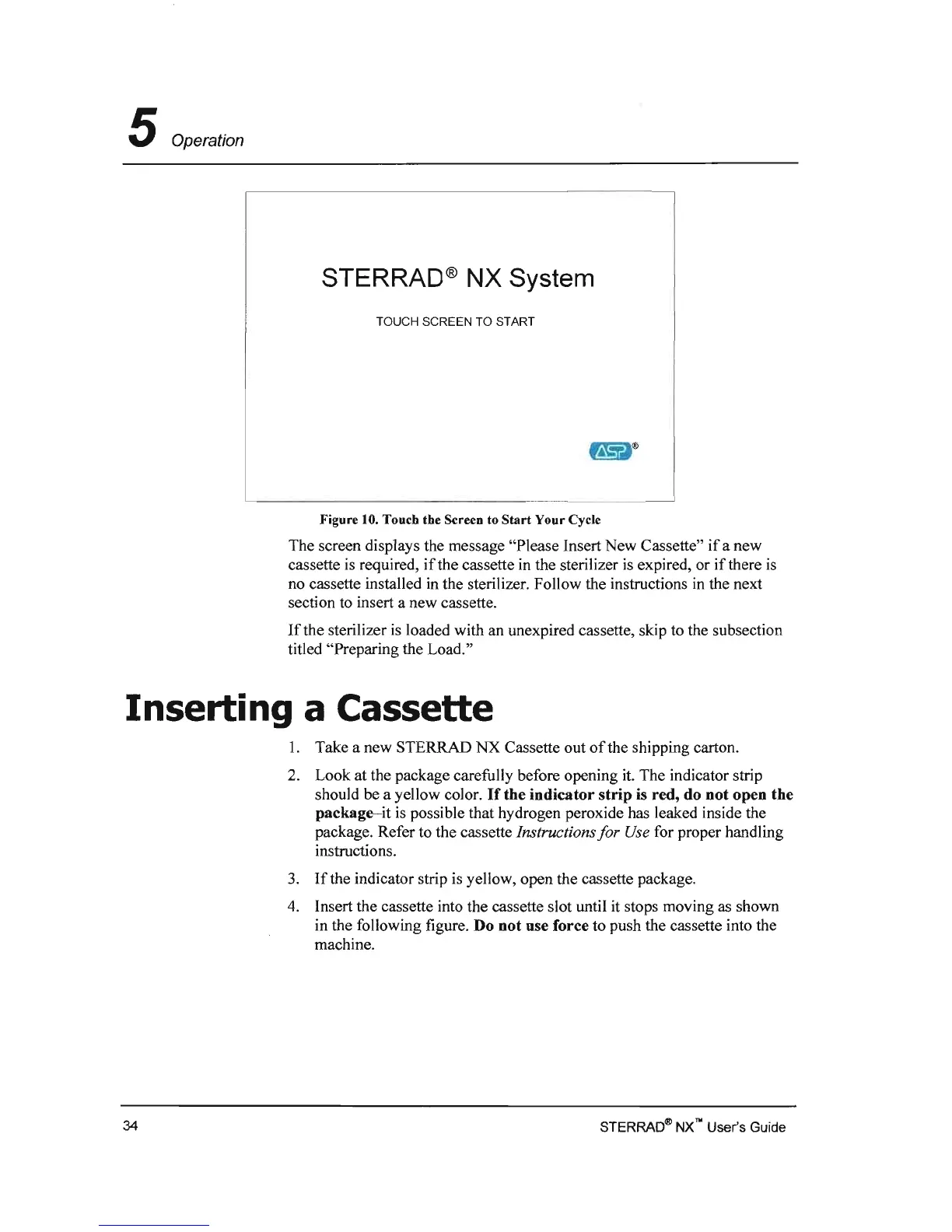
STERRAD® NX System
TOUCH SCREEN TO START
Figure 10. Touch the Screen to
Start
Your Cycle
The screen displays the message "Please Insert New Cassette"
if
a new
cassette
is
required,
if
the cassette
in
the sterilizer
is
expired, or
if
there
is
no cassette installed
in
the sterilizer. Follow the instructions
in
the next
section
to
insert a new cassette.
If
the sterilizer
is
loaded with an unexpired cassette, skip to the subsection
titled "Preparing the Load."
Inserting a Cassette
1.
Take a new STERRAD NX Cassette out
of
the shipping carton.
2.
Look at the package carefully before opening
it.
The indicator strip
should be a yellow color.
If
the
indicator
strip
is red, do
not
open the
package-it
is
possible that hydrogen peroxide has leaked inside the
package. Refer to the cassette Instructions
for
Use for proper handling
instructions.
3.
If
the indicator strip
is
yellow, open the cassette package.
4.
Insert the cassette into the cassette slot until it stops moving
as
shown
in the following figure. Do
not
use force to push the cassette into the
machine.
STERRA04!l
NX
no User's Guide
34



 To Next Page