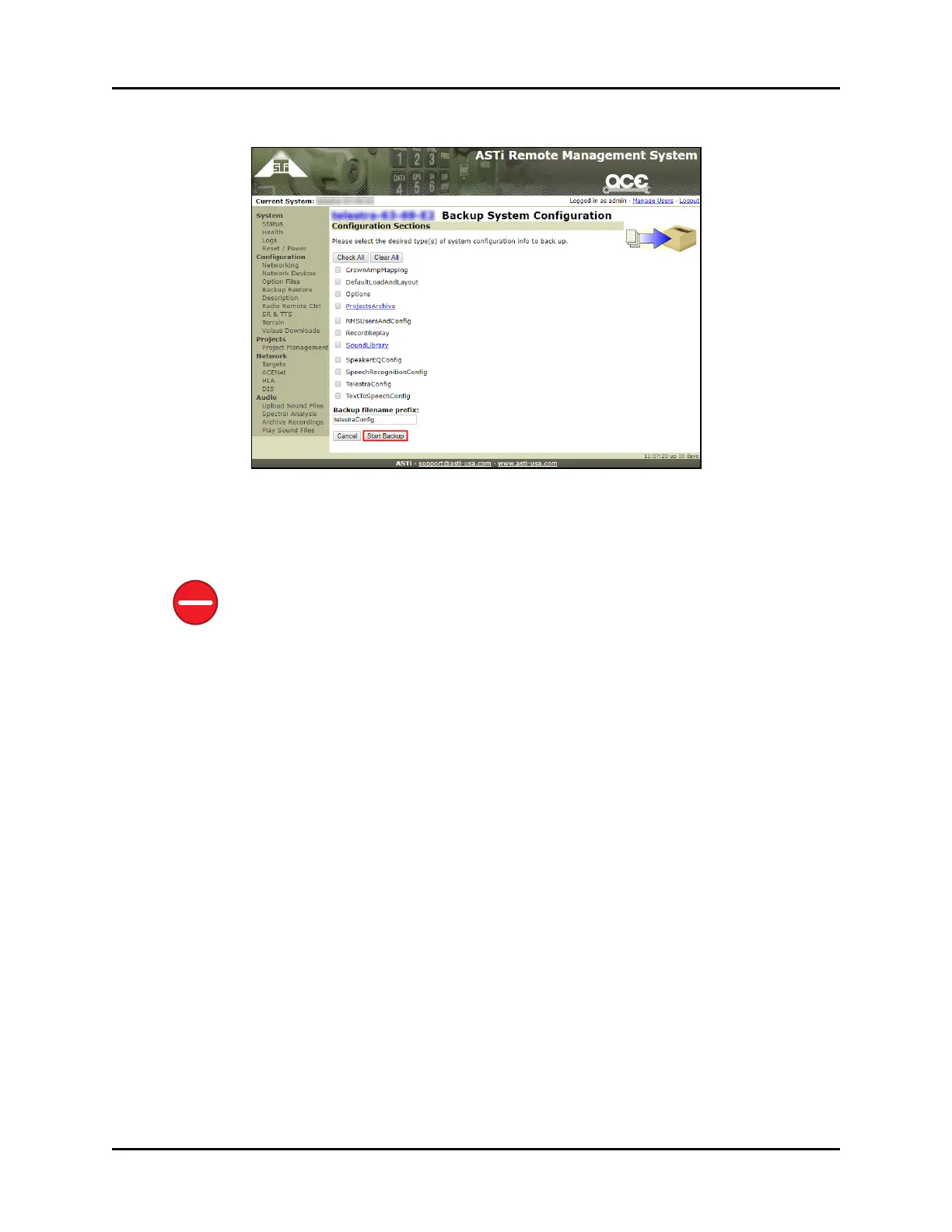
7. Select all or some of the desired configuration options, and click Start Backup.
Figure 3: Start Backup
8. When the backup is complete, next to Filename, click the archive (.tgz) file, and the
backup downloads your local system.
Caution: Do not save backup files on the development workstation. The cold start pro-
cedure erases any backup files saved in this location.
4 Copyright © 2018 Advanced Simulation Technology inc.
ACE Target and Studio Cold Start Guide (Rev. B, Ver. 0)



 To Next Page