B-4 Install ACEStudio versions 4.1–4.4
Note: If you are installing ACE software versions 4.5 or higher, see Section 10.1.2, "Install
ACEStudio 4.5 and higher" on page37.
To install ACE software versions 4.1–4.4, follow these steps:
1. Log into the system using the following credentials:
Username Password
admin admin
Note: If your organization changed these default credentials, check with your IT
administrator for an updated username and password.
2. Insert the Telestra ASTi Software Installation DVD, previously labeled ASTI DVD 2.
3. From the taskbar, click Applications, point to Accessories, and then click Terminal.
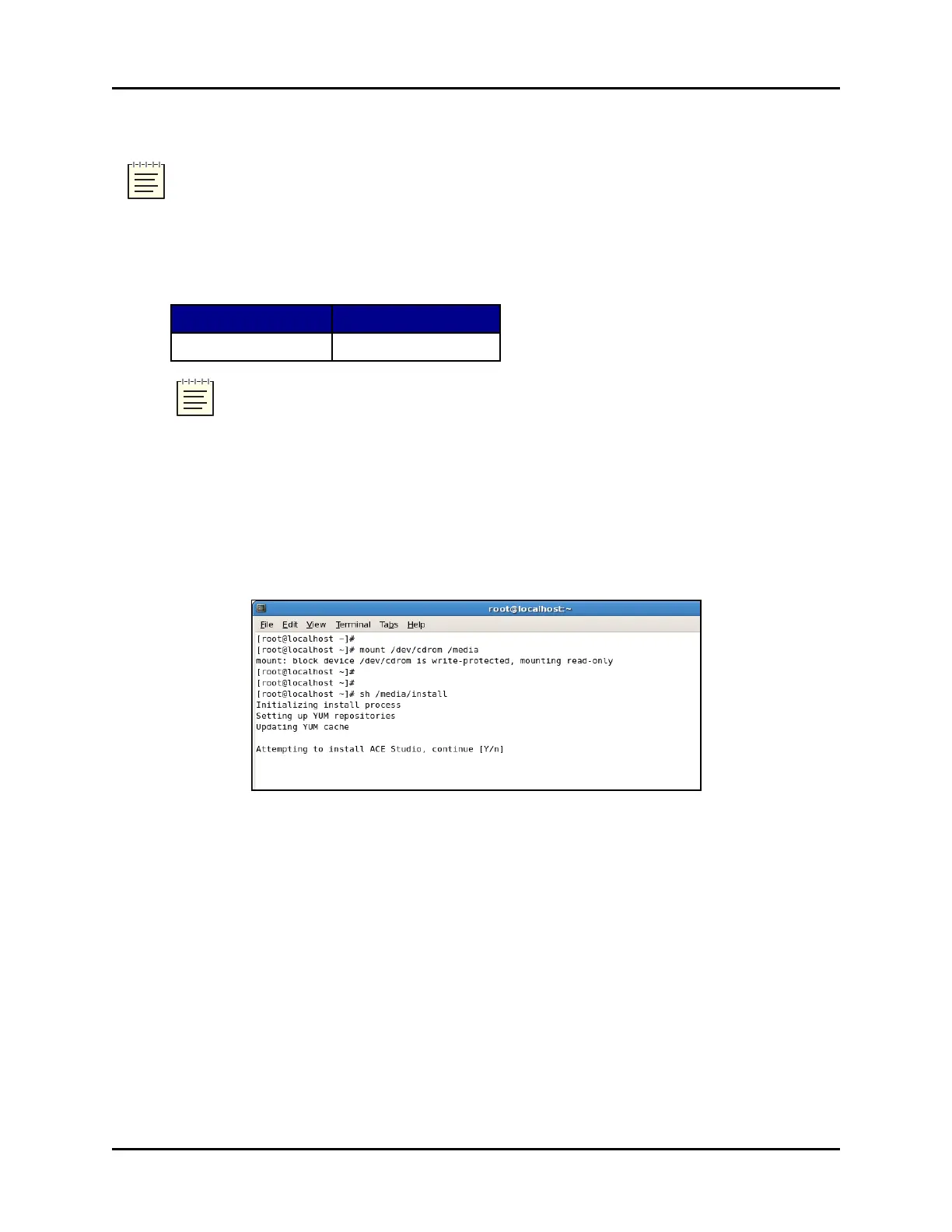
4. To mount the DVD, type mount /dev/dvd /media, and press Enter.
5. At the prompt, type sh/ media/install, and press Enter.
Figure 4: Sh /media/install command
6. The prompt reads, “Attempting to install ACEStudio, continue [Y/n].” Press the Y key to
continue.
54 Copyright © 2018 Advanced Simulation Technology inc.
ACE Target and Studio Cold Start Guide (Rev. B, Ver. 0)



 To Next Page