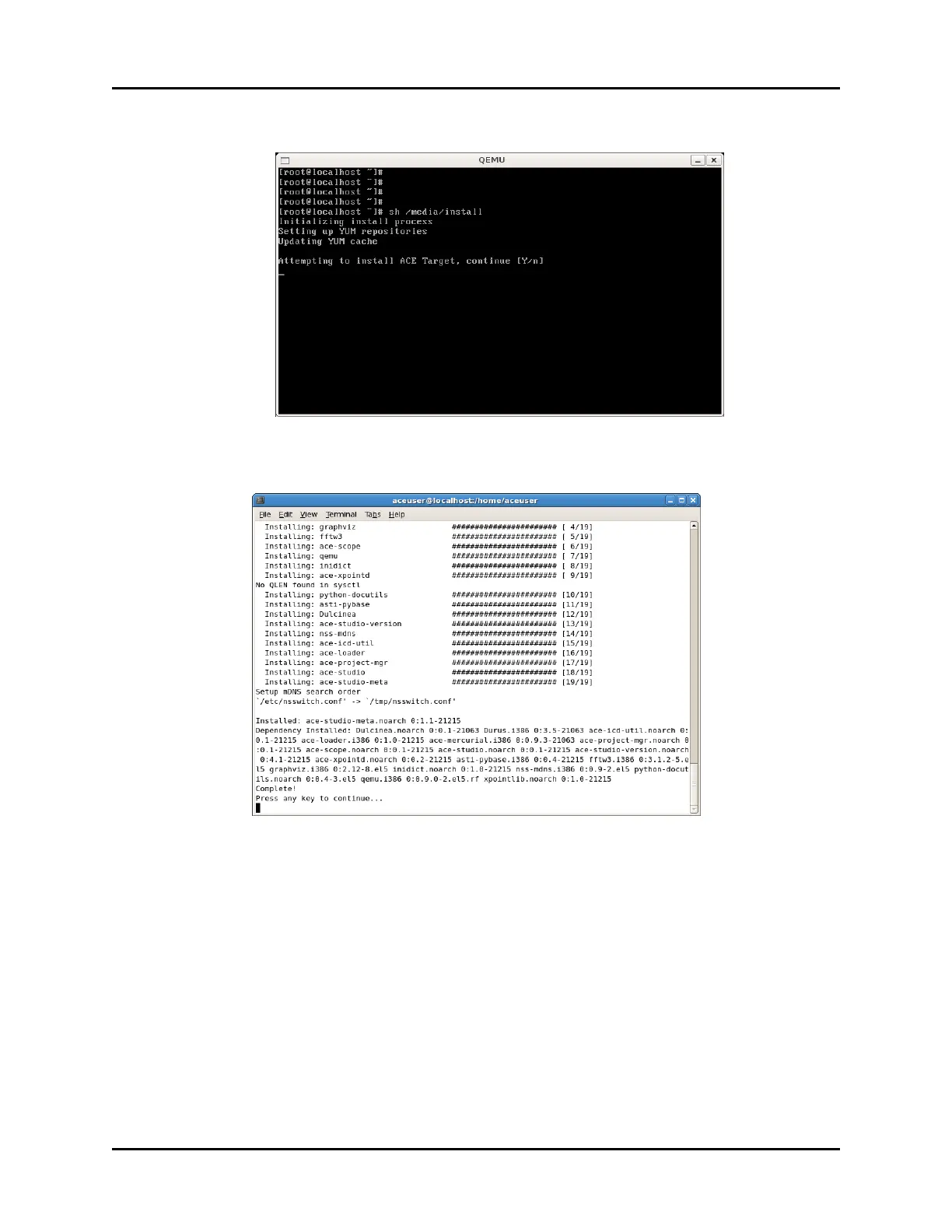
6. The prompt reads, “Attempting to install ACE Target, continue [Y/n].” Press the Y key to
continue.
Figure 2: Target Installation message
7. The screen below displays after the installation is complete.
Figure 3: Installation Complete screen
8. To eject the DVD from the drive, type eject, and press Enter.
9. From the taskbar, click System, point to Shutdown, and then click Restart.
Copyright © 2018 Advanced Simulation Technology inc. 53
ACE Target and Studio Cold Start Guide (Rev. B, Ver. 0)



 To Next Page