10.0 ACEStudio cold start procedure
10.1 ACEStudio cold start procedure for Red Hat 5.X
These sections provide instructions for the following:
l Installing Red Hat 5.X software
l Installing ACEStudio versions 4.4 and higher
l Setting up a development workstation for ACEStudio versions 4.4 and higher
10.1.1 Install Red Hat 5.10 and higher
To install Red Hat 5.10 and higher, follow these steps:
1. Power on the development workstation via the power switch.
2. Insert the Telestra ASTi Software Installation DVD, and wait for the system to boot from
the DVD.
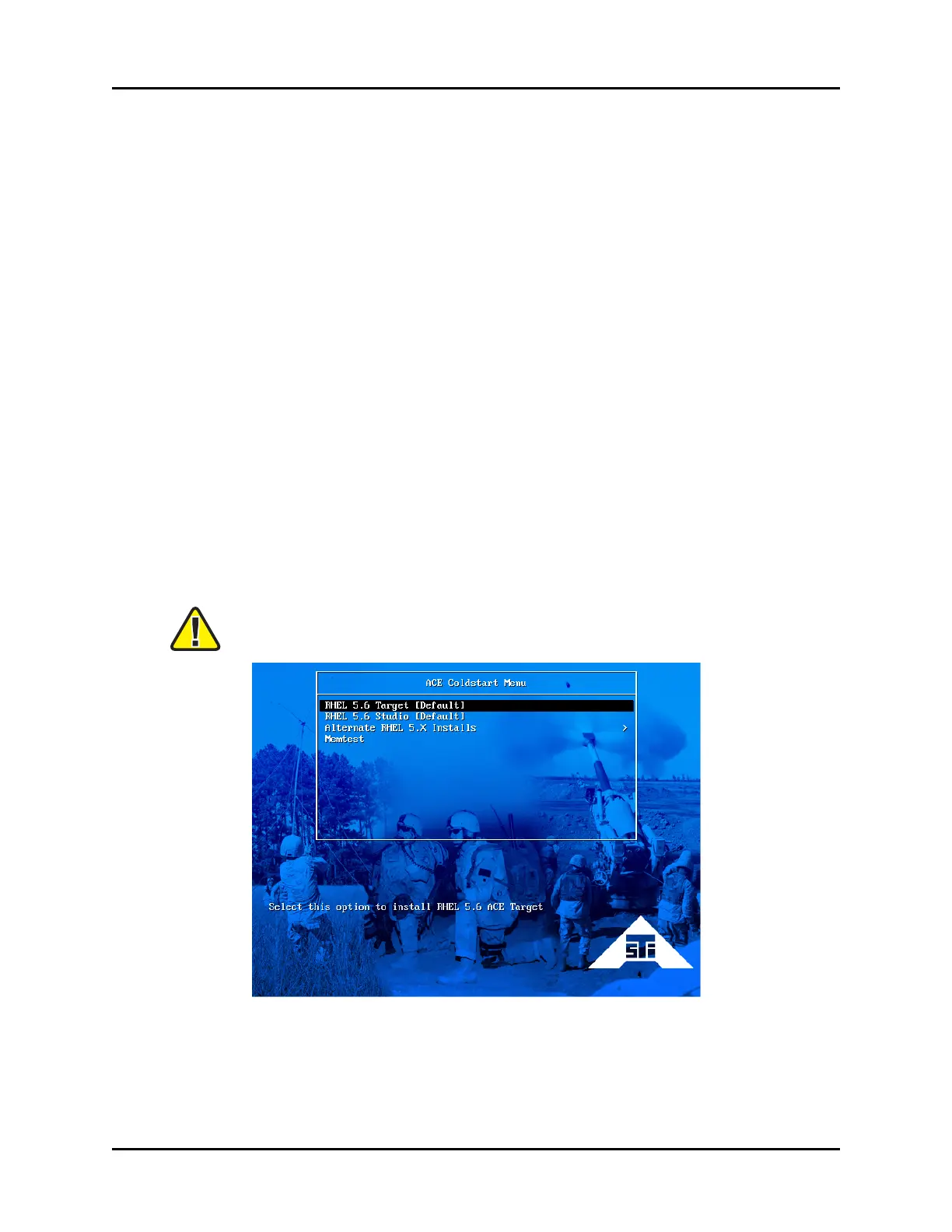
3. At the prompt, select RHEL Studio [Default].
Important: For ACEStudio versions 4.30 and lower, the prompt screen is different.
At the prompt, type studio, and press Enter.
Figure 24: ACE Coldstart Menu
Copyright © 2018 Advanced Simulation Technology inc. 35
ACE Target and Studio Cold Start Guide (Rev. B, Ver. 0)



 To Next Page