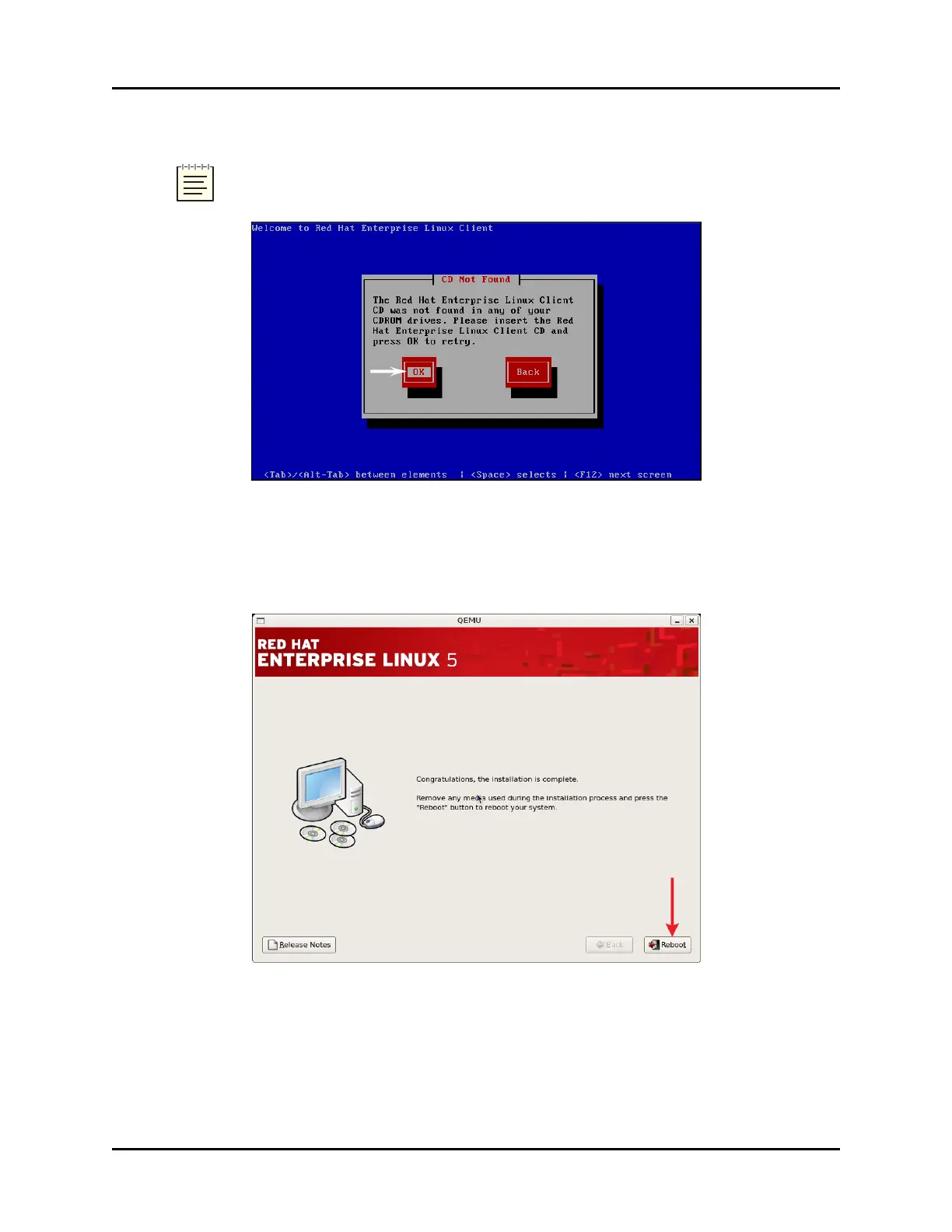
4. When the system ejects the Telestra ASTi Software Installation DVD, remove the DVD.
Note: Alternate Red Hat versions are available. Select the installation that cor-
responds with your system.
Figure 9: “CD Not Found”
5. Insert the Red Hat 5 Installation DVD, and select OK. Wait for the installation to com-
plete.
6. As described in the display, remove the DVD, and press Tab to select Reboot.
Figure 10: Installation complete
18 Copyright © 2018 Advanced Simulation Technology inc.
ACE Target and Studio Cold Start Guide (Rev. B, Ver. 0)



 To Next Page