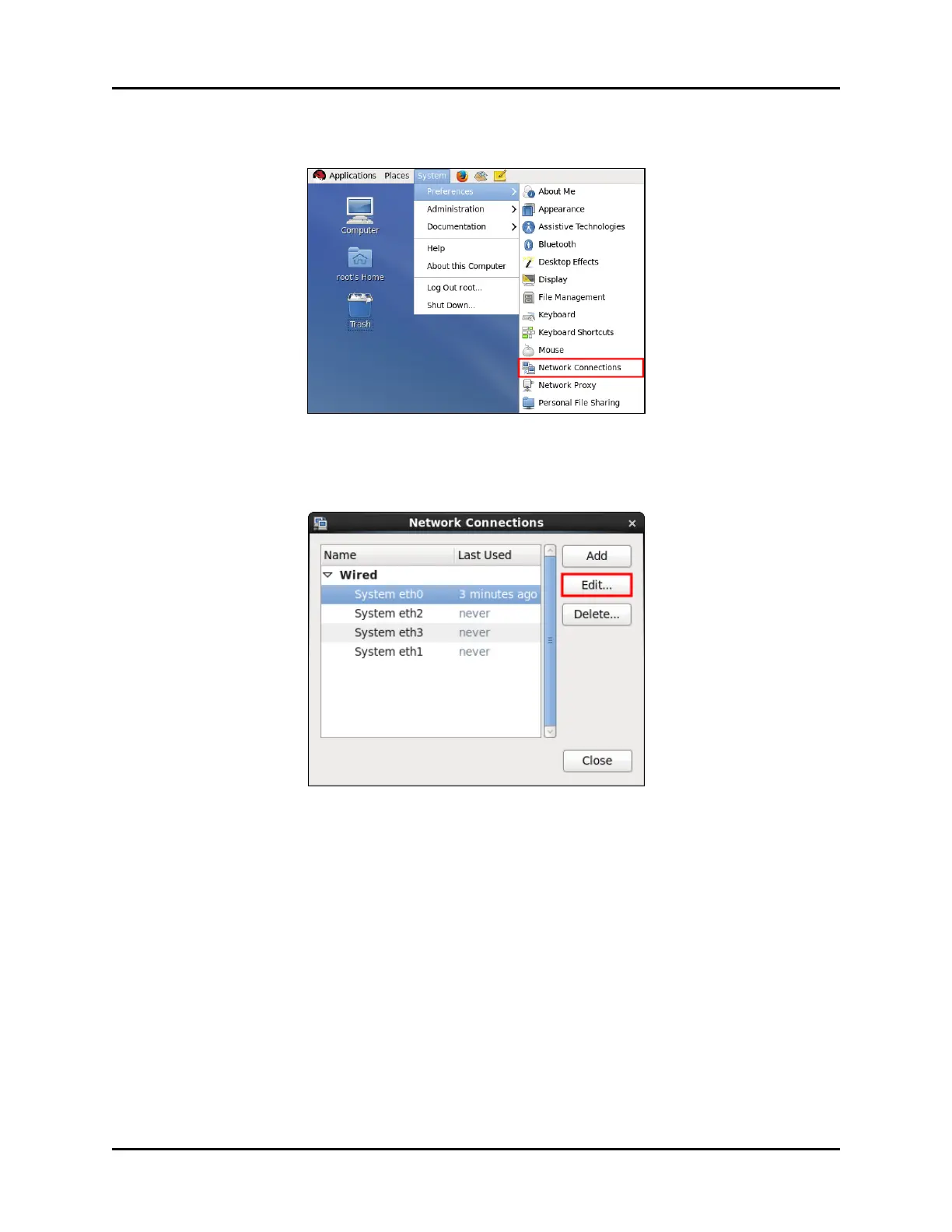
5. From the taskbar, click System, point to Preferences, and then click Network Con-
nections.
Figure 31: Network Connections
6. The Network Connections dialog box appears. Click the desired Ethernet port (e.g.,
Eth0), and click Edit.
Figure 32: Network Connections
7. The Editing System ethN dialog box appears, where N represents the Ethernet port num-
ber. Click the IPv4 Settings tab.
Copyright © 2018 Advanced Simulation Technology inc. 43
ACE Target and Studio Cold Start Guide (Rev. B, Ver. 0)



 To Next Page