- 26 -
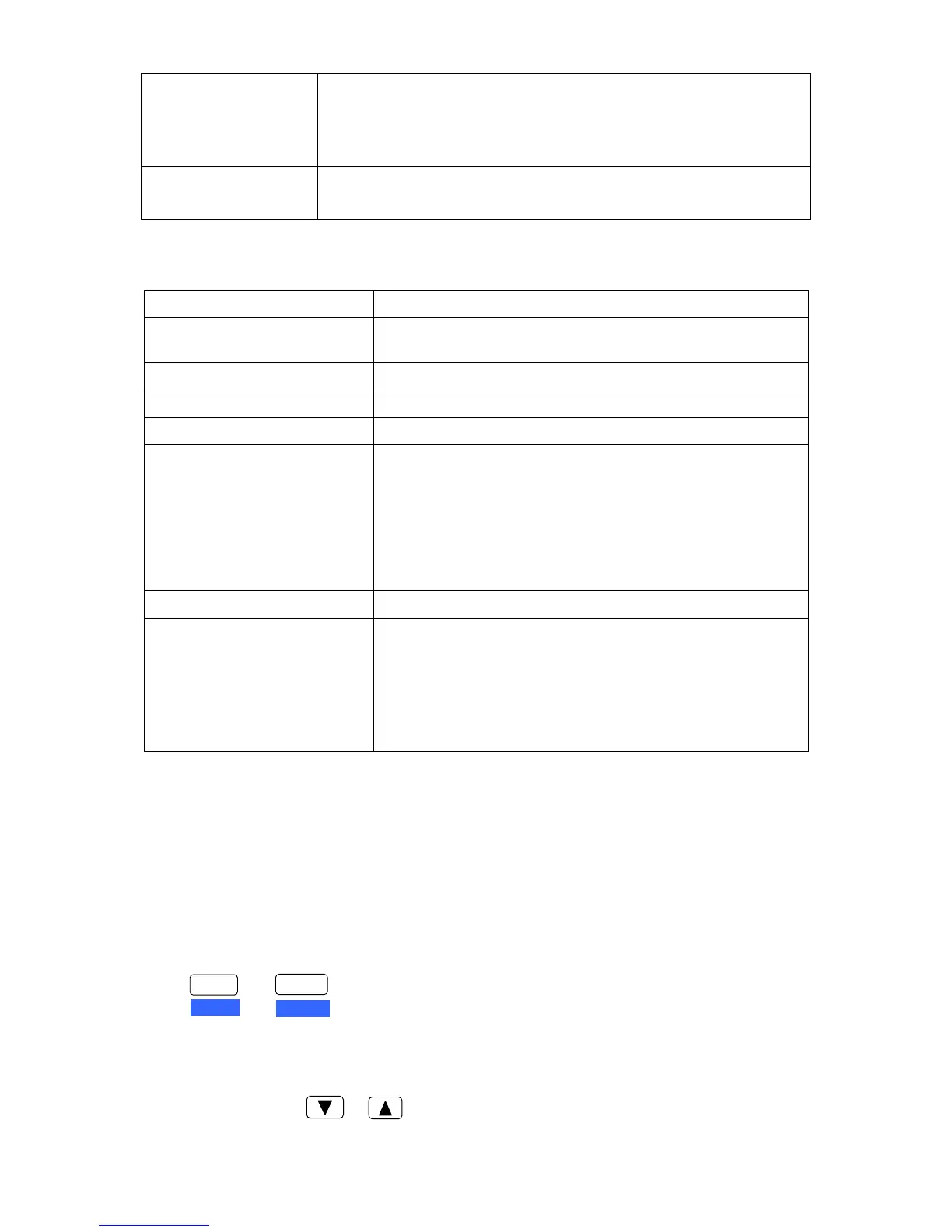
ERROR (Amber)
ON: Printer is paper out or malfunction occurs.
OFF: No error is detected.
BLINK SLOWLY: Functional error has occurred.
FAST BLINK: Functional error has occurred.
DATA (Green)
OFF: There is no printing data.
ON: There is printing data.
3.1.7 Quick Function
Function Key
Resume default setting
(Initialization 1)
FORMAT + LF/FF + POWER
Chinese self-test LF/FF + ONLINE + POWER
ASCII self-test LF/FF + POWER
H-Dump HIGH SPEED + POWER
Character H printing mode
① EJECT/LOAD + POWER
Note: Cut sheet prints out one page (according to the set
page length), or continuous printing with tractor
paper.
② EJECT/LOAD + TEAR OFF + POWER
Note: Continuously print out test paper by manual or
tractor.
Pin testing FORMAT + POWER
Adjust the tear off position (For
tractor paper state)
In Online mode, long press the TEAR OFF key.
LF/FF key: Advance
RLF key: Backwards
ENTER key: Confirm and save
FORMAT key: Do not save the setting, just press this key to
exit and the printer will restart.
3.2 How to Use the Functional Setup
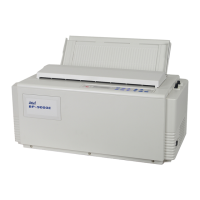
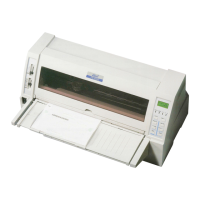
Function setup mode is only for this kind of printer. The setup modes enable various printer functions
to be set up with the function keys on the operation panel. This section provides the outline of the
setup modes and the details of the setup functions.
3.2.1 Menu Setup Functional Key
1) Enter the Menu Setup Mode
Press Keys to enter the Menu Setup Mode.
2) Mainmenu select key
These keys are usually used as changing the shown manu list but not the function setting. In Menu
Setup Mode, press or key can skim over the mainmenu (long press can quickly skim it
over).
ENTER
ALT
FORMAT
SET UP
+


 To Next Page