- 32 -
Chapter 5 Menu Function Description
This section mainly introduces the item functions in the Menu Setup Mode.
5.1 MULTIPART
According to customer's printing requirement, select the printing capability.
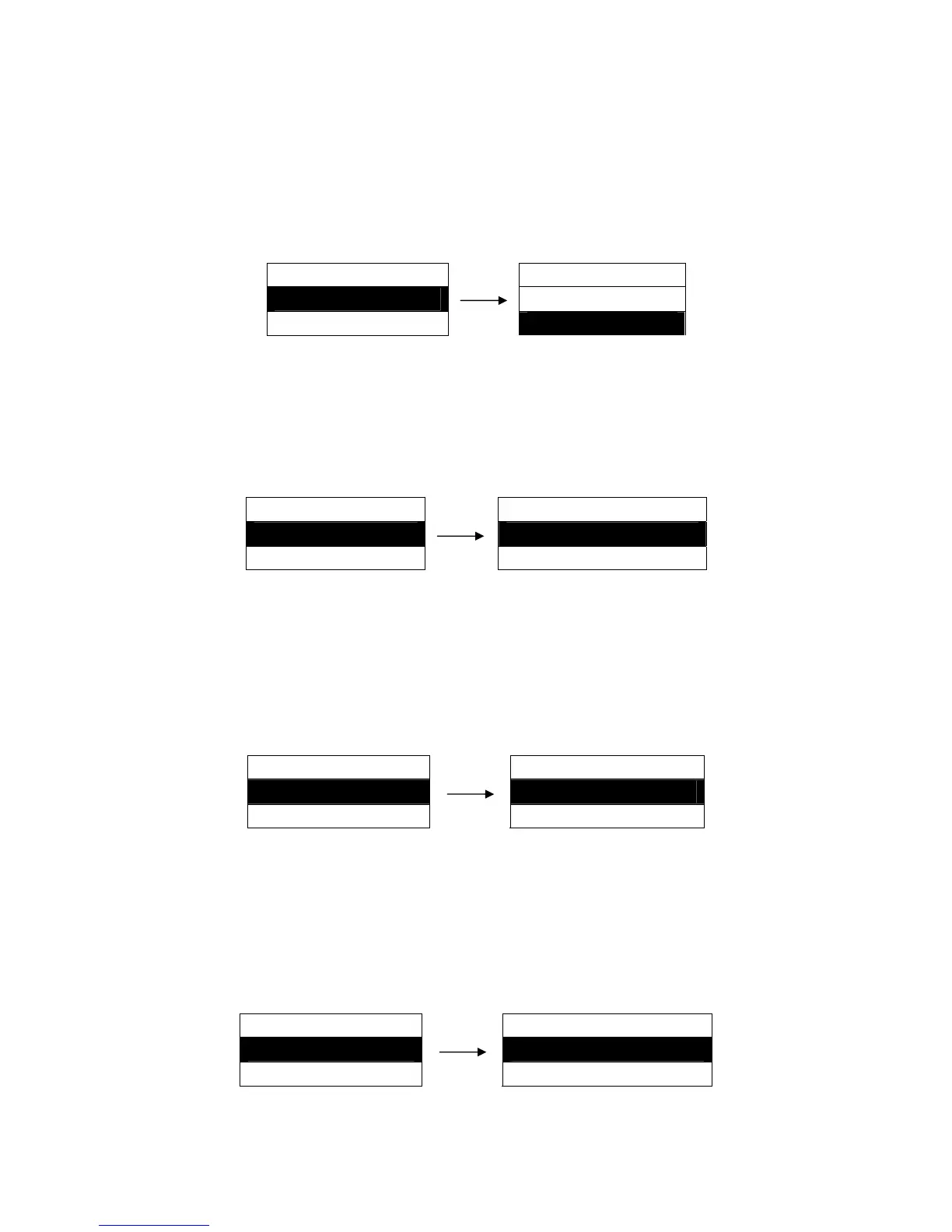
Setting process:
MENU SETUP MULTIPART
1. MULTIPART ►
ON
2. TOF ADJ.MANL ►
OFF ※
5.2 TOF ADJ.MANL
The top of form function is used to set the printing home position. When feeding paper, the printer
detects the top edge of the paper and determines the printing home position according to the top of
form value.
Setting process:
MENU SETUP TOF ADJ.MANL
2. TOF ADJ.MANL ►
10/60 INCH ※
3. TOF ADJ.R.TR ► 14//60 INCH
(-10/60 ~ 120/60 INCH)
5.3 TOF ADJ.R.TR
The top of form function is used to set the printing home position. In Rear Tractor mode, when feeding
paper, the printer detects the top edge of the paper and determines the printing home position
according to the top of form value.
Setting process:
MENU SETUP TOF ADJ.R.TR
3. TOF ADJ.R.TR ►
10/60 INCH ※
4. TOF ADJ.F.TR ► 14/60 INCH
(-10/60 ~ 120/60 INCH)
5.4 TOF ADJ.F.TR
The top of form function is used to set the printing home position. In Front Tractor mode, when feeding
paper, the printer detects the top edge of the paper and determines the printing home position
according to the top of form value.
Setting process:
MENU SETUP TOF ADJ.F.TR
4. TOF ADJ.F.TR ►
10/60 INCH ※
5. MANL PG LGTH ► 14/60 INCH
(-10/60 ~ 120/60 INCH)


 To Next Page