- 43 -
5.46 HEAD PIN
Select the broken pin. Printer would automatically replace it with other pin to print.
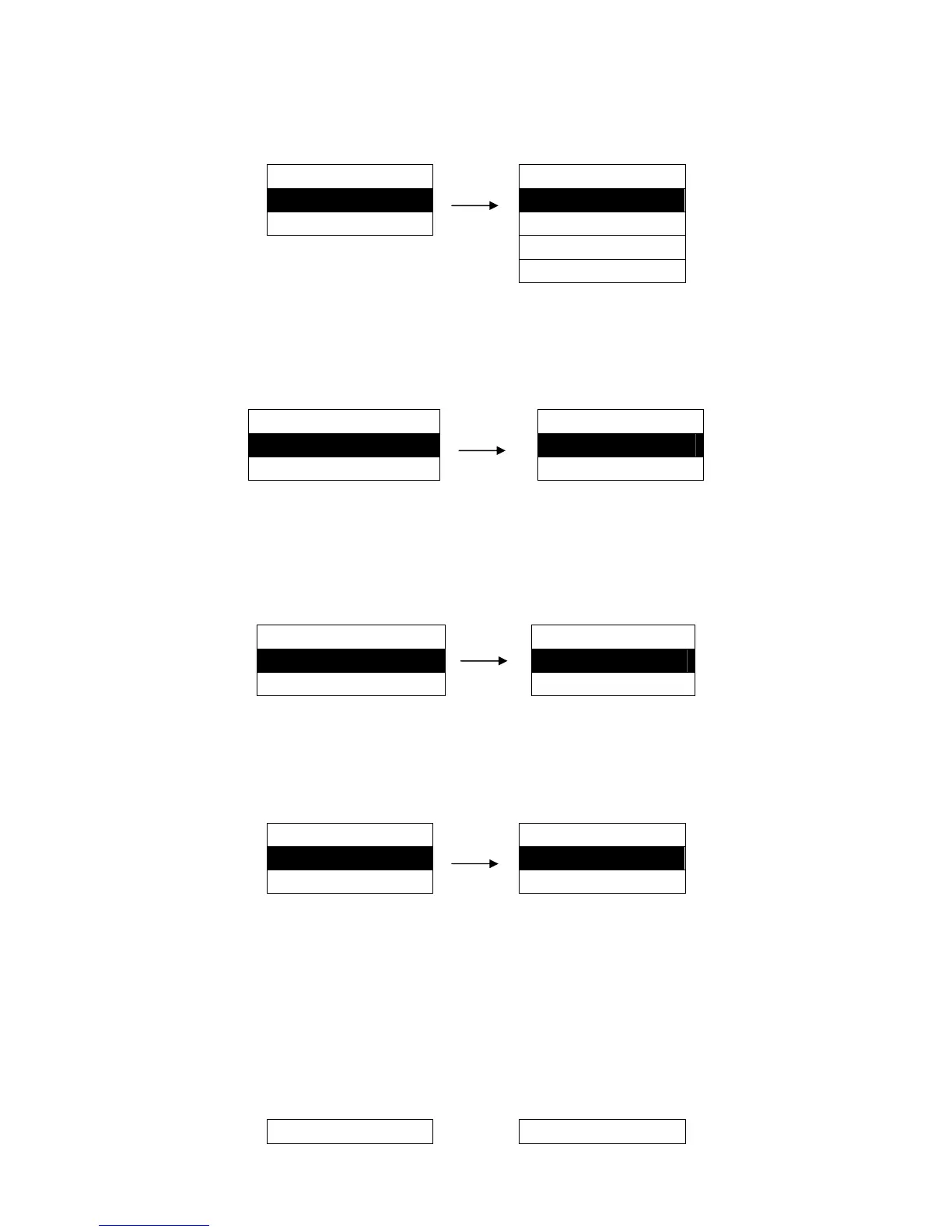
Setting process:
MENU SETUP
HEAD PIN
46. HEAD PIN ►
LIVE ※
47. PIN SWITCH ►
PIN1
……
PIN 24
5.47 PIN SWITCH
After selecting this function on, printer would switch different pins to print table line automatically.
Setting process:
MENU SETUP
PIN SWITCH
47. PIN SWITCH ►
OFF ※
48. BC/ENL. CHAR ►
ON
5.48 BC/ENL. CHAR
This function specifies whether or not to activate the bar code and enlarged character function. If ON is
selected, the bar code and enlarged character can be printed.
Setting process:
MENU SETUP BC/ENL. CHAR
48. BC / L . CHR ► OFF ※
49. DHCP ► ON
5.49 DHCP
Select whether to use dynamic IP.
Setting process:
MENU SETUP
DHCP
49. DHCP ►
OFF ※
50. IP ADDRESS ►
ON
5.50 IP ADDRESS
It is the IP address of printer Ethernet.
1. After entering this option, current setting will be shown on the LCD, and the first parameter would be
underlined.
2. Use the ↑ and ↓ keys to modify the parameter, press ENTER key to save. and then press → key to
modify the next parameter, so that you can modify the address according to your request.
3. After modifying, press ← key to go back to the upper menu or press FORMAT key to exit the menu.
MENU SETUP
IP ADDRESS


 To Next Page