- 38 -
5.22 LF SETTING
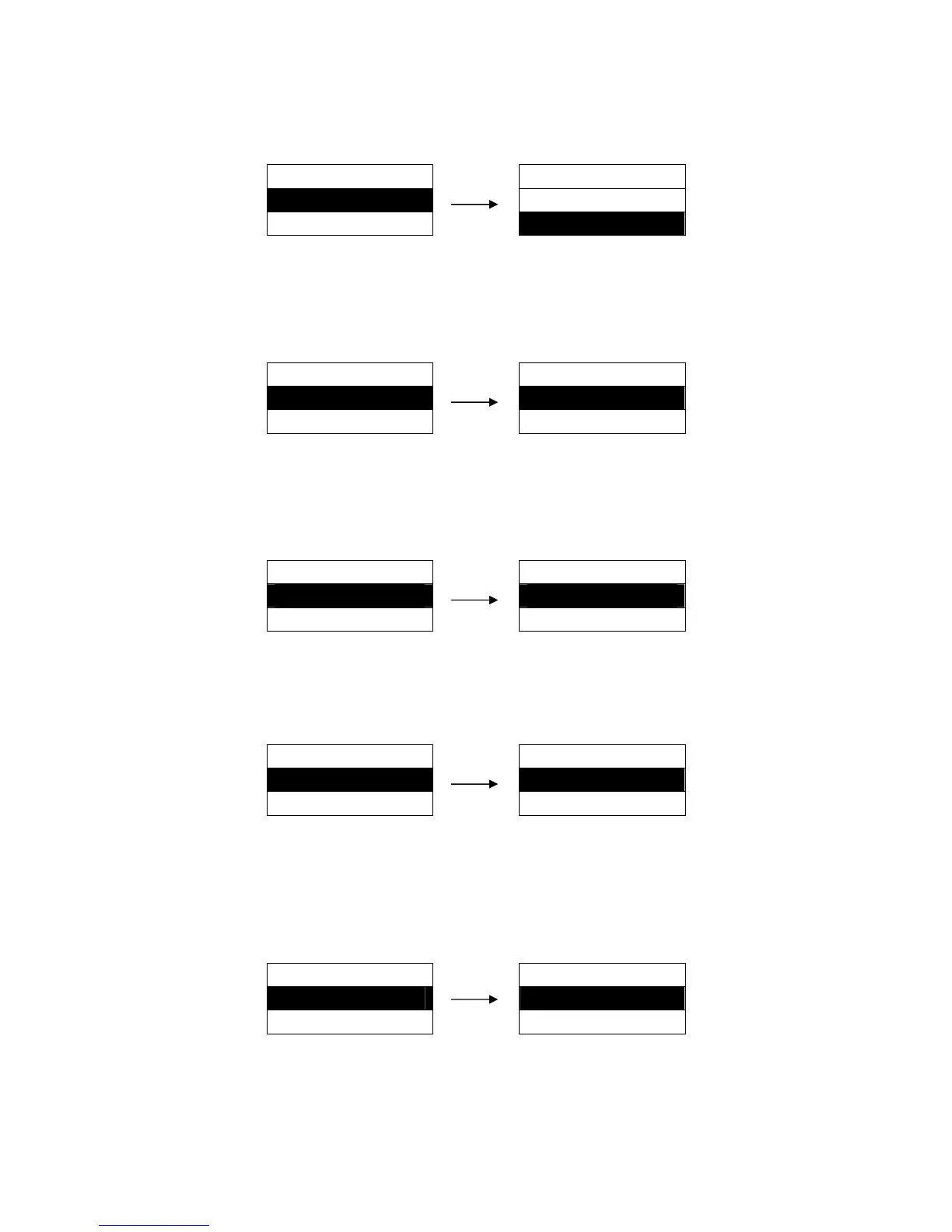
Set whether the printer automatically carriage returns when receives LF command.
Setting process:
MENU SETUP LF SETTING
22. LF SETTING ► LF ONLY
23. CR SETTING ► LF + CR ※
5.23 CR SETTING
Set whether the printer line feed automatically when receives CR command.
Setting process:
MENU SETUP CR SETTING
23. CR SETTING ► CR ONLY ※
24. ZERO STYLE ► CR + LF
5.24 ZERO STYLE
Select the printing character for zero with or without a slash (/), to distinguish it from the letter O.
Setting process:
MENU SETUP ZERO STYLE
24. ZERO STYLE ► NO-SLASH ※
25. MANUAL EJECT ► SLASHED
5.25 MANUAL EJECT
Set the paper eject from front or rear when in the manual paper feed mode.
Setting process:
MENU SETUP MANUAL EJECT
25. MANUAL EJECT ► FRONT ※
26. SKEW DETECH ► REAR
5.26 SKEW DETECT
After selecting this function on, printer would automatically detect paper skew when feeding cut sheet.
If the slant degree is beyond the set parameter, printer would eject paper automatically.
Setting process:
5.27 JAM DETECT
This function is to set the paper jam detect function ON or OFF (In tractor paper mode).
If this function is ON, the printer will stop printing when paper jam occurs, and “Paper Jam” will be
MENU SETUP SKEW DETECT
26. SKEW DETECT ► OFF ※
27. JAM DETECT ► ON


 To Next Page