- 42 -
5.42 COVER DETECT
Select the function of cover-open detection ON or OFF.
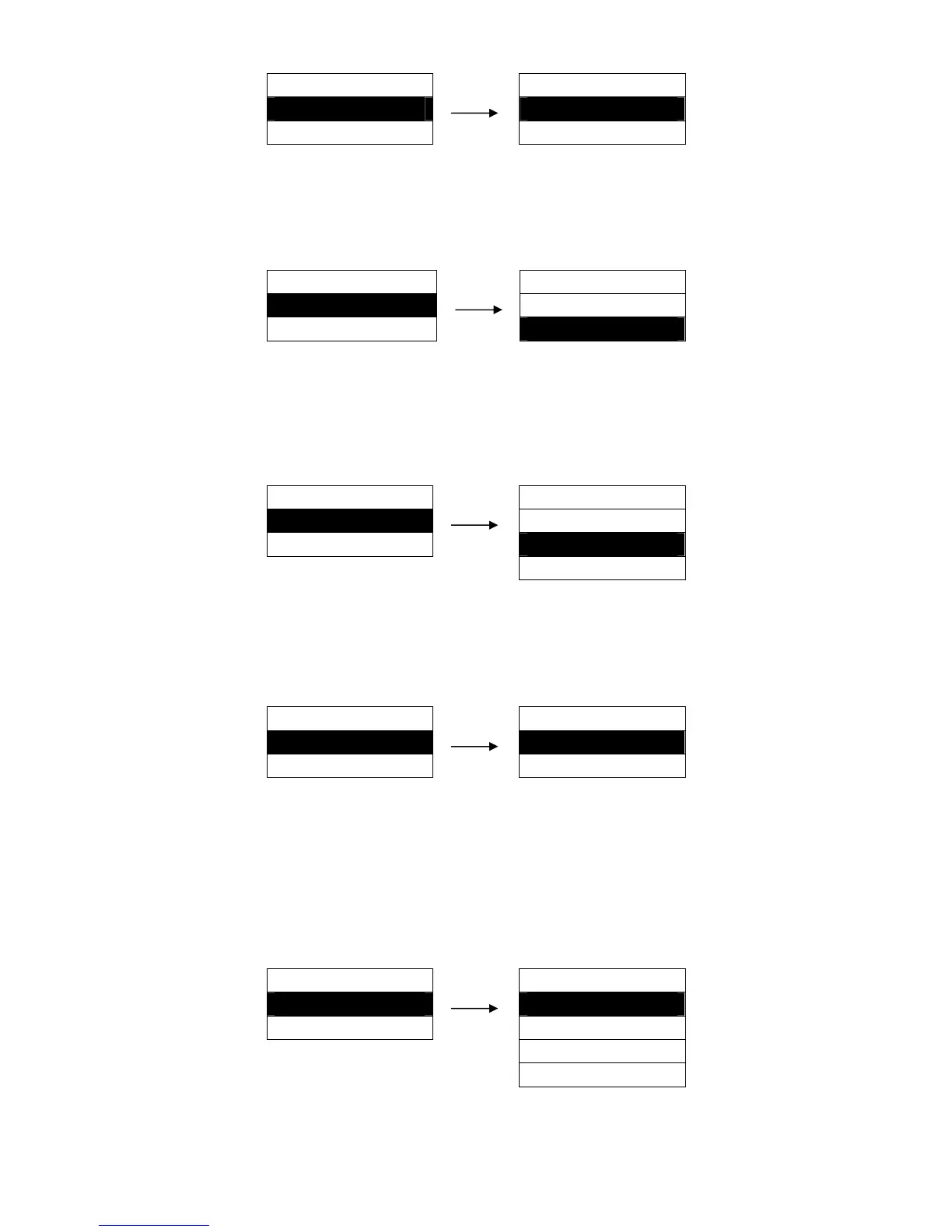
Setting process:
MENU SETUP
COVER DETECT
42. COVER DETECT ►
OFF
43. LOAD DELAY ►
ON ※
5.43 LOAD DELAY
Specify the wait time between cut sheet putting into the paper guide and it is fed into the printer.
Choose to wait specified time or press LF/FF key to feed paper.
Setting process:
MENU SETUP LOAD DELAY
43. LOA D DELAY ► PUSH KEY
44. QUIET MODE ► 1.0 SEC. ※
3.0 SEC.
5.44 QUIET MODE
Disable or enable the low noise function, when this function is on, print speed would be reduced.
Setting process:
MENU SETUP QUIET MODE
43. QUIET MODE ► OFF ※
45. TEAR OFF ► ON
5.45 TEAR OFF
When there is no data in the input buffer, or the printer does not receive new data within the set time,
the printer will feed the paper to tear off position automatically.
After the printer receives new data, it will automatically feed paper to the printing home position of the
next page.
Setting process:
MENU SETUP TEAR OFF
45. TEAR OFF ► OFF ※
46. HEAD PIN ► 0.3 SEC.
0.5 SEC.
1.0 SEC.
MENU SETUP PRINT DIRECT
41. PRINT DIRECT ► BI-DIRECT ※
42. COVER DETECT ► UNI-DIRECT


 To Next Page