- 29 -
Chapter 4 Printer Setting
4.1 Setting the Manual Mode
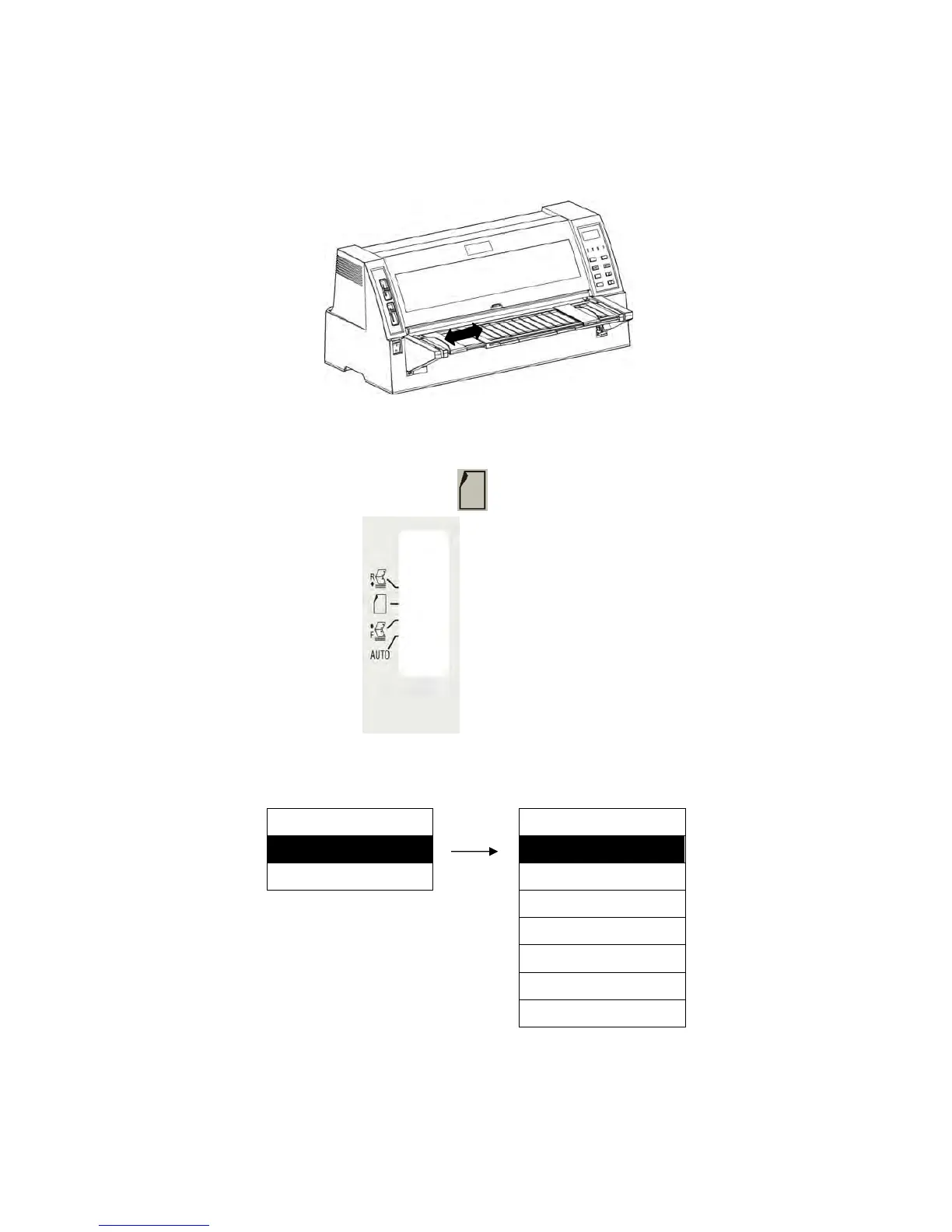
1. Adjust the positions of the right and left paper guides.
Caution: Check whether it is necessary to adjust the right paper guide when using wide
paper.
2. Pull the paper path lever to the position of “ ”.
3. Set the paper length.
Menu setup mode
MENU SETUP MANL PG LGTH
5. MANL PG LGTH ► AUTO ※
6. R.TR PG LGTH ► B5 P
B5 L
A4 P
A4 L
A3 P
A3 L
4. Connect the printer with the computer, and then print out the test page.
Caution: As the paper sensor is near the left of the paper in position, so the paper should be
fed in along the left side (the “0” position of ruler) and it could be detected.
If the paper is skew when feeding paper, the paper skew sensor detects it and puts it right


 To Next Page