- 35 -
5.11 BOTTOM MRG
Set the distance between the bottom of the paper printable area and the printing home position of the
next page (use “line feed pitch” as unit).
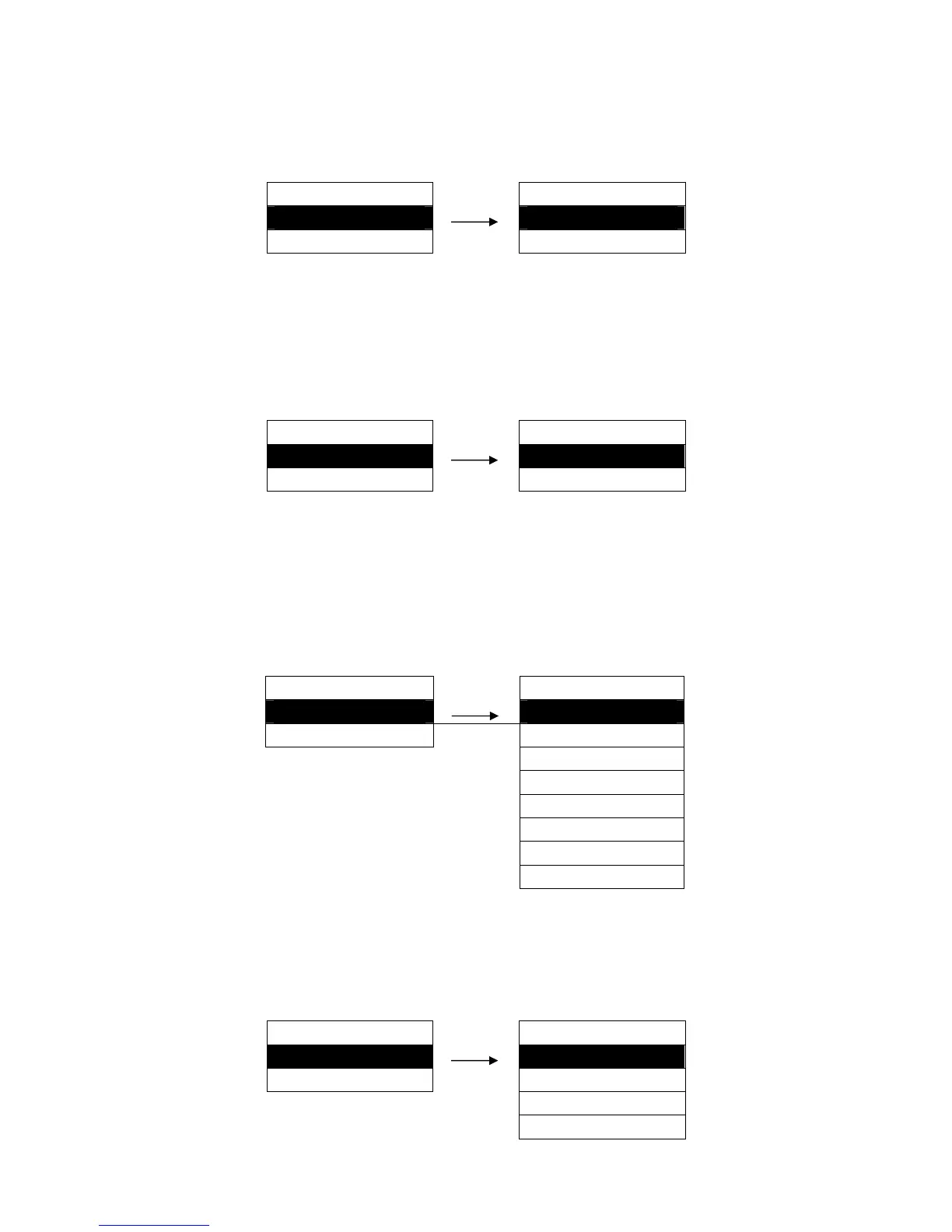
Setting process:
MENU SETUP BOTTOM MRG
11. BOTTOM MRG ► 0 LINE ※
12. LEFT MRG ► 1 LINE
(0 ~ 3 LINE)
5.12 LEFT MRG
This function is to set the non-printable area in the left side, that is to say the margin is from the left
paper edge to the leftmost of the printable area.
Setting process:
MENU SETUP LEFT MRG
12. LEFT MRG ► 0 COL ※
13. FONT SELECT ► 1 COL
(0 ~ 63 COL)
5.13 FONT SELECT
Specify a kind of ASCII fonts to print when printer receives character printing task. If the print data with
font instruction, printer gives priority to print data instruction. (Valid only when CHARACTER MODE is
choosing ASCII).
Setting process:
MENU SETUP FONT SELECT
13. FONT SELECT ►
ROMAN ※
14. CHR PITCH ► SAN SERIF
COURIER
PRESTIGE
SCRIPT
OCR-B
OCR-A
ORATOR
5.14 CHR PITCH
Select the ASCII characters horizontal pitch.
Setting process:
MENU SETUP CHR PITCH
14. CHR PITCH ► 10 CPI ※
15. CHN PITCH ► 12 CPI
15 CPI
17 CPI


 To Next Page