- 34 -
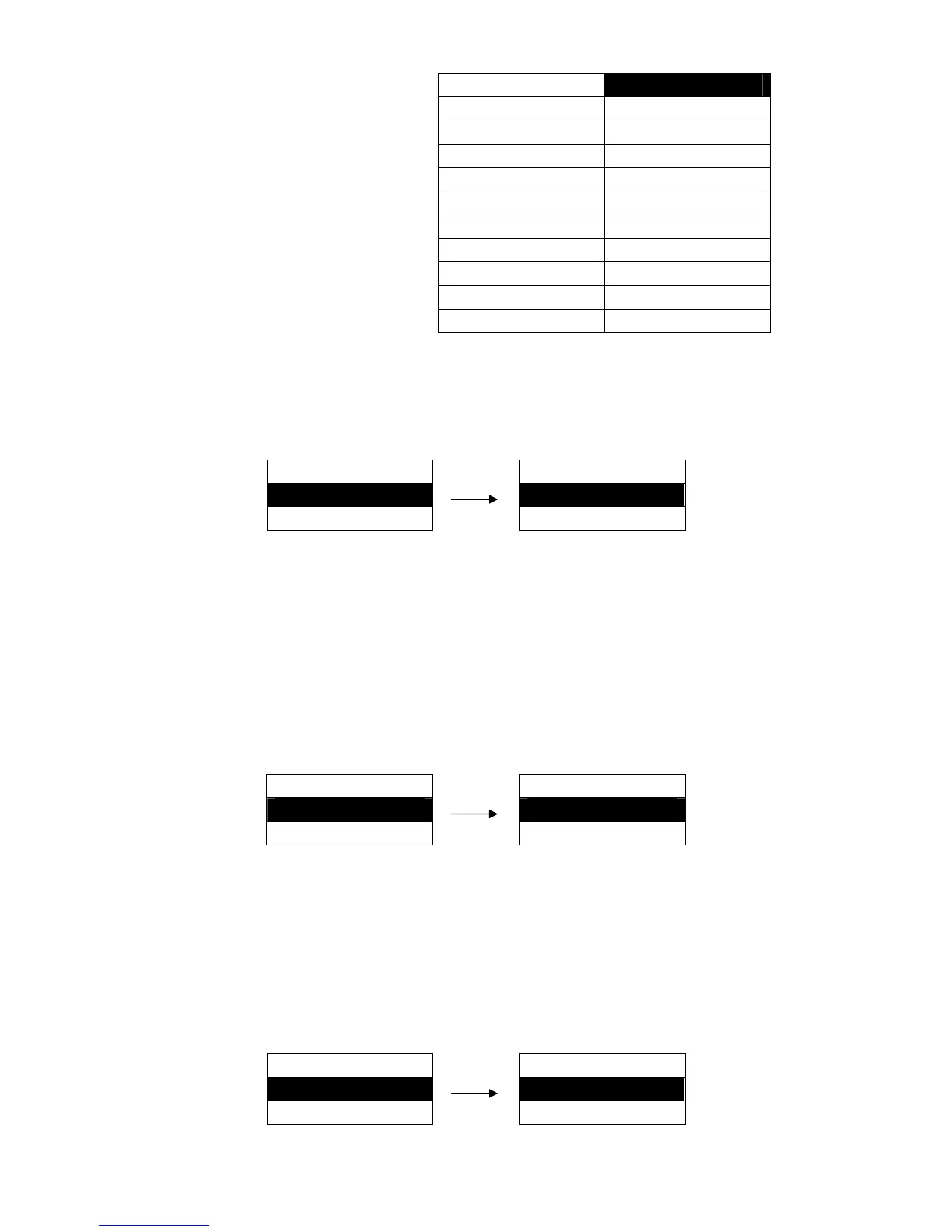
4 INCH
11 INCH ※
4.5 INCH 11.5 INCH
5 INCH 12 INCH
5.5 INCH 12.5 INCH
6 INCH 13INCH
6.5 INCH 13.5 INCH
7 INCH 14 INCH
7.5 INCH 14.5 INCH
8 INCH 15 INCH
8.5 INCH 15.5 INCH
9 INCH 16 INCH
5.8 RGHT PG WDTH
This function is the set the detection of the paper right edge ON or OFF. (Manual Feeding Mode)
Setting process:
MENU SETUP RGHT PG WDTH
8. RGHT PG WDTH ► ON ※
9. LEFT PG WDTH ► OFF
Caution: 1. If this function is OFF, the printer does not detect the right edge of the paper and
print one line with 136 characters automatically. Also it may lead the print contents
to go beyond the printable area.
2. If this function is ON, the printer detects the right edge of the paper and prints the
characters which go beyond the edge in the next line automatically.
5.9 LEFT PG WDTH
This function is to set the detection of the paper left edge ON or OFF. (Manual Feeding Mode)
Setting process:
MENU SETUP LEFT PG WDTH
9. LEFT PG WDTH ► ON ※
10. TOP MRG ► OFF
Caution: 1. If this function is OFF, the printer does not detect the left edge of the paper, and it
prints from the position with “0” mark on the ruler automatically.
2. If this function is ON, the printer detects the left edge of the paper.
5.10 TOP MRG
Set the printing home position (use “line feed pitch” as unit).
Setting process:
MENU SETUP TOP MRG
10. TOP MRG ► 0 LINE ※
11. BOTTOM MRG ► 1 LINE
(0 ~ 15 LINE)


 To Next Page