8
3.1.1 Application Buttons
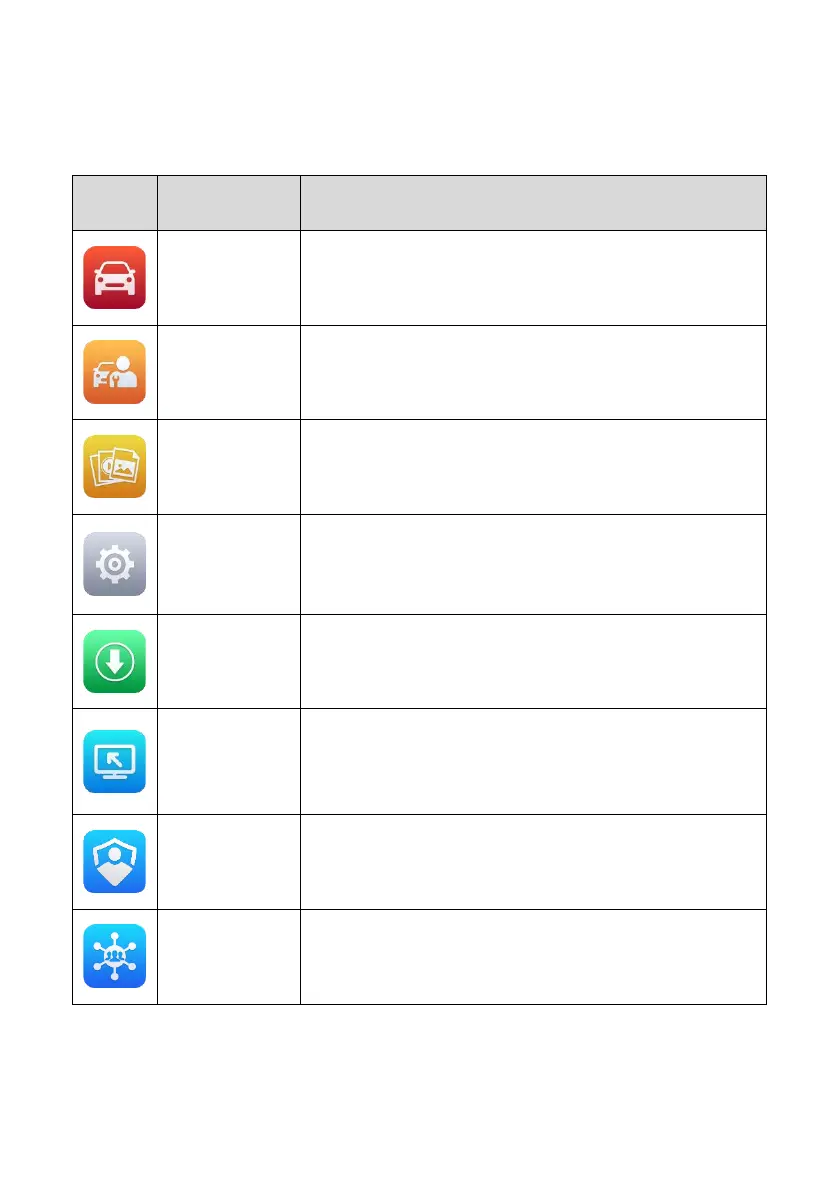
Descriptions of the tool applications are displayed in the table below.
Table 3-1 Applications
Accesses the unit’s diagnostic functions. See
Diagnostics.
Accesses special functions menu. See
Service.
Accesses the saved repair shop, customer and vehicle
data including detailed vehicle diagnostics and test
records. See Data Manager.
Accesses the system settings menu and general tablet
menu. See Settings.
Accesses system software update menu. See Update.
Configures your unit to receive remote support using the
TeamViewer application. See Remote Desktop.
Manages the permissions for unlocking the OE gateway.
Synchronizes Autel's online service database with the
MaxiPRO tablet. See Support.















 To Next Page