Tap to review the communication data and
ECU information of the test vehicle. The
saved data can be reported and sent to the
technical center via the Internet.
6.1 Vehicle History
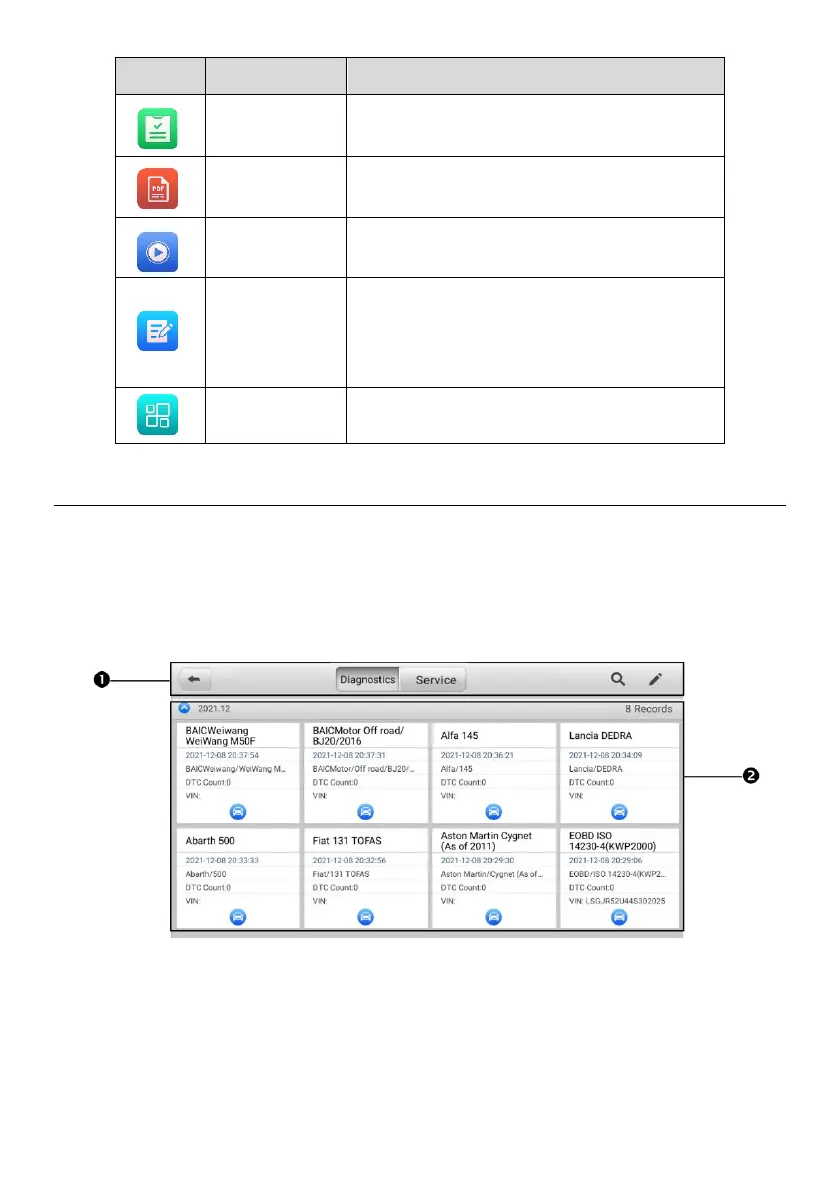
This function stores vehicle test records, including vehicle information and the retrieved
DTCs from previous diagnostics sessions. Test information is summarized and displayed
in an easy-to-read table listing. The Vehicle History also provides direct access to the
previously tested vehicle and allows you to directly restart a diagnostic session without
needing to perform auto or manual vehicle selection.
Figure 6-2 Vehicle History Screen
1. Top Toolbar Buttons — navigation and application controls.
2. Main Section — displays all vehicle test records.















 To Next Page