64
10 Support
This application launches the Support platform which synchronizes Autel’s online service
base station with the MaxiPRO tablet. Connected to Autel’s service channel and online
communities, the Support application provides the quickest way for problem solutions,
allowing you to send help requests to obtain direct service and support.
10.1 Support Screen Layout
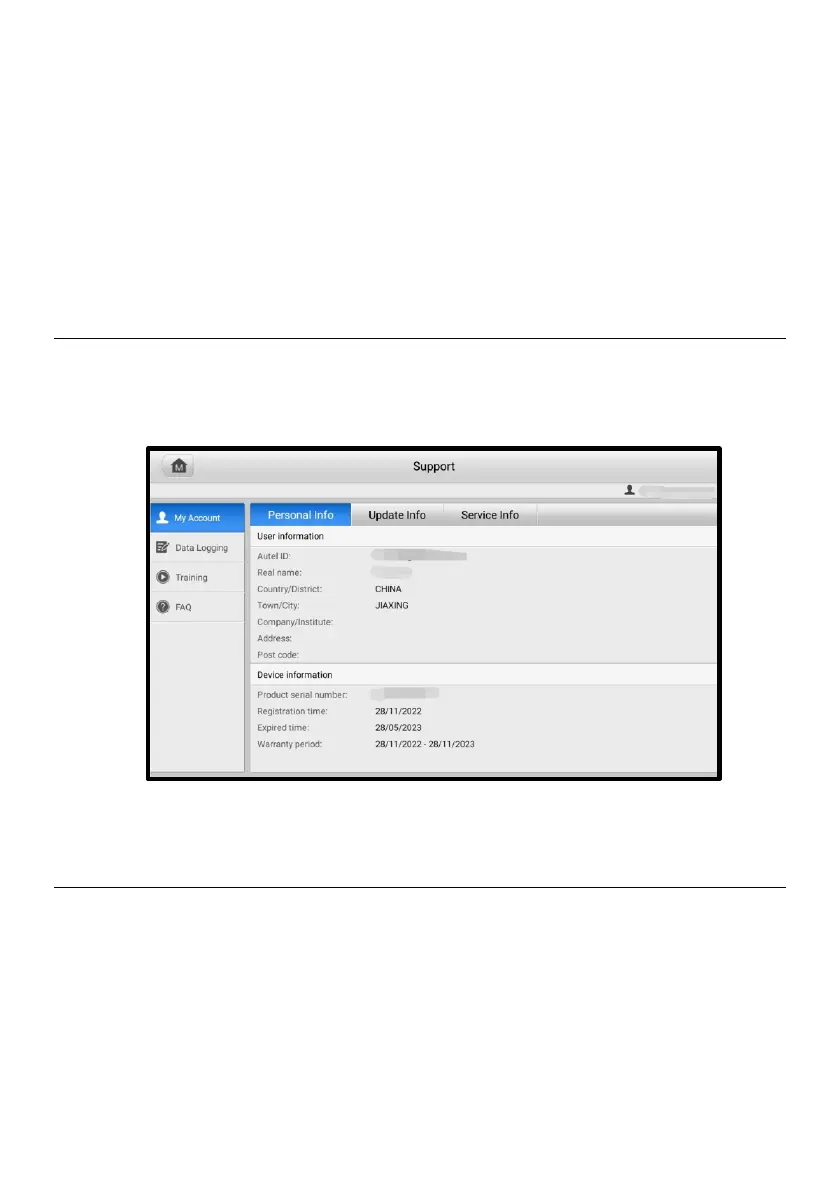
The main section of the Support screen is comprised of two sections. The left column is
the main menu; select one subject from the main menu to display the corresponding
function interface on the right.
Figure 10-1 Support Screen
10.2 My Account
The My Account screen displays the comprehensive information of the user and the
product, which is synchronized with the online registered account, including user and
device information.
⚫ User Information — displays detailed information of your registered online Autel
account, such as your Autel ID, Name, Address, and other contact information.















 To Next Page