67
12 MaxiViewer
The MaxiViewer application allows you to search the functions supported by our tools
and the version information. There are two ways of searching, either by searching the
product and the vehicle or searching the functions.
➢ To Search by the vehicle
1. Tap the MaxiViewer application on the MaxiPRO Job Menu. The Function
Viewer screen displays.
2. Tap the tool name on the top-left corner to open the drop-down list. Tap the one
you want to search.
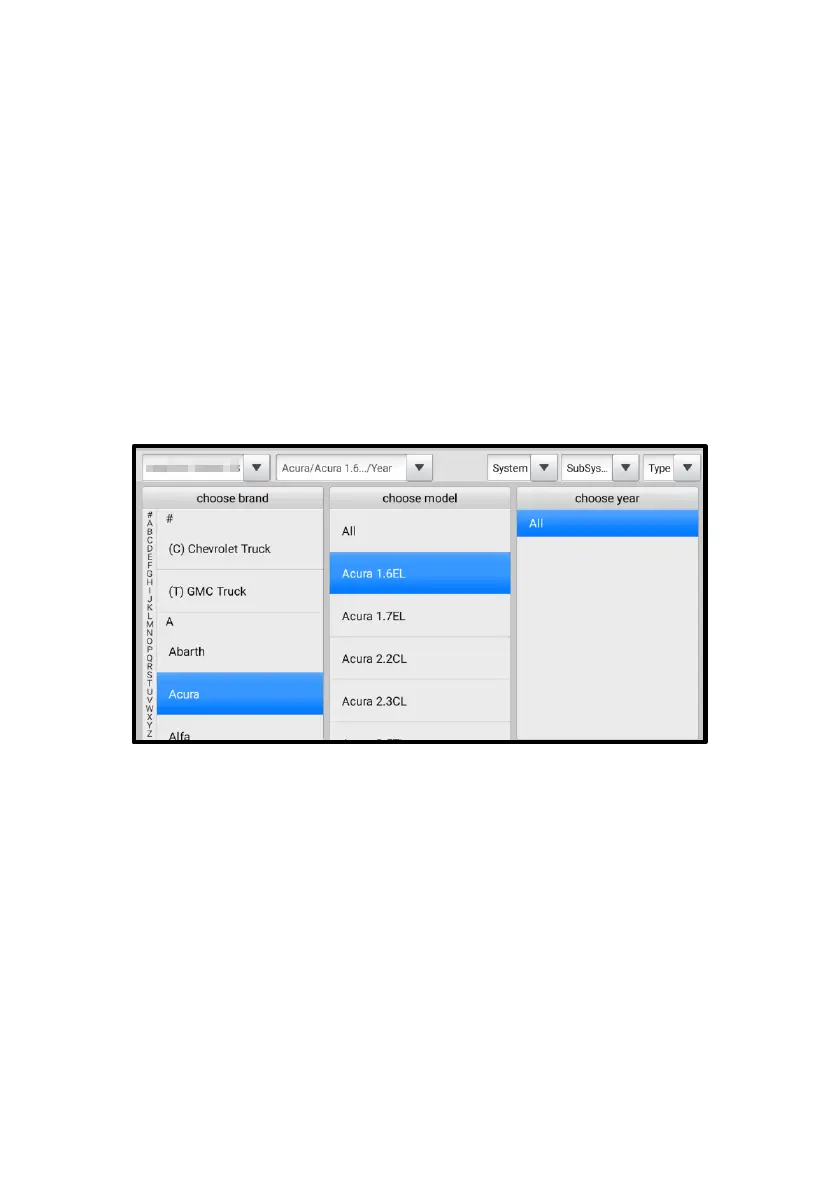
3. Tap the vehicle brand, model, and year you want to search.
Figure 12-1 Function Viewer Screen 1
4. All the functions supported by the selected tool for the selected vehicle will
display as several columns.















 To Next Page