68
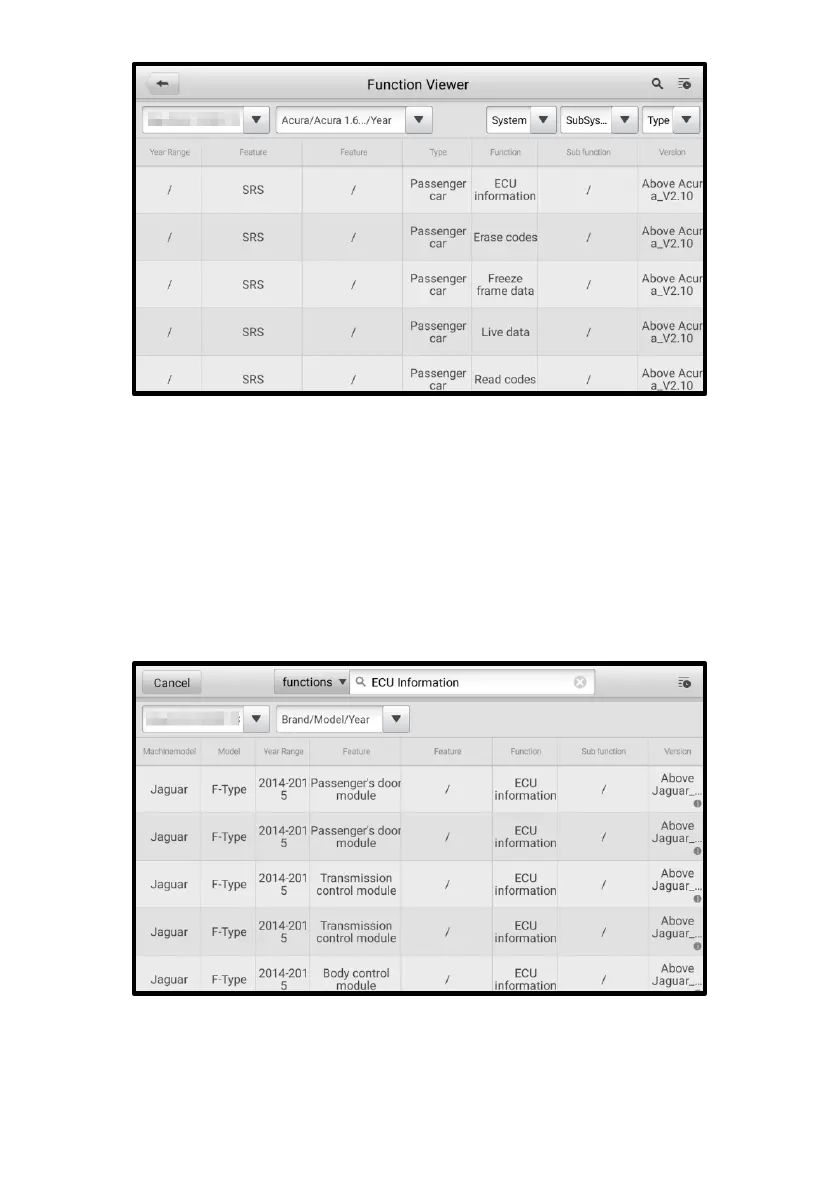
Figure 12-2 Function Viewer Screen 2
➢ To search by the functions
1. Tap the MaxiViewer application on the MaxiPRO Job Menu. The Function
Viewer screen displays.
2. Tap the tool name on the top-left to open the drop-down list. Tap the one you
want to search.
3. Type the function you want to search in the top-right search column. All the
vehicles with this function will be listed with several columns, including system,
function, sub function, and version.
Figure 12-3 Function Viewer Screen 3















 To Next Page