66
11 Quick Link
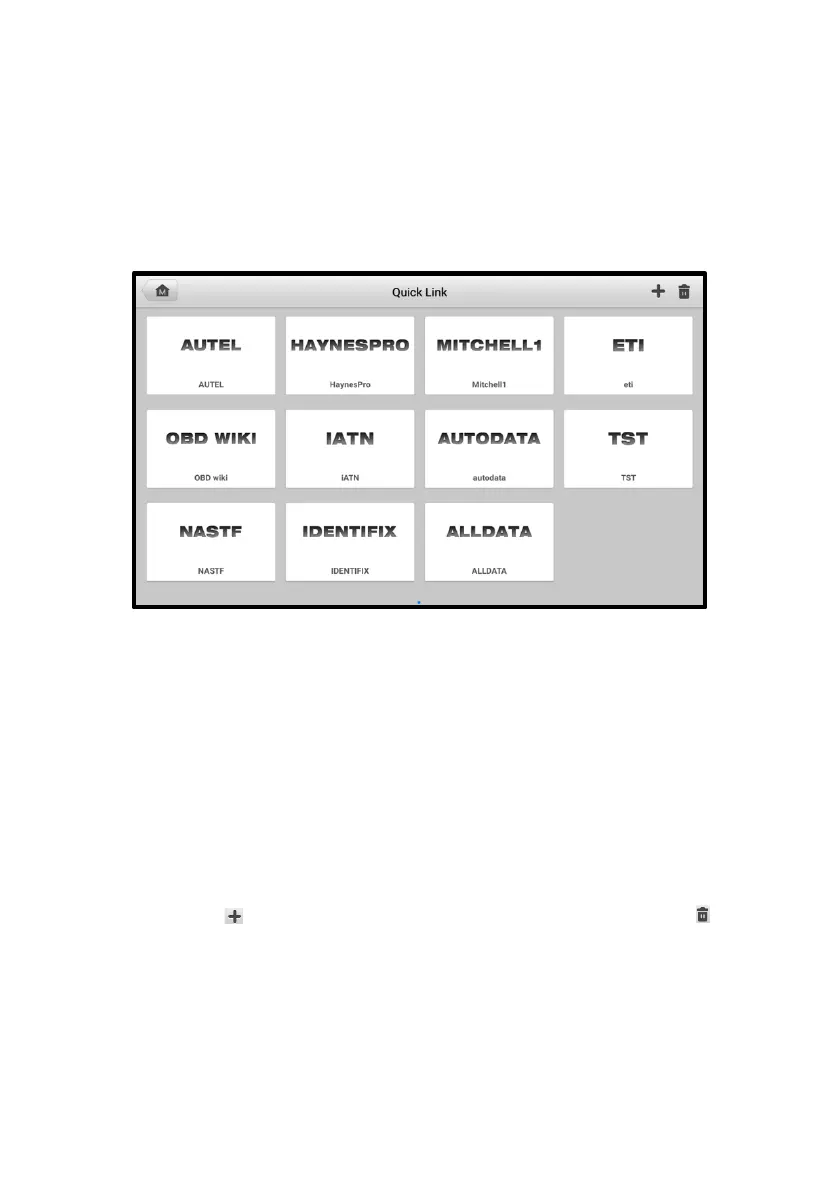
The Quick Link application provides you with convenient access to Autel’s official website
and many other well-known sites in automotive service industry to provide technical help,
knowledge bases, forums, and training and expertise consultations.
Figure 11-1 Quick Link Screen
➢ To access a quick link
1. Tap Quick Link on the MaxiPRO Job Menu. The Quick Link screen will appear.
2. Select a website thumbnail from the main section. The Chrome browser will be
launched and the selected website will be opened.
3. Now you can start exploring the website.
➢ To manage the quick links
1. Tap Quick Link on the MaxiPRO Job Menu. The Quick Link application
screen displays.
2. Tap the icon on the upper-right corner to add websites. Tap the icon to
delete websites.















 To Next Page