12
4.1.1.1 Top Toolbar Buttons
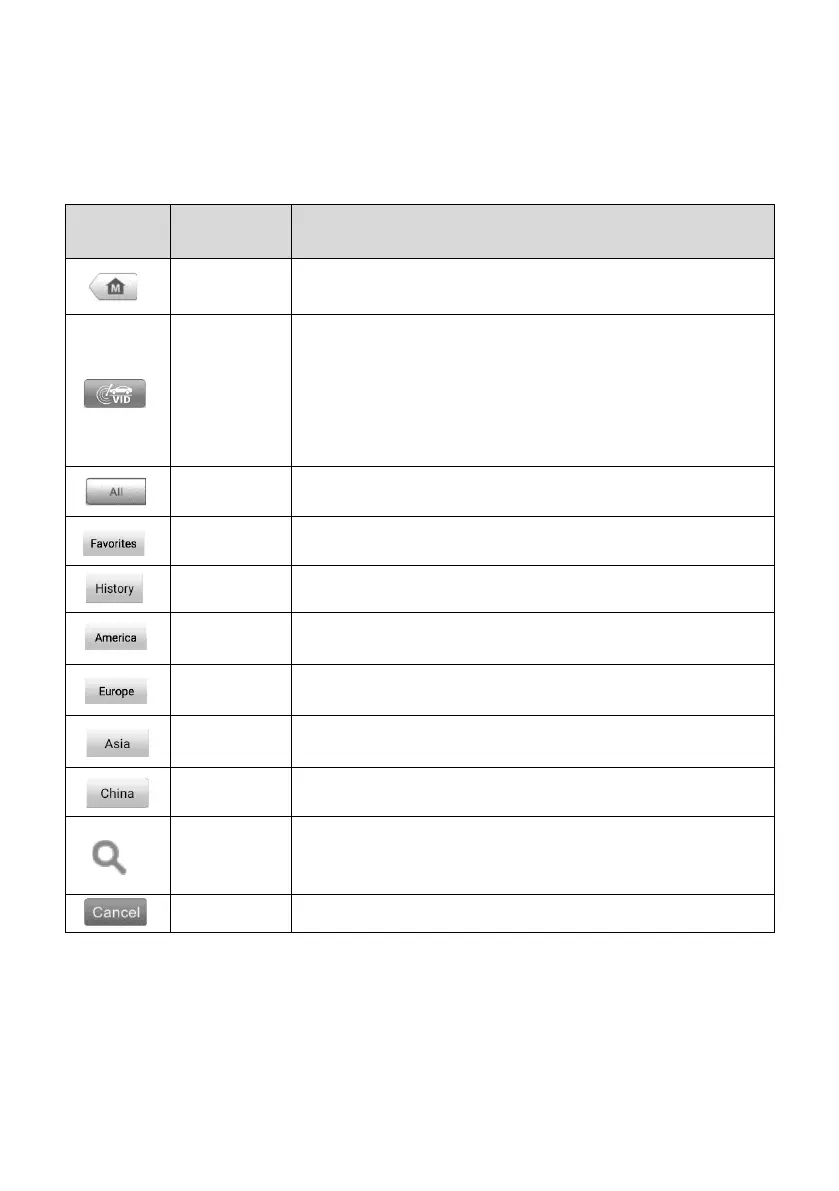
The operations of the toolbar buttons at the top of the screen are listed and described in
the table below:
Table 4-1 Top Toolbar Buttons
Returns to the MaxiPRO Job Menu.
Tap to display a dropdown list:
⚫ Tap Auto Detect for auto VIN detection.
⚫ Tap Manual Input to enter VIN manually.
⚫ Tap Scan VIN/License to scan the vehicle’s VIN or
license number.
Displays all the vehicle makes in the vehicle menu.
Adds your preferred vehicle manufacturers into favorites.
Displays stored test vehicle records. See Vehicle History.
Displays vehicles from U.S. automakers.
Displays vehicles from European automakers.
Displays vehicles from Asian automakers.
Displays vehicles from Chinese automakers.
Tap the search field to show a virtual keyboard and enter
a vehicle manufacturer name.
Tap to exit the search screen or cancel an operation.
4.1.1.2 Vehicle Manufacturer Buttons
The Manufacturer Buttons list available vehicle brands for testing. Select the
manufacturer button after the tablet is properly connected to the test vehicle to start a
diagnostics session.















 To Next Page